Post a listing
Step 3 of 4 · Price
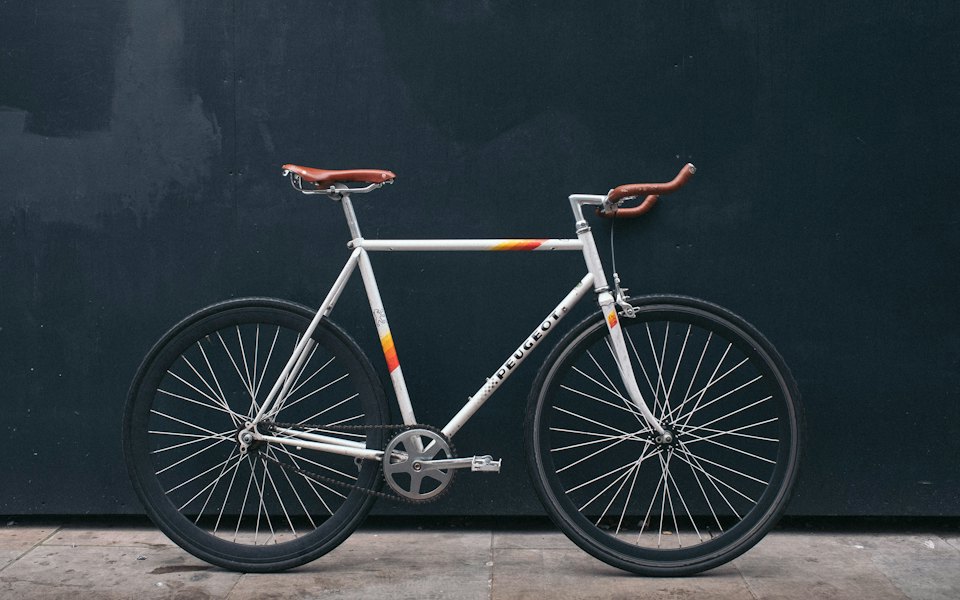
Pegas city bikeSports and outdoors · Brooklyn
Amount in US dollars
The price includes tax
The listing shows$1,250.00· Negotiable
onValueChange 1250 · USD
↑ ↓ ±1 · Shift ±10
Inputs
v1.0.0Added in 1.0.0
A money field formatted per locale as you type, with the symbol on the right side, an optional currency selector and quick amounts.
Type an amount the way you write it: in English 1234.5 becomes 1,234.5 as you type, in Romanian 1.234,5, and either a comma or a dot typed at the end becomes the decimal. Letters never get in, extra decimals are cut, and a currency without cents (JPY) ignores the decimal key. The symbol sits where the locale puts it ($1,234.56, 1.234,56 lei) and is not part of the text. When the field loses focus, or on Enter, the amount is padded to the currency's decimals (1,234.5 becomes 1,234.50) and clamped to min and max; out of range while typing, the field shows the red ring. Focusing the field selects the amount so the next keys replace it. ArrowUp and ArrowDown add or take away one step, Shift ten steps. With clearable, the x or Escape empties the field. With two or more currencies a compact code button (USD) sits at the end of the box: click it or press Enter, Space or the arrows on it to open the list (a bottom sheet on phones), type a letter to jump to a currency, and pick one; the symbol crossfades and the amount stays the same (it is never converted). Quick amounts sit as chips under the field; tapping one fills it in and the matching chip turns solid. Pasting 1 234,56 € or $1,234.56 over the field reads the whole amount. On a phone the decimal keypad opens (either separator is accepted), the text is 16px so iOS never zooms, the md box grows to 44px and the chips and the currency button have 44px hit areas.
npx wingo-ui@latest add currency-inputPro item: the CLI needs a Pro account. See plans
Step 3 of 4 · Price
The price includes tax
onValueChange 1250 · USD
↑ ↓ ±1 · Shift ±10