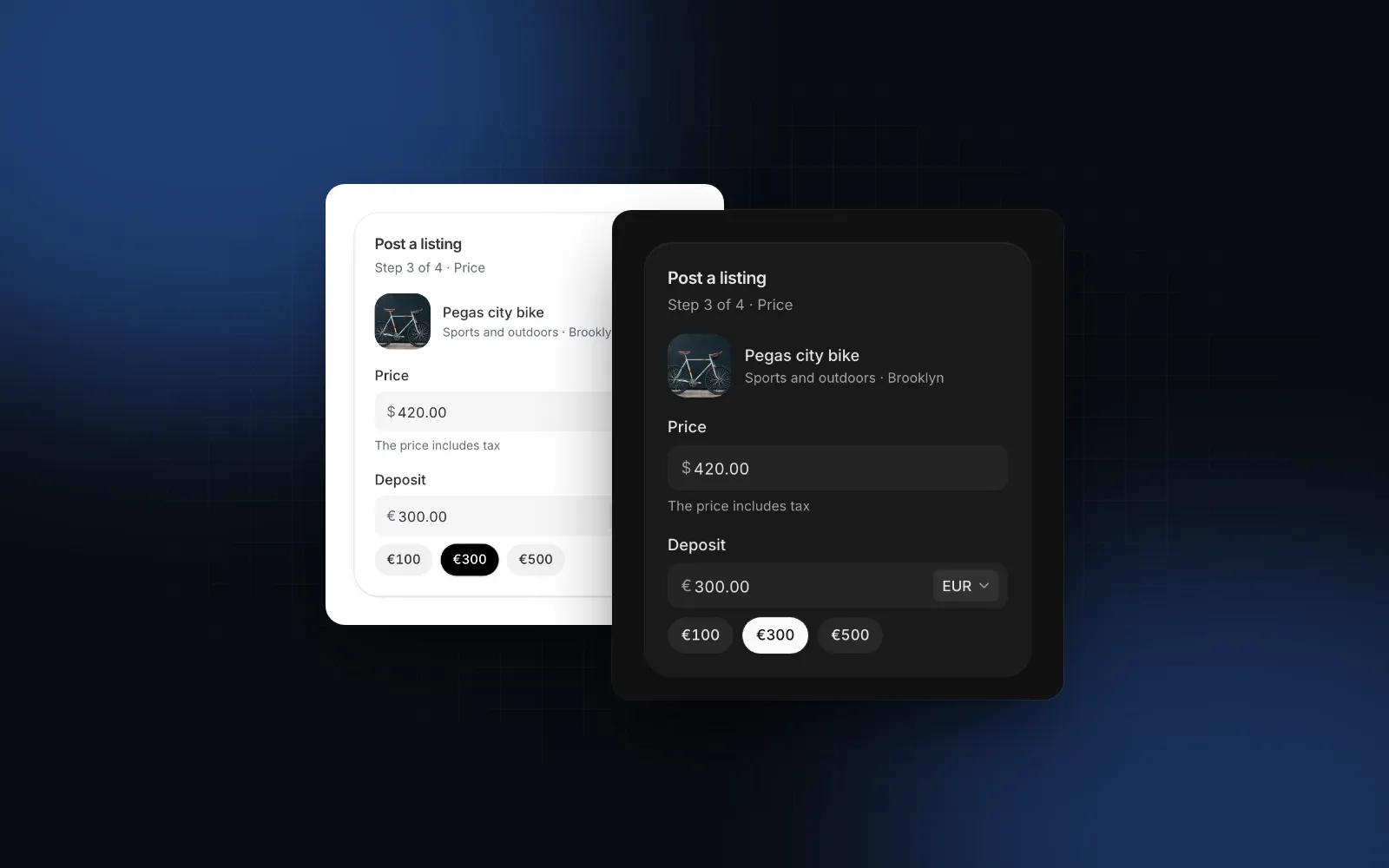
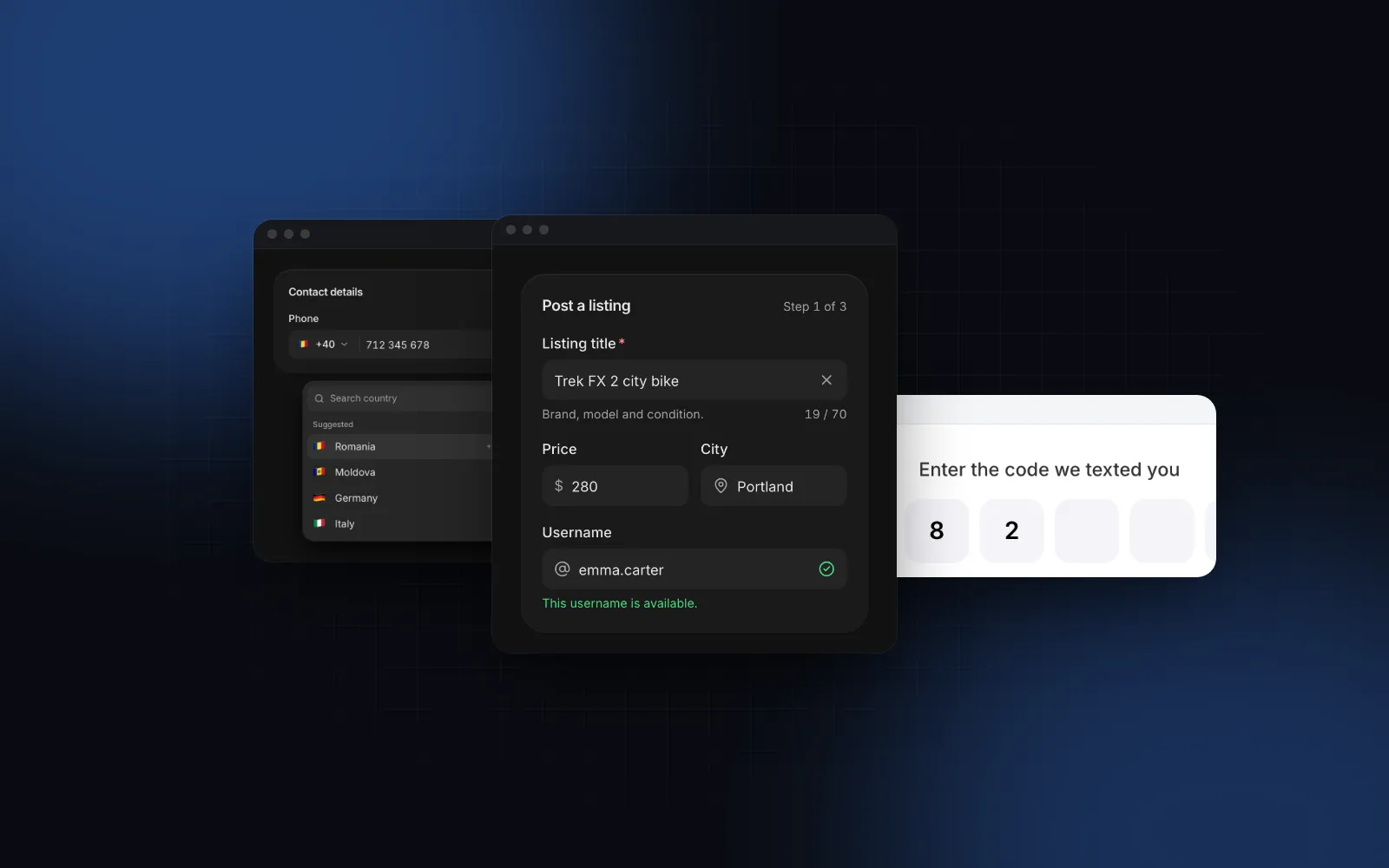
Shadcn Number Input: Steppers, Min, Max and Decimals
You need a field for a quantity, a weight or a price, so you reach for a shadcn number input and find there is none. The shadcn/ui list has Input, Input Group and Field (checked November 2026), so the default move is <Input type="number" />. It works in the demo and then real users arrive: someone scrolls over the focused field and the price drops by 3, someone else types 2,5 in a browser that rejects the comma, and your state gets "" instead of a number. This guide covers what type="number" gets wrong, what a good number field does instead, and how to build one with the Wingo UI Number Input, or with the free Input when you only need the basics.
Why does type="number" disappoint in a shadcn form?
Because it was designed for values you nudge with a spinner, and most forms collect values people type. MDN's own accessibility note says to consider not using it when the spin button is not important, and warns about users "accidentally incrementing a number" (MDN, input type="number" (opens in a new tab), read November 2026). The GOV.UK Design System team switched away from it in 2020 after finding usability problems, including bugs with the Dragon and NVDA assistive technologies (GDS blog, February 2020 (opens in a new tab)). The problems you will hit in a React app:
- The wheel can change the value. Focus the field, scroll to read the rest of the form, and in some browsers the number moves. Nobody notices until the order is wrong.
- The arrows are tiny. The native spin buttons are a small pair of arrows on desktop and usually do not show at all in phone browsers, so they cannot be the main control, yet they clutter the box on desktop.
- Decimals depend on the browser and the step. With the default
step="1",2.5is invalid. A comma decimal works in some browsers for some locales and not in others. - The value is a string, and sometimes empty. While the text is not a valid number (
-,1e,2,5where the comma is not accepted),event.target.valueis"". The box still shows the text, but your state, your validation and anything derived from it see an empty field. - No formatting. You cannot show
12,500or2.5 kginside it, only the raw digits. - min and max do not stop typing. They limit the arrows. A typed
5000in a field withmax="100"stays there, flagged invalid by constraint validation, and code that reads it from state, or a form withnoValidate, gets it anyway.
How do I remove the arrows from a shadcn number input?
If you keep type="number", you can remove number input arrows with one Tailwind v4 arbitrary property and two arbitrary variants:
appearance: textfield hides the shadcn number input arrows in Firefox, and the two WebKit pseudo-elements hide them in Chrome and Safari. That fixes the look only. The wheel, ArrowUp and ArrowDown still change the value, and the string and decimal problems stay. Once the arrows are gone, the cleaner fix is to stop using type="number" at all.
What should a good number input do instead?
Use a text input with a numeric keypad, and give it the behavior people expect from a stepper:
- A text input with
inputMode.inputMode="decimal"opens a keypad with a decimal key on phones,numericwhen only whole numbers make sense. No wheel accidents, no tiny arrows. - Parsing in the user's locale.
1,234.5in en-US and1.234,5in de-DE are the same number, and2,5typed on a phone keypad that shows a comma should work. - Real + and - buttons. Big enough to tap (44px on touch screens), with a hold to repeat that starts after a short pause and speeds up.
- Keyboard like a spinbutton. ArrowUp and ArrowDown step, PageUp and PageDown take a large step, Home and End jump to min and max, with
role="spinbutton"andaria-valuenowso screen readers announce it. - min, max and step on commit. Let the user type freely, show an error ring while the value is out of range, and clamp and snap to the step on blur.
- Formatting at rest. Show
$485,000or2.5 kgwhen the field is idle and the plain number while editing. - A number out, not text. Your state gets
85ornull, never"85 m²".
How do I build it with the Wingo UI Number Input?
Install it with the CLI. It brings the Field anatomy and the number-format helpers with it:
Try the demo below: type a value past 1,000, then press Tab and watch it snap back. Hold the + button to see the repeat speed up.
$ npx wingo-ui@latest add number-inputThe props that matter are min, max, step, decimals, steppers and format. Here are three common fields, a quantity, a weight with one decimal and a price:
A few details worth knowing:
stepsets the precision too.step={0.1}keeps one decimal and switches the phone keypad to decimal, so a React number input with decimal values needs no extra prop.decimalsoverrides it when the step and the precision differ.- Steps count from
min. Withmin={1}andstep={5}, + goes 1, 6, 11. An off-grid value first lands on the next multiple. clampBehaviordecides how strict min and max are. The defaultblurlets you type out of range, shows the red ring and clamps when you leave.strictrefuses a keystroke that can only move further out of range.nonenever clamps, for when your schema validates.onValueChangeversusonValueCommit. The first fires on every keystroke and stepper tick. The second fires once per edit (blur, Enter, releasing a held stepper), which is where you put a fetch or a price recalculation.- The wheel is opt-out. It steps only while the field is focused and hovered, and the page does not scroll then. Pass
wheel={false}for fields in long scrolling forms. nameposts a number. A hidden input carries"12.5"with a dot decimal, soFormDataand server actions get a value you can pass toNumber(), whatever the display locale.
The same field parses the way the locale writes numbers. Here it runs in German with a half step, so type 12,5 and press Tab:
$ npx wingo-ui@latest add number-inputIs it accessible and usable on a phone?
The field is a real <input> with role="spinbutton", aria-valuenow, aria-valuemin, aria-valuemax and an aria-valuetext that reads the formatted value, so a screen reader says "85 m²" rather than "85". The + and - buttons have accessible names (incrementLabel and decrementLabel, "Increase" and "Decrease" by default) and dim at the bounds. The label, description and error come from the shared Field anatomy, linked with htmlFor and aria-describedby, so it lines up with every other input in the form.
On a phone, the text is 16px so iOS does not zoom on focus, the md box grows to 44px, and each stepper gets a 44px hit area. steppers="split" puts - on the left and + on the right with the value centered, which is the layout that works best for quantities under a thumb. stacked chevrons are a desktop habit; on touch screens they turn into a row of two 44px buttons.
When is a currency input the better field?
When the number is money and the currency can change, or when people type large amounts. A number input with currency="USD" is fine for a fixed-currency price that people mostly step. A money field people type into wants more: digit grouping while typing with a caret that does not jump, padding to the currency's decimals (2 for USD, 0 for JPY, 3 for BHD), an optional currency selector and quick-amount chips. That is the Currency Input:
$ npx wingo-ui@latest add currency-inputThe caret math and the parsing behind it are covered step by step in the React currency input guide.
Can I get a decent number field with free components only?
Yes, if you can live without steppers and hold to repeat. The free Input already treats type="number" as a text field with a decimal keypad, so the wheel never changes it, and the free number-format helpers give you locale parsing, clamping and step snapping:
Install both with npx wingo-ui@latest add input number-format. Parse text again in your submit handler, or keep a separate number in state. When you need the steppers, the keys and the formatted display, that is the point where the Pro Number Input saves you a few hundred lines.
What are the common pitfalls?
- Storing the formatted string. Keep
number | nullin state and in your schema, and format only for display. - Clamping on every keystroke. With
max={100}, typing150on the way to15clamps to100and the user loses their input. Clamp on blur. - Float noise in steps.
0.1 + 0.2is0.30000000000000004. Round to the step's decimals after every step (roundToin number-format does this). - Using a number input for IDs. ZIP codes, card numbers and phone numbers are strings of digits, not quantities. Use a plain text input with
inputMode="numeric"and anautoCompletevalue.
For the rest of the form, labels, errors and validation with Zod, see the React form components guide and the other posts in component guides. If you want to see number inputs in a full page, the ROI calculator template wires several of them to a live result.
What should I do next?
Start with the free Input and number-format helpers if a plain numeric field is enough: a free account (email only) gets you the source. When you need steppers, hold to repeat and Intl formatting, the Number Input and Currency Input are part of Pro, with prices on the pricing page.
FAQ
Does shadcn/ui have a number input?
No. As of November 2026 the official shadcn/ui component list has Input, Input Group, Input OTP and Field, but no number input or number field. Most projects use Input with type="number" or a community component.
How do I remove the arrows from a shadcn number input?
Add [appearance:textfield] for Firefox and [&::-webkit-inner-spin-button]:appearance-none [&::-webkit-outer-spin-button]:appearance-none for Chrome and Safari to the input's className. The wheel and arrow keys still change the value, so consider a text input with inputMode="decimal" instead.
How do I allow decimals in a React number input?
With type="number", set step="any" or a decimal step like 0.01, or the browser flags 2.5 as invalid. With a text input, use inputMode="decimal" and parse the text yourself so both 2.5 and 2,5 work.
How do I set min and max on a React number input?
The native min and max attributes only stop the arrows; a typed value outside the range is still accepted and only marked invalid. Clamp the parsed number on blur, and dim the + or - button when the value reaches a bound.
Why does my React number input return a string?
Every input's value is a string, and for type="number" it is an empty string whenever the text is not a valid number yet, like "1e" or "-". Use event.target.valueAsNumber or parse the string, and keep null for an empty field.
- Forms
- Number input
- shadcn
- Intl