Wingo UI vs shadcn/ui: Same Model, Different Scope
If you already use shadcn/ui, the Wingo UI vs shadcn question is narrower than it looks. Both put TypeScript source into components/ui, both style it with Tailwind CSS and CSS variables, and both install through a CLI. Wingo UI even installs through the shadcn CLI as a namespaced registry. So the choice is about scope: what each library covers, what it does on a phone, what happens when upstream ships a fix, and what it costs.
We build Wingo UI, so this is a vendor's comparison. Every shadcn/ui fact below comes from ui.shadcn.com (opens in a new tab) and was checked on October 13, 2026; every Wingo UI number comes from our registry at release 1.8.0. Where shadcn/ui alone is the better pick, we say so. For the wider field, our shadcn alternatives guide compares 14 libraries.
What do Wingo UI and shadcn/ui have in common?
The distribution model. Neither is an npm package you import from node_modules. A CLI fetches the component files and writes them into your project, and from then on the code is yours to read and edit. Both target React 19 and Tailwind CSS v4 and read their colors from CSS variables in your global stylesheet.
Wingo UI is a shadcn compatible component library, built to sit inside a shadcn/ui project. The installation docs cover three ways in:
The third line needs a registry entry with your API key:
One caveat matters more since July 2026. shadcn/ui made Base UI the default (opens in a new tab) for npx shadcn init, and projects created with a Base UI style rewrite asChild. Wingo UI's components are built on Radix and rely on asChild, so in a Base UI style project install them with npx wingo-ui@latest add instead of the shadcn CLI.
How do Wingo UI and shadcn/ui compare?
Checked on October 13, 2026. shadcn/ui facts link to its docs; Wingo UI facts come from our catalog and docs, and Wingo UI pricing from the pricing page.
Wingo UI is one of several registries that sell source for the same model; if you are comparing shadcn paid components in general, the alternatives guide lists the others with their prices.
The table hides the biggest difference: community size. shadcn/ui has a large ecosystem of registries, tutorials and answered questions. Wingo UI is young and has a small community, so when something breaks you are more likely to read our source and docs than find a forum thread.
When is shadcn/ui alone the better pick?
More often than a vendor would like to admit. Pick shadcn/ui and stop there when:
- Budget is zero or the license must be MIT. shadcn/ui is free for any use. Open source projects that redistribute their UI code should also stay on MIT components.
- You want Base UI or React Aria underneath. shadcn/ui ships updates and new components for both Base UI and Radix (
npx shadcn init -b radixkeeps Radix), and React Aria joined as a third base (-b aria) in July 2026. Wingo UI is Radix only, so adding it to a Base UI project means carrying two primitive libraries. - Your app lives on desktops. If phones are an afterthought, the bottom sheet work Wingo UI does by default buys you little.
- You rely on the ecosystem. Community registries, blocks and examples are written for shadcn/ui first, and its MCP server can browse and install from all of them.
- Your design system is the product. If you plan to restyle every component anyway, the shadcn/ui source is a lean starting point with fewer props to strip out.
When does Wingo UI add value?
When your app is used on phones, when you need screens rather than parts, or when you want to keep editing components and still take upstream fixes.
Overlays that become sheets on phones
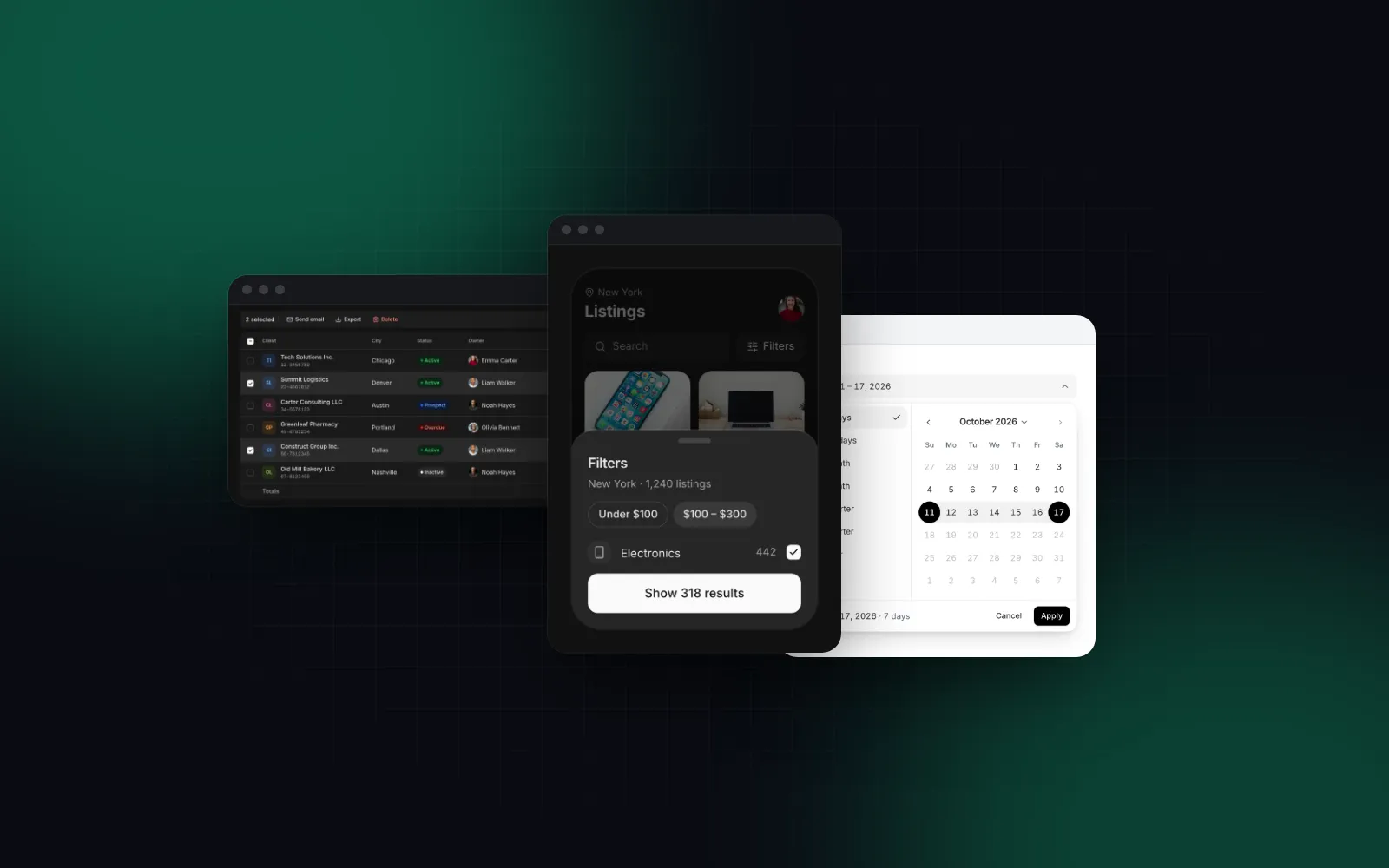
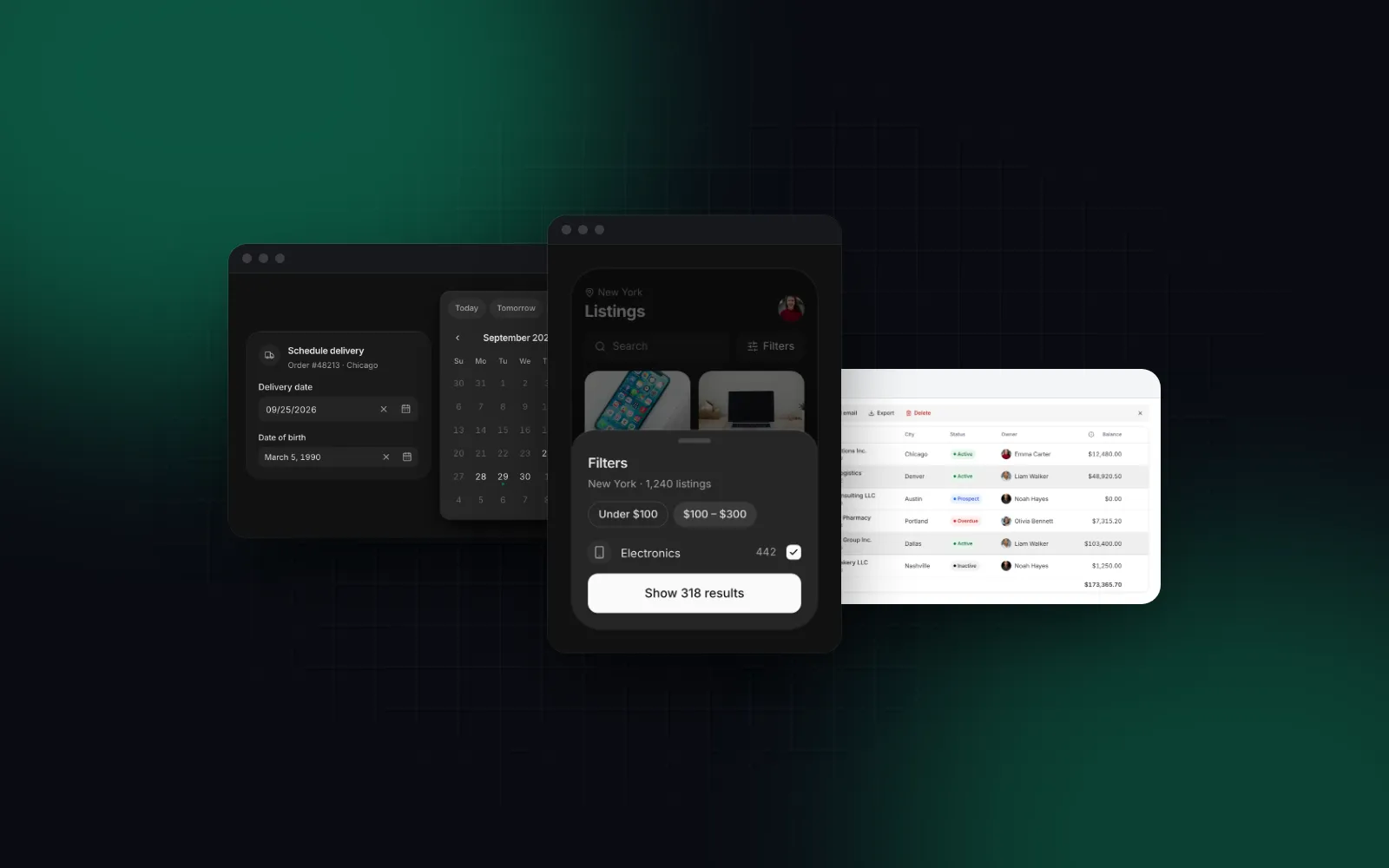
shadcn/ui gives you a Drawer and documents a recipe that renders a Dialog on desktop and a Drawer on mobile, which you write once per overlay. In Wingo UI the overlay components do it themselves. The free Drawer is a draggable bottom sheet on phones, and its desktop prop picks what it becomes from 768px: the same sheet, a side panel or a centered dialog.
$ npx wingo-ui@latest add drawerThe Button in that footer follows the same rule set: its medium size is 40px tall with a mouse and grows to 44px on touch screens, and the small size keeps its look with a 44px hit area.
Components instead of compositions
Some shadcn/ui entries are guides you assemble. Its Date Picker (opens in a new tab) is a composition of Popover and Calendar with no DatePicker root component, and its Data Table (opens in a new tab) is a guide to building your own on TanStack Table v9. That is a fair design choice: you shape every variant yourself.
Wingo UI ships those as components with props. The Date Picker is a typed field that parses dates in your locale, takes limits, disabled days and presets, and opens a bottom sheet with 44px days on phones so the keyboard never covers the calendar:
$ npx wingo-ui@latest add date-pickerThe Data Table works the same way: search, filters, sorting, bulk actions, pinning, resizing and virtualization on TanStack Table v9, with rows that become cards below 768px. Both are Pro components. On top of the components sit 43 blocks (sign in, settings, dashboards, checkout) and 45 page templates.
Updates that keep your edits
Owning the source means you edit it, and then upstream fixes a bug in the same file. The shadcn CLI can show the difference (add --diff) and preview a run (--dry-run), but bringing a fix into a file you changed is a manual merge. Our guide on updating shadcn components without losing edits scripts that merge with git.
The Wingo UI CLI records the version of each item in wingo-ui.json and keeps the installed copy, so it can run a 3-way merge itself:
Items you install through the shadcn CLI carry no version record, so wingo-ui update cannot merge into them. If updates matter to you, install Wingo UI items with its own CLI.
Defaults you set once
Every visual aspect of a Wingo UI component is a prop with a default: size, variant, tone, radius, labels, icons. UIProvider sets app-wide defaults so the new components match your existing shadcn/ui look without passing props at every call site:
How do the AI agent tools compare?
Both libraries publish an MCP server, and they do different jobs. The shadcn MCP server (opens in a new tab) browses, searches and installs items from every registry in components.json, including third-party ones like ours, and npx shadcn@latest mcp init --client claude sets it up for Claude Code. The shadcn skill (opens in a new tab) reads your project configuration with shadcn info --json before the agent writes code.
The Wingo UI MCP server answers searches and returns props with defaults, design rules and theme tokens without an account; source needs an API key (a free account for free items, Pro for the rest). Its check_updates tool compares the versions in wingo-ui.json with the latest release. One command adds the server and a rules file for your agent:
Since the shadcn MCP server reads components.json, an agent connected to it can also install from @wingo-ui once the registry entry is there. You can run both servers. The shadcn registry tutorial walks through adding the @wingo-ui entry and checking what an install writes before you commit it.
How do you use both in one project?
Most teams that try Wingo UI keep shadcn/ui. A setup that works:
- Keep shadcn/ui for the parts it covers well and that you already styled.
- Install the Wingo UI pieces you lack with
npx wingo-ui@latest add <slug>, one at a time, and commit before each. - Watch for collisions. Both libraries write
components/ui/button.tsx,dialog.tsxanddrawer.tsx. The Wingo UI CLI keeps an existing file that differs and asks you to rerun with--overwrite, so you decide which one wins. - Update call sites when you swap a component. shadcn/ui's Button uses
variant="destructive"andvariant="secondary"; Wingo UI separates role from color, so those becometone="danger"andvariant="soft". - Set
UIProviderdefaults so radius and sizes match the components you kept.
Wingo UI or shadcn: which one should you pick?
- A free, MIT, desktop-first app, or a design system you will restyle completely: shadcn/ui.
- A Base UI or React Aria project: shadcn/ui, since Wingo UI brings Radix along.
- An app people use on phones and desktops, where overlays, pickers and tables must work at 390px: add Wingo UI.
- Screens you would otherwise build from parts, such as a filterable admin table, settings or checkout: Wingo UI blocks and Pro components (shadcn blocks vs components explains when to start from a block).
- Components you will edit and still want to update: Wingo UI's CLI, because of the 3-way merge.
The cheapest test is a free component on your own phone. Install the Drawer with npx wingo-ui@latest add drawer (no account needed), put it behind one trigger in your shadcn/ui project, and open it at 390px. More head-to-heads live under Comparisons and alternatives.
FAQ
Is Wingo UI compatible with shadcn/ui?
Yes. Free Wingo UI items install from their URL with npx shadcn@latest add, and Pro items through the @wingo-ui namespaced registry in components.json with your API key. The exception is a shadcn project created with a Base UI style, which rewrites asChild; use npx wingo-ui@latest add there.
Is shadcn/ui free for commercial use?
Yes. shadcn/ui is MIT licensed, so you can use, modify and ship it in commercial products without paying. Wingo UI's 75 free items are free too, and the rest need a Pro license of $8 a month, $80 a year or $150 once per developer.
Can I use Wingo UI and shadcn/ui in the same project?
Yes. Both write into components/ui and use Tailwind CSS v4 tokens, so the usual setup is shadcn/ui as the base plus Wingo UI for the components you need. Commit before each install, because files with the same name, such as button.tsx, will collide.
How do updates differ between shadcn/ui and Wingo UI?
The shadcn CLI shows what changed with add --diff and replaces the file with --overwrite, so merging your edits is up to you. The Wingo UI CLI records each installed version and keeps the installed copy, so npx wingo-ui@latest update runs a 3-way merge and keeps your edits.
Do both work with Claude Code and Cursor?
Yes. shadcn/ui has an MCP server and a skill for coding agents. Wingo UI has an MCP server that also checks installed versions for updates, plus npx wingo-ui@latest agents install, which writes rule files for Claude Code, Codex, Gemini CLI, Grok and Cursor.
- shadcn/ui
- Comparisons
- React
- Tailwind CSS
- Mobile UI