Shadcn Blocks vs Components: When to Start From Which
Source-copy libraries now come in three sizes: components, blocks and page templates. The shadcn blocks vs components question shows up at the start of every new screen. Do you install the login-04 block and edit it, or add button, card and input and build the form yourself? Do you buy a landing page template, or compose sections? Vendors use the words differently, so this post pins down what each one means, what each level saves you, what it costs once your design moves away from the default, and where to start.
We build Wingo UI, so we are not neutral. Facts about shadcn/ui and other vendors link to the page we read and carry the date we checked, October 16, 2026.
What is the difference between shadcn blocks and components?
A shadcn/ui component is one file you import everywhere, and a block is a set of files that composes components into a screen. The difference is written into the registry: each item in the registry-item.json schema (opens in a new tab) has a type, and the docs describe registry:ui as "UI components and single-file primitives" and registry:block as "complex components with multiple files."
The registry files show what that means in practice. When we fetched the new-york-v4 registry:
- A component such as
buttonis oneregistry:uifile. It lands incomponents/ui/button.tsxand every screen imports it. - A block such as
login-01has two files. Aregistry:pagefile is written toapp/login/page.tsx, aregistry:componentfile tocomponents/login-form.tsx, and the block listsbutton,card,input,labelandfieldas registry dependencies, so the CLI installs those too. - A bigger block such as
dashboard-01writes 11 files (a page, adata.jsonand nine components), adds seven npm packages (four@dnd-kitpackages,@tabler/icons-react,@tanstack/react-tableandzod) and pulls in 19 components.
So a block is a composition with an opinion about layout, and sometimes about routing: login-01 decides your login lives at /login. The install command is the same for both: npx shadcn@latest add button or npx shadcn@latest add login-01.
Templates are the third level, and shadcn/ui does not ship them. The official blocks page (opens in a new tab) has no templates section. Searches for shadcn templates or shadcn page templates land on third-party products: whole pages or whole sites built on shadcn/ui, usually downloaded as a project instead of added with the CLI.
Why do the words mean different things on each site?
Each catalog draws the lines in a different place, so the same word covers different sizes:
When someone compares blocks vs templates, check whose vocabulary they use. A shadcnblocks block is usually one section of a page, while a shadcn/ui block is often a whole screen.
What does each level save you?
Each step up saves you layout and wiring decisions, and makes more of them for you.
The work saved is different at each level. A component saves you the hard part of one control: focus trapping in a dialog, the roving tab index in a menu, the price that animates when a toggle flips. A block saves you assembly: which fields go where, the spacing between them, the empty and error states somebody already thought of. A template saves you design decisions across a page: section order, rhythm, which band is gray.
What does a block cost to customize?
A block costs the distance between its flow and yours, and the official shadcn/ui blocks keep that cost visible because they are short markup with fixed copy.
Here is what npx shadcn@latest add login-01 writes, as listed in its registry file:
LoginForm accepts only className and the rest of a div's props. The title, the placeholder, "Forgot your password?" and "Login with Google" are strings in the JSX. The <form> has no submit handler, no validation and no error state. That is a fair choice for a free starting point: the file is short, readable and yours. It also means every change is an edit to that file:
- Copy, colors and spacing: cheap. Change the strings and classes.
- Behavior: you write it. Submit handling, field errors, a failed sign-in alert, a loading state, a password reset view and a code step are all new code.
- Updates: you own the merge. The shadcn CLI (opens in a new tab) either keeps your file or overwrites it (
--overwrite), andadd --diffshows a 2-way diff that cannot say which lines are yours. Our guide to updating shadcn components without losing edits walks through the 3-way merge that fixes this.
If your login is email and password with one social button, login-01 is a few minutes of edits. If you need magic links, two-step codes and password recovery, you write most of the screen yourself, and the block helped with the first 70 lines.
How do prop-driven blocks change the math?
A prop-driven block moves the common changes to the call site, so the file stays as shipped and updates stay cheap. That is how Wingo UI builds its blocks. The trade is size: our Login Page block is 1,617 lines plus a 180-line layout file, against the 70 lines of login-01. You will not read it in one sitting, and rewriting its internals is a bigger job than editing a short form.
What you get for that size is the flow login-01 leaves out, behind props: password, magic link and emailed code methods, a two-step code after the password, a reset view, resend cooldowns and the error alert. A handler that throws an Error shows its message in the form.
The pitfall is the flip side of a finished zero-prop render: every handler you do not pass is simulated. Leave out onVerifyCode and the two-step view accepts 123456. Leave out onForgot and the reset request resolves without sending anything. Before you ship, check that each method and view you turn on has its handler.
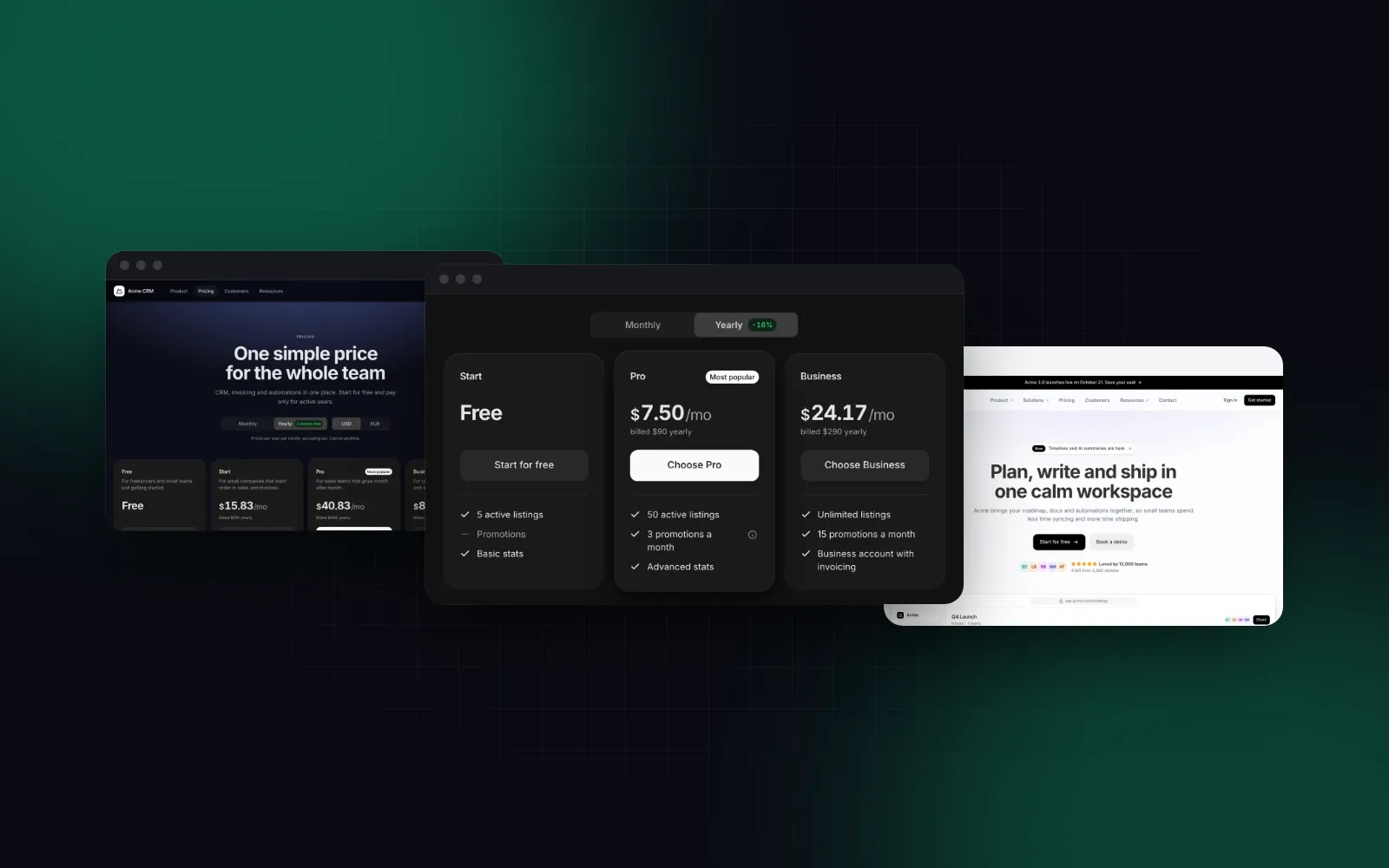
Here is one pricing screen at all three levels.
Component: a pricing table inside your own page
The Pricing Table is one component. It owns the plans, the Monthly / Yearly toggle, the rolling prices and the phone carousel. You own the page around it.
$ npx wingo-ui@latest add pricing-tableBlock: the whole pricing page
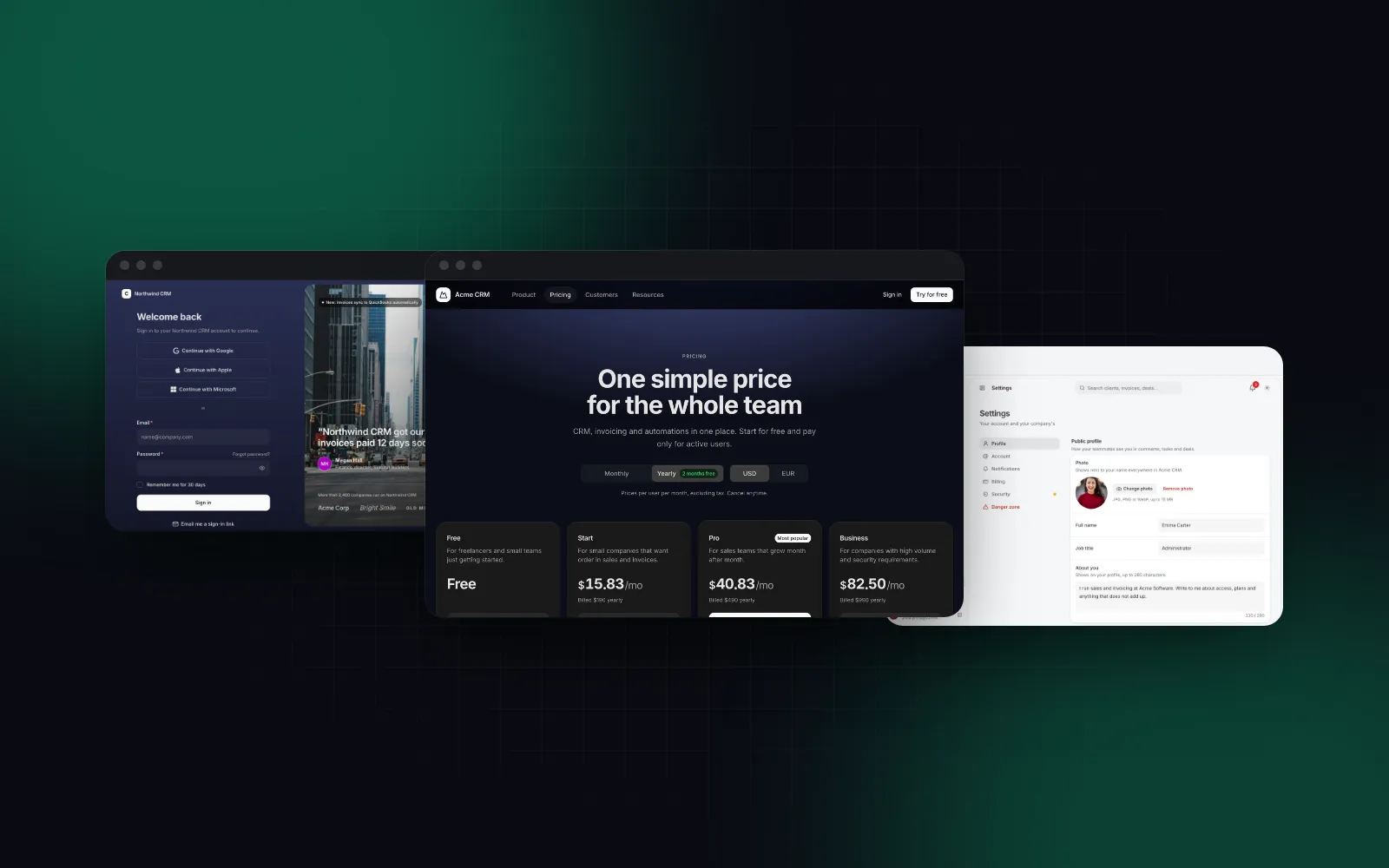
The Pricing Page block composes that table with a currency switch, a comparison table, customer quotes, an FAQ and a closing band. Your plans and FAQ go in as data, and turning a section off is a boolean.
header={false} and footer={false} let the page sit inside your own site layout, and a single entry in currencies hides the currency switch. Leave out plans and the sample plans show, which is handy while you wire the data and easy to ship by mistake. Return a promise from onSelectPlan and the plan's button keeps its spinner until it settles.
$ npx wingo-ui@latest add pricing-pageTemplate: a whole page made of sections
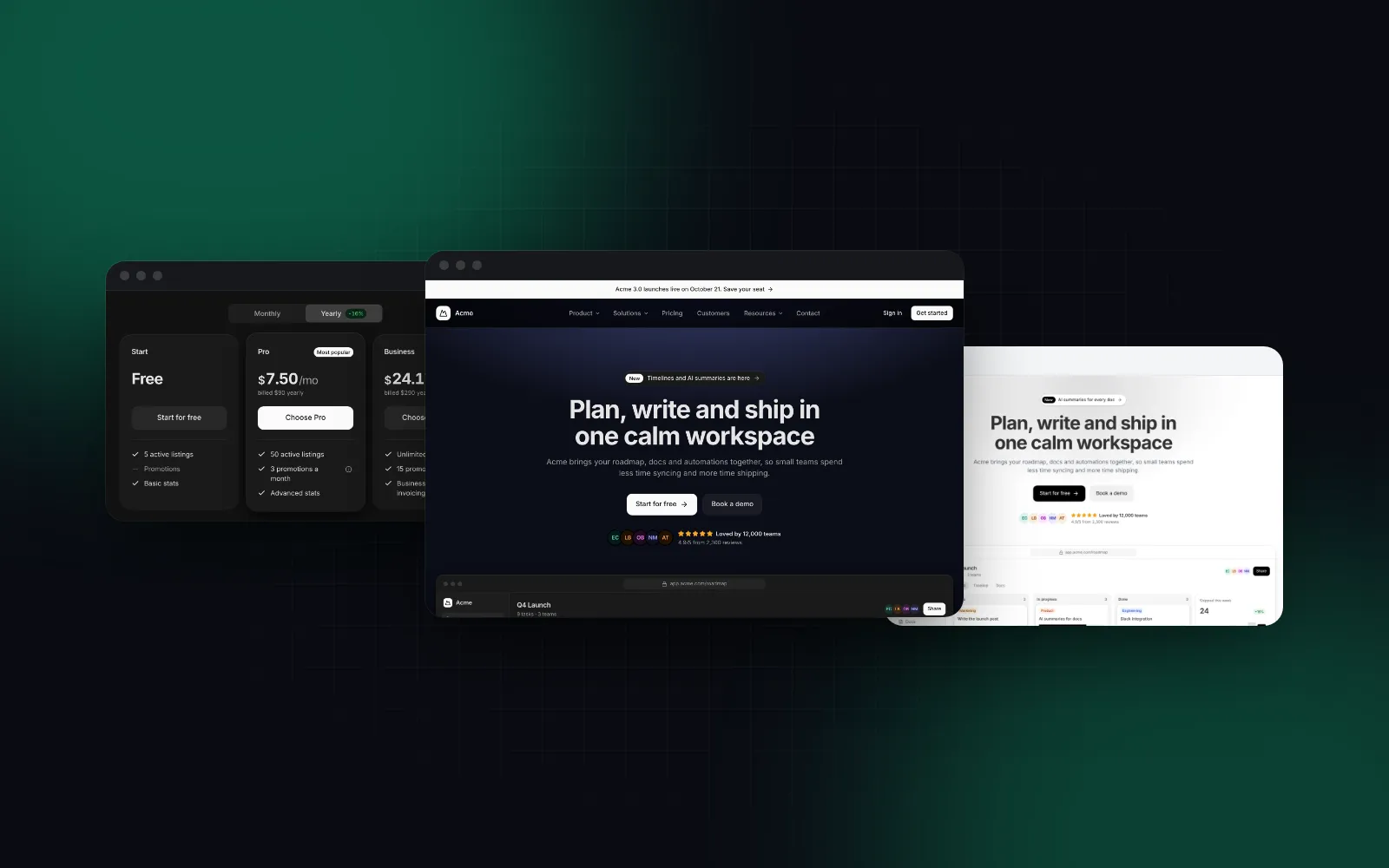
The Landing Page template sits one level higher. It renders a hero, logos, a feature grid, a product tour, numbers, quotes, a pricing teaser, an FAQ and a closing band, each one a marketing section you can also install on its own, such as the Hero Section.
design switches the look of every section at once (classic, bold, editorial or minimal), and per-section overrides such as heroProps still win over it.
$ npx wingo-ui@latest add landing-pageWhen should you start from components, a block or a template?
Start at the highest level where you would change only content, copy, colors and handlers. If you would rewrite the layout or the states, start one level down.
- Start from a block for solved screens. Sign-in, sign-up, pricing, settings, checkout and error pages work the same way in most products, and they have many states (errors, loading, codes, empty lists) that are easy to forget. Our shadcn login page and shadcn pricing page guides list those states in detail.
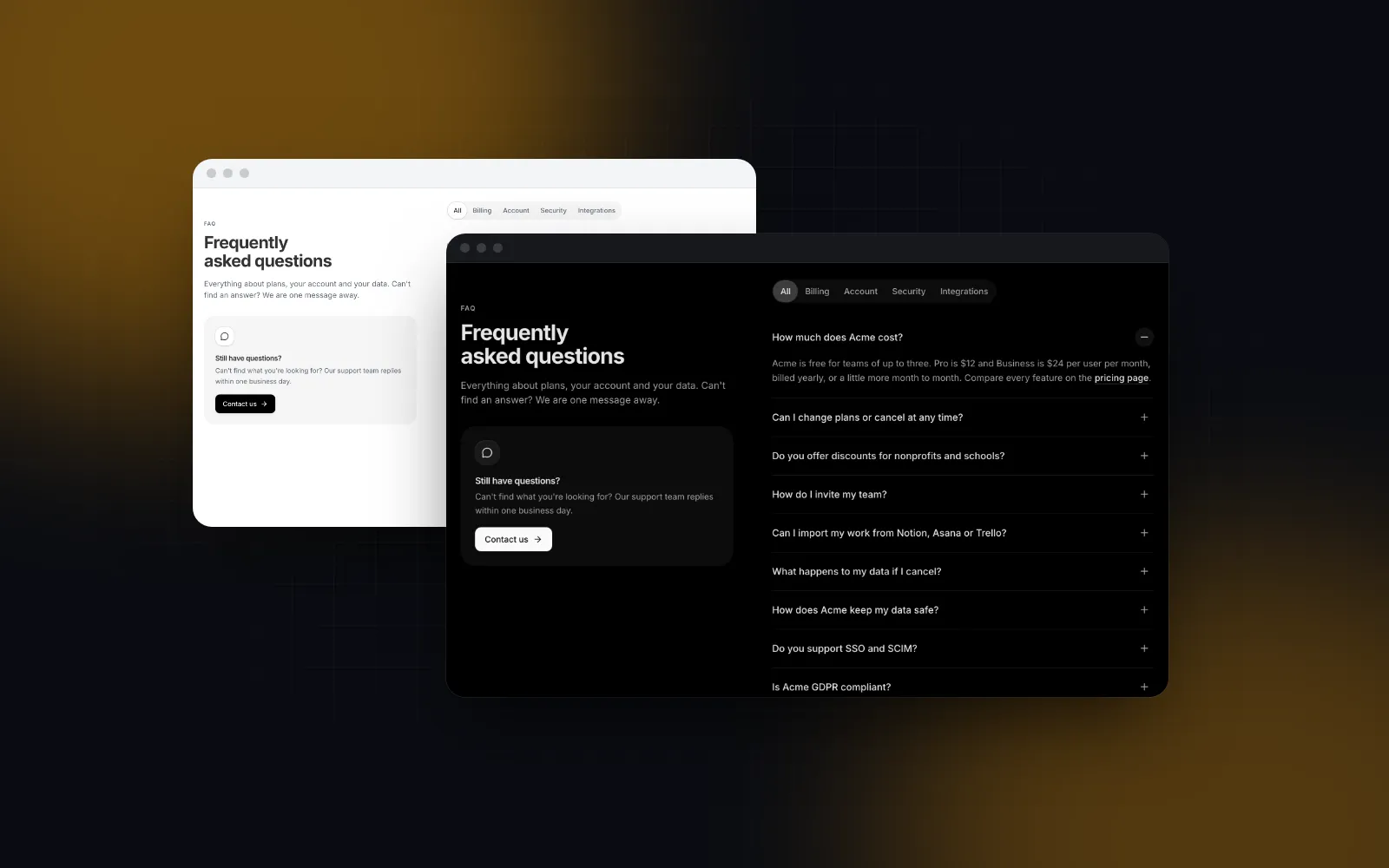
- Start from a template for marketing pages. A landing, contact or FAQ page has a fixed design and changing content. A template gets the rhythm right, and you replace the words.
- Start from components for the core of your product. The editor, the board, the dashboard that only your app has. A block designed for someone else's product will fight you there, and the components carry the hard parts anyway.
- Start from components when your design system is far from the default. If your spacing, type scale and radius differ from the block's, you will touch every line of it.
- Start from a block for a prototype, even a poor match. A working screen shows you which states you need within an afternoon. Then decide whether to keep it or rebuild it from components.
Most real apps mix all three: a template for the home page, blocks for auth and pricing, and components for the product itself.
How do you drop down a level without starting over?
Use the pieces a block is built from, so leaving the block does not mean leaving its design. The Login Page block exports its layout as AuthFrame: a form column that fills a phone screen, with a hero beside it from 1024px. An invite or sign-up page can put its own form in the frame and still match the login screen. AuthFrame is a client component itself, so the page below can stay a server component.
Templates work the same way. If the landing page is mostly right, keep it and override a section through its *Props. If it is far off, compose the sections you want yourself with npx wingo-ui@latest add hero-section faq-section cta-section.
Shadcn blocks vs templates: where do you get each?
The official shadcn/ui registry is the free option with no templates, shadcnblocks has the largest catalog of sections and templates, and Wingo UI ships fewer, prop-driven blocks. Checked on October 16, 2026.
The Wingo UI numbers come from our registry, release 1.9.0. The Login Page, Pricing Page, Pricing Table and Landing Page are Pro; the contact and FAQ page templates are free, along with basics such as button, input and card.
Where the others are the better pick:
- You want free, short files you will edit anyway: the official shadcn blocks. They are small enough to read in a minute, and the license costs nothing.
- You need a large choice of marketing sections, or an Astro site: shadcnblocks has far more variants than the other two and ships Astro editions of most of its templates.
- You want blocks you configure through props, that behave on phones and that you can update after editing: that is the case Wingo UI is built for. For the wider field, our shadcn alternatives guide compares 14 libraries, and the Comparisons and alternatives category has the head to head posts.
What should you do next?
Take the screen you are about to build and apply the rule above: would you change only content and handlers, or the layout too? If it is a solved screen, open the Login Page or Pricing Page docs and try the props in the playground before you install anything. Both are part of Wingo UI Pro, see pricing. If you want to start from free pieces, npx wingo-ui@latest add button input card gives you the components the blocks are built on.
FAQ
What is the difference between shadcn blocks and components?
A shadcn/ui component is a single file, such as button.tsx, that you install once and import everywhere. A block is a multi-file item that composes components into a screen: login-01 writes app/login/page.tsx and components/login-form.tsx, and installs button, card, input, label and field as dependencies.
Does shadcn/ui have official templates?
No. As of October 16, 2026, the official registry has 97 blocks (70 chart variants, 16 sidebars, 5 login, 5 sign-up and 1 dashboard) and no page templates. Full templates come from third parties such as shadcnblocks, which lists 21 (one of them free), or from libraries such as Wingo UI.
Are shadcn blocks free?
The official blocks on ui.shadcn.com are free and MIT licensed, like the components. Third-party block libraries that install through the shadcn CLI are often paid: shadcnblocks starts at $149 one-time as of October 16, 2026.
Can I update a shadcn block after I edit it?
Not automatically. The shadcn CLI either keeps your file or overwrites it, and add --diff shows a 2-way diff that cannot tell your edits from upstream changes. A 3-way merge per file keeps both, and npx wingo-ui@latest update runs that merge for Wingo UI items.
Should I use blocks or build from components?
Use a block when its flow matches yours and you would mostly change copy, colors and handlers. Build from components when you would rewrite the layout or the states, because editing someone else's screen that far costs more than composing your own.
- shadcn/ui
- Blocks
- Templates
- Comparisons
- React