shadcn vs MUI in 2026: Which React UI Library to Pick
The shadcn vs MUI choice looks like a style question, Tailwind versus Material Design, but it is really about ownership. MUI is an npm package with its own styling engine: you install it, theme it and update it with npm update. shadcn/ui copies component source into your project: you edit the files and the styling is plain Tailwind CSS. Everything else in this comparison, from Server Components to data grids, follows from that split.
We build Wingo UI, a paid library on the shadcn model, so it appears below as a third column for readers asking "Wingo UI vs MUI". The MUI facts come from mui.com (opens in a new tab) and the shadcn/ui facts from ui.shadcn.com (opens in a new tab), all checked on October 13, 2026. Where MUI is the better pick, we say so. For the full field, see our shadcn alternatives guide.
How do shadcn/ui, MUI and Wingo UI compare?
What does installing and owning each one look like?
MUI installs like any dependency:
You never see the component source. You customize through the theme, the sx prop and styled(), and an upgrade is a version bump plus the migration guide. That is a real advantage: MUI's team maintains focus traps, transitions and edge cases, and your diff stays small.
shadcn/ui and Wingo UI put the files in components/ui:
You can change any line, and nothing breaks when a package releases a new major version. The cost is that upstream fixes no longer arrive by themselves. The shadcn CLI shows the difference with add --diff and leaves the merge to you; the Wingo UI CLI keeps the installed copy and runs a 3-way merge with npx wingo-ui@latest update, as the installation docs explain.
How does theming differ?
This is where Material UI vs shadcn feels most different day to day. MUI themes through JavaScript. createTheme builds a theme object (palette, typography, spacing, breakpoints, component overrides) and ThemeProvider passes it down through React context. With cssVariables: true, MUI also writes the theme as CSS variables such as --mui-palette-primary-main, per its theming docs (opens in a new tab).
shadcn/ui and Wingo UI theme through CSS. The tokens live in your global stylesheet as CSS variables, Tailwind utilities read them, and dark mode is a second set of values. Wingo UI adds two layers on top: every visual aspect of a component is a prop with a default, and UIProvider sets app-wide defaults, so a radius or size change happens in one place:
If your designers work in Material Design, MUI's theme gets you there with the least effort. If your product has its own look, Material's defaults are something you override component by component, and a neutral token set is the easier start.
Which fits the Next.js App Router and Server Components better?
All three work in the App Router. The difference is what runs where.
MUI's Next.js integration (opens in a new tab) asks you to install @mui/material-nextjs and wrap the root layout in AppRouterCacheProvider, which collects the CSS that Emotion generates on the server. The theme file needs 'use client', and the guide notes that in Next.js 16 passing a Next.js Link to MUI's component prop needs a small client wrapper. MUI's own Pigment CSS guide (opens in a new tab) says Emotion does not fully support React Server Components; Pigment CSS aims to close that gap but is in early alpha and supports Next.js with webpack, not Turbopack, as of October 2026.
With shadcn/ui and Wingo UI, styles are Tailwind classes compiled at build time, so there is no styling runtime and no cache provider. Interactive components such as a dialog still start with "use client", and your pages stay Server Components that render them. Wingo UI's UIProvider is a client component too, which still lets the root layout stay a server component.
On bundles, we have not measured either side, so we will not quote kilobytes. The structural facts: MUI ships Emotion's runtime alongside the components you import; shadcn/ui and Wingo UI ship only the component files you copied and their dependencies (Radix or Base UI, and Motion for Wingo UI's animations).
Which has the better data grid and date pickers?
MUI, if you need the full range. The MUI X Data Grid is free under MIT and covers sorting, filtering, pagination and editing. Per the MUI X licensing page (opens in a new tab), Pro adds multi-filtering, multi-sorting, column resizing and column pinning, and Premium adds row grouping and Excel export. Without a valid key, Pro and Premium components show a watermark and a console warning. The Date Pickers are free, the date and time range pickers need Pro, and the pickers need a LocalizationProvider with an adapter for Day.js, date-fns, Luxon or Moment.
shadcn/ui gives you building blocks instead. Its Data Table (opens in a new tab) page is a guide to building your own table on TanStack Table v9, and its Date Picker (opens in a new tab) is a composition of Popover and Calendar with no root component. That is ideal when every table in your app is different and expensive when twenty screens need the same one.
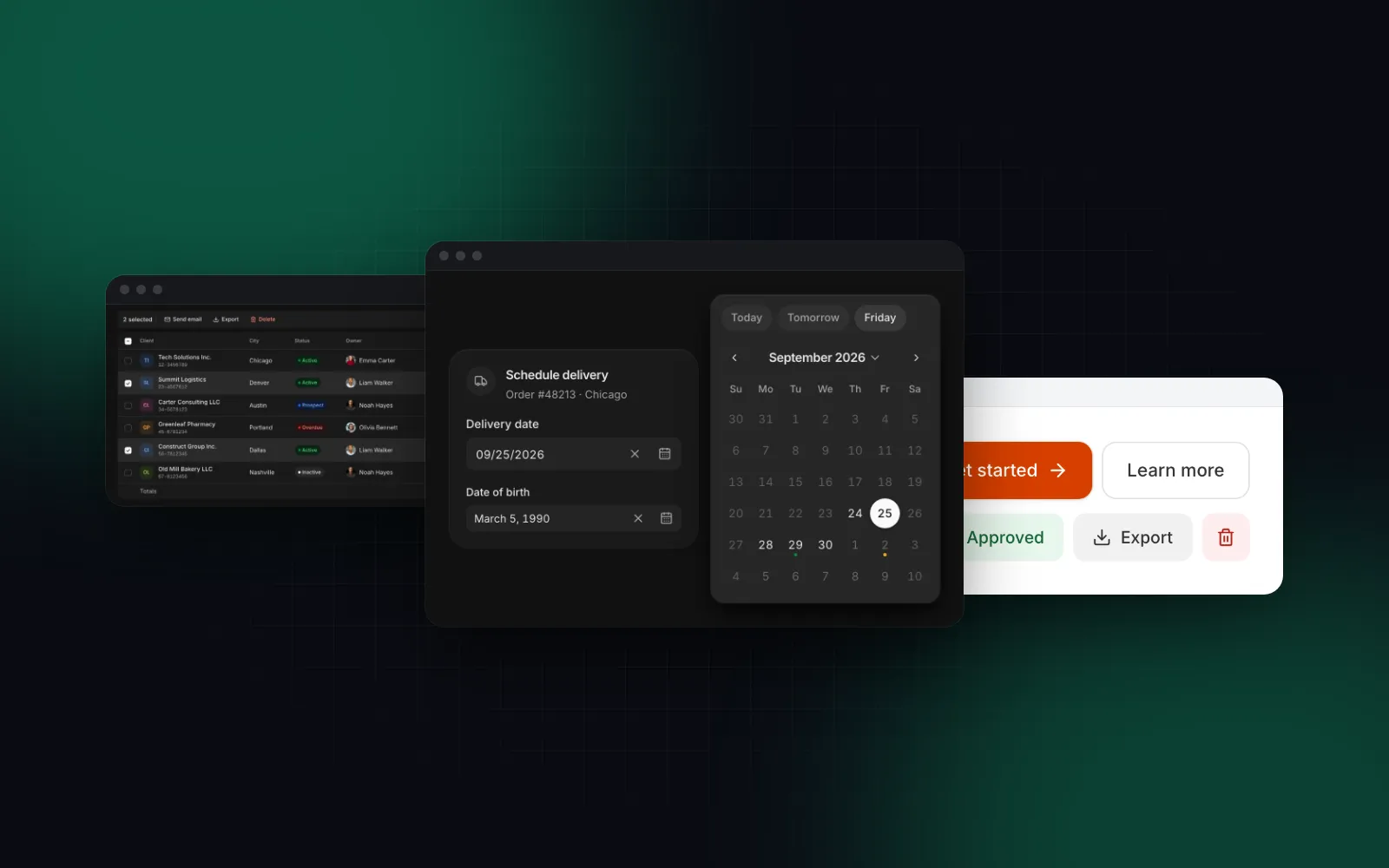
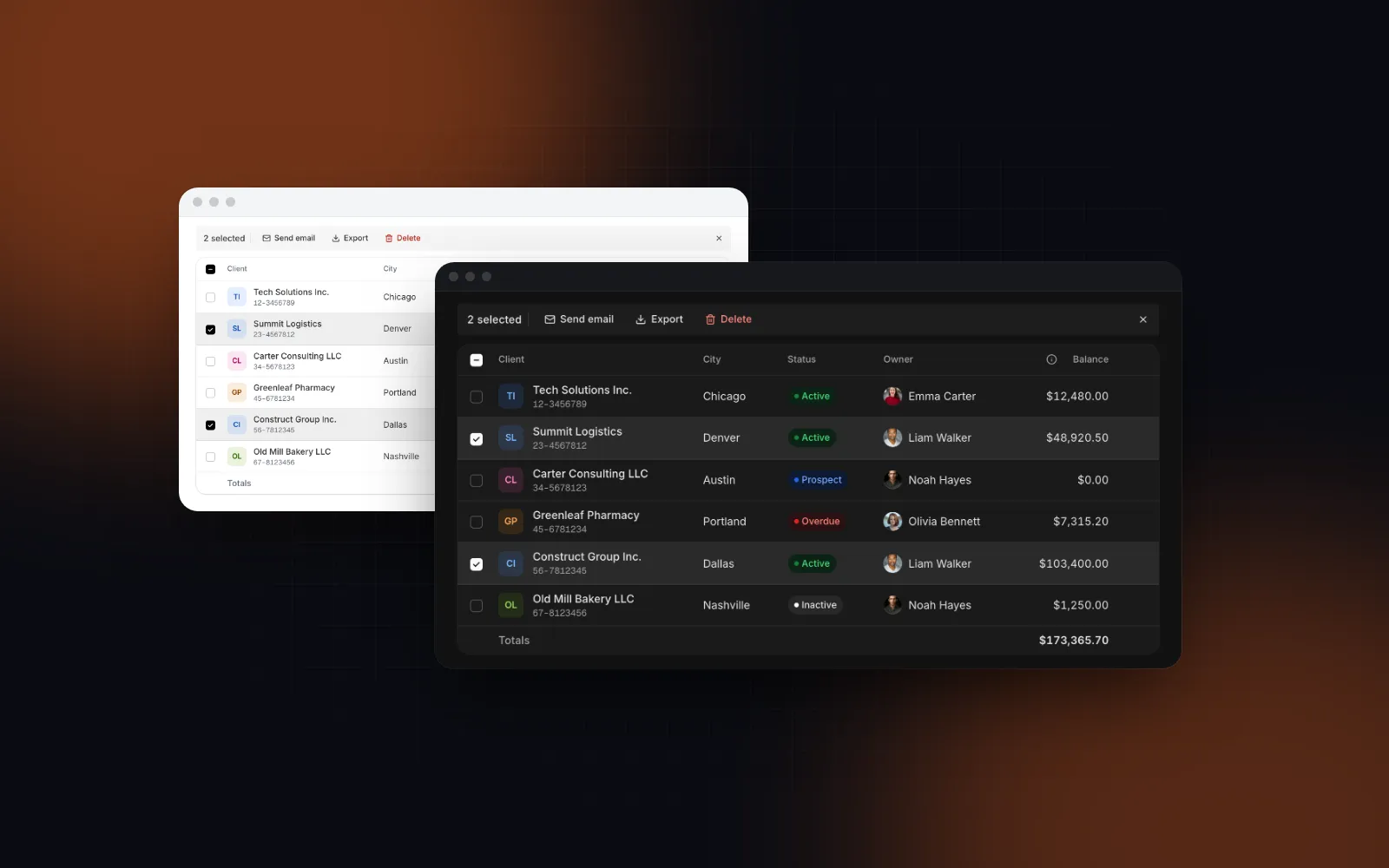
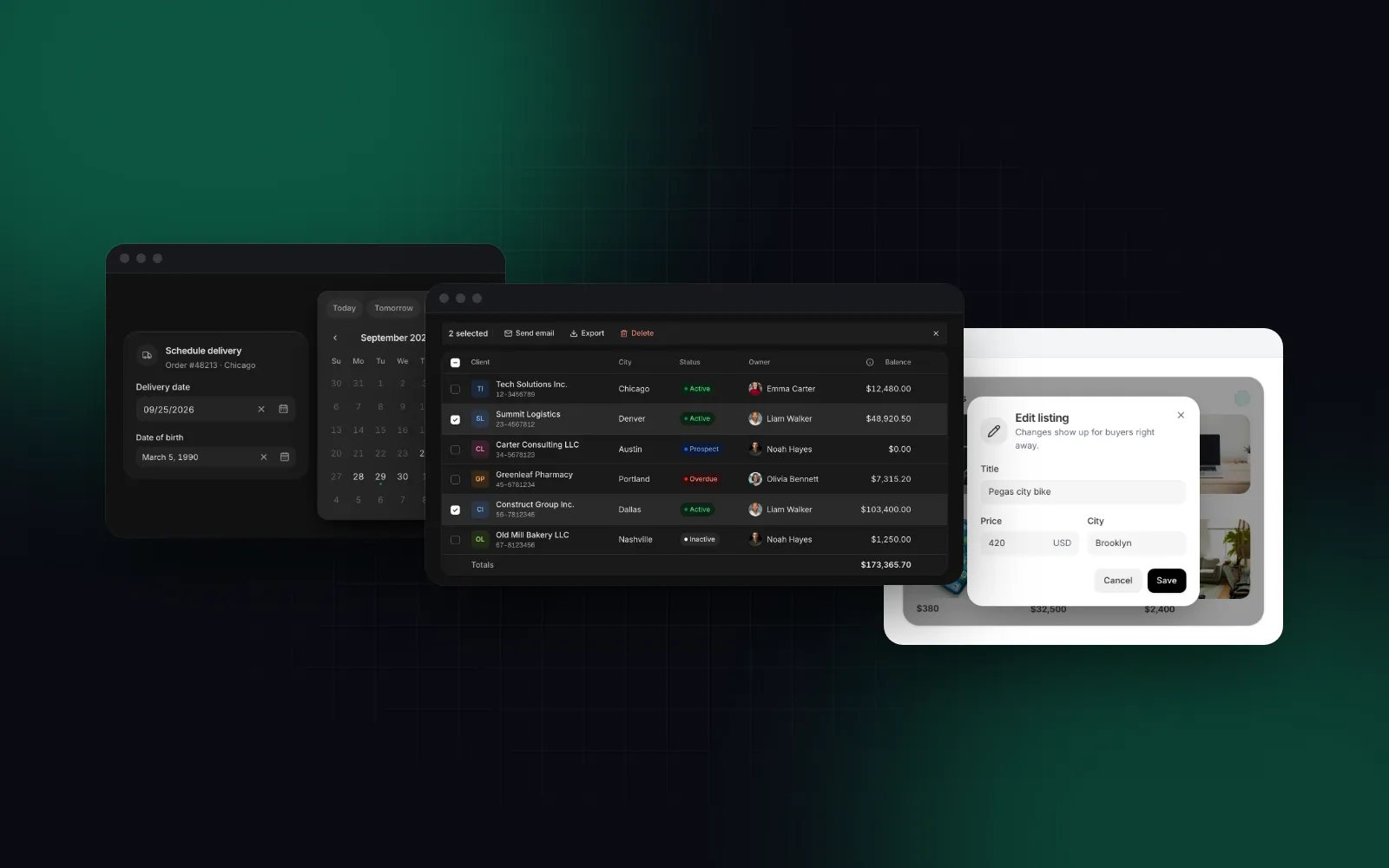
Wingo UI sits between them: ready components, but source you own. The Data Table is built on TanStack Table v9 with search, filters, sorting, bulk actions, pinning, resizing and virtualization, and its rows turn into cards below 768px:
$ npx wingo-ui@latest add data-tableThe Date Picker is a typed field: it parses dates in the given locale, takes limits, disabled days and presets, and needs no provider or adapter, since it uses date-fns directly. A Date Range Picker covers reports and bookings. Both are Pro, and the rest of the table family is under Tables and Lists.
Honest limits: MUI X has a deeper feature set for enterprise grids, such as row grouping, pivoting and Excel export, and a scheduler. If those are on your roadmap, MUI X Premium is the safer bet.
How do they behave on phones?
MUI gives you the parts and leaves the switch to you. Its Dialog docs (opens in a new tab) show a responsive full-screen dialog driven by useMediaQuery(theme.breakpoints.down('md')), and SwipeableDrawer (opens in a new tab) adds swipe gestures, with a note that some low-end devices cannot follow the finger at 60 FPS. The date pickers switch on their own: the desktop version renders when @media (pointer: fine) matches, otherwise a modal.
shadcn/ui has a Drawer and documents a Dialog plus Drawer recipe that you repeat for each overlay.
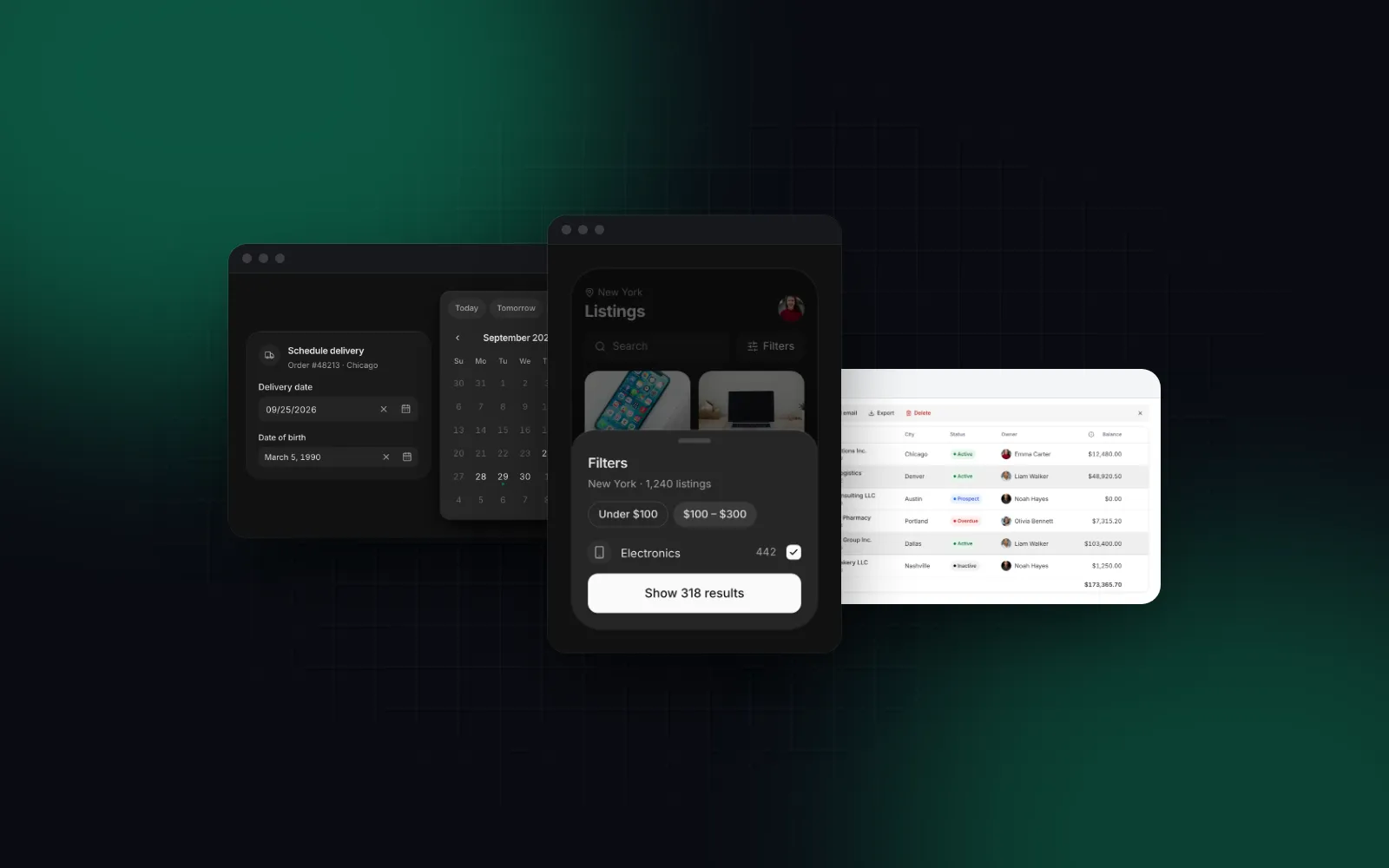
Wingo UI builds the switch into each component. The Dialog is a spring-scaled card on desktop and, through its responsive prop (default true), a draggable bottom sheet below 768px with safe-area padding:
$ npx wingo-ui@latest add dialogThe Button grows its medium size from 40px to 44px on touch screens, and the small size keeps its look with a 44px hit area.
What about accessibility?
All three start from accessible primitives and none makes your app accessible by itself. MUI publishes a draft WCAG 2.2 conformance report (opens in a new tab) for Material UI 9.5.0 that covers 12 components and reports 27 of 32 assessed criteria fully supported and 5 partially supported. shadcn/ui inherits keyboard and ARIA behavior from Base UI, Radix or React Aria. Wingo UI builds on Radix, with visible focus rings, full keyboard support in pickers and menus, and reduced-motion support for its animations. With source you own, you can fix an accessibility bug the same day; with a package, you file an issue or override it.
How do coding agents handle each one?
MUI's MCP server (claude mcp add mui-mcp -- npx -y @mui/mcp@latest) fetches the official docs and examples so the agent quotes real props. The shadcn MCP server browses and installs items from every registry in components.json. The Wingo UI server returns props with defaults, design rules and theme tokens, and checks installed versions for updates; npx wingo-ui@latest agents install writes rule files for Claude Code, Codex, Gemini CLI, Grok and Cursor.
With a package, an agent that guesses a prop gets a type error. With copied source, the agent can edit the component itself, so accurate props and rules matter more.
shadcn or MUI for Next.js: which should you pick?
- An internal admin tool where Material Design is fine and grids are heavy: MUI with MUI X. It has the deepest data components, and Material is a coherent default for back offices.
- A marketing site or content site on Next.js: shadcn/ui. No styling runtime, Tailwind everywhere, and you restyle freely.
- A mobile-first web app used on phones and desktops: shadcn/ui as the base plus Wingo UI, or Wingo UI alone, because sheets, touch targets and card tables are built in.
- A design system you own: shadcn/ui, or Base UI or React Aria directly. Owning the source is the point.
- A team that wants zero component maintenance: MUI. Package updates beat merging copied files.
If you are leaving MUI rather than starting fresh, replace the Data Grid and Date Pickers first, since they are the pieces your screens depend on most. Mantine, a free npm package with its own forms and dates, is another option outside the Material look; the MUI alternatives guide compares it with Chakra UI, Ant Design, React Aria and the rest. Our Mantine vs shadcn and Chakra UI vs shadcn comparisons take those two head to head. If shadcn/ui is the direction, our Wingo UI vs shadcn/ui comparison shows what a paid registry on the same model adds. More comparisons live under Comparisons and alternatives.
Whichever way you lean on MUI vs shadcn, the fastest way to feel the difference is to open one overlay on your own phone. Install the free Dialog with npx wingo-ui@latest add dialog, render it next to your current MUI or shadcn/ui dialog, and compare them at 390px.
FAQ
Is shadcn better than MUI?
Neither is better across the board. shadcn/ui gives you source you own and Tailwind CSS styling for free; MUI gives you a maintained npm package with Material Design and the deepest set of data components, some of them paid.
Is MUI free for commercial use?
Material UI and the MUI X Community packages (Data Grid, Date Pickers, Charts, Tree View) are MIT licensed and free. Advanced features such as Data Grid column pinning, row grouping, Excel export and the date range pickers need MUI X Pro ($299) or Premium ($599) per developer per year, as of October 2026.
Does MUI work with the Next.js App Router?
Yes. Install @mui/material-nextjs and wrap the root layout in AppRouterCacheProvider, which collects Emotion's CSS on the server. MUI's components and theme still run as client components, so keep your pages as Server Components and render MUI below them.
Can I use Tailwind CSS with MUI?
Yes, but you run two styling systems. MUI's Next.js guide documents an enableCssLayer option that wraps MUI styles in @layer mui for use next to other styling solutions; if most of your styling is Tailwind, a Tailwind-native library is the simpler stack.
What replaces the MUI Data Grid in a shadcn project?
shadcn/ui documents a guide to build your own table on TanStack Table v9. If you want a ready component, Wingo UI's Data Table is built on TanStack Table v9 with filters, sorting, bulk actions, pinning, virtualization and card rows on phones; it is a Pro component.
- shadcn/ui
- MUI
- Comparisons
- React
- Next.js