Chakra UI vs shadcn in 2026: Style Props or Tailwind?
Chakra UI vs shadcn is a choice between two ways of styling React. Chakra UI v3 is an npm package: you write <Box p="4" bg="bg.muted">, and Emotion turns those style props into CSS at runtime. shadcn/ui copies component files into your project and styles them with Tailwind CSS classes, so the source is yours to edit. Theming, Server Components, Next.js 16 support and phone behavior all follow from that split, and that is what this comparison walks through.
We build Wingo UI, a paid library on the shadcn model, so it appears below as a third column. The Chakra facts come from chakra-ui.com (opens in a new tab) and the npm registry, the shadcn/ui facts from ui.shadcn.com (opens in a new tab), all checked on October 16, 2026. Where Chakra is the better pick, we say so. The wider field is in our guide to shadcn alternatives.
How do Chakra UI and shadcn/ui compare in 2026?
Chakra UI 3.37.0 was published on npm on August 28, 2026, and shadcn 4.22.0 on October 16, 2026. Both projects ship often, so check the dates against today.
What does installing and owning each one look like?
Chakra installs like any dependency:
The second command matters more than it looks. Run without arguments, Chakra's CLI writes its recommended snippets into components/ui: provider.tsx (which combines ChakraProvider with next-themes through color-mode.tsx), toaster.tsx and tooltip.tsx. So a Chakra project has some copied files too. The difference is depth: those snippets are thin wrappers, and the Dialog, Drawer and Button they use stay in node_modules/@chakra-ui/react. You upgrade them with npm update, and you change them through props, recipes and the theme.
shadcn/ui and Wingo UI copy the whole component:
Every line of the dialog is now in your repo. A new major release of a dependency cannot change your UI behind your back, and you can fix a bug the same afternoon. The cost is that upstream fixes stop arriving by themselves. The shadcn CLI shows the difference with add --diff and leaves the merge to you; npx wingo-ui@latest update runs a 3-way merge into the file you edited, as the installation docs explain.
Style props or Tailwind classes: how does the code differ?
In Chakra, layout and color are props on components; in shadcn/ui and Wingo UI they are Tailwind classes. You meet that difference on every line of every screen, so if your team already writes Tailwind and you are weighing a Chakra UI alternative, this section decides most of it. In Chakra, responsive values are objects and colors are theme tokens:
The same card with Tailwind is classes on plain elements, and the Wingo UI Button takes its look from props:
Neither is shorter in a meaningful way. Chakra keeps styling in TypeScript: after you customize the theme, npx @chakra-ui/cli typegen ./theme.ts regenerates the types for your tokens, and its --strict flag makes an unknown variant or size a type error. Tailwind keeps everything in one language that every Tailwind project, template and AI assistant already speaks. If your team writes Tailwind elsewhere, mixing in style props means two ways to say padding: 1rem.
How does theming compare in Chakra UI and shadcn/ui?
Chakra v3 themes in TypeScript, shadcn/ui themes in CSS variables. In Chakra you extend the default config with defineConfig, build a system with createSystem and pass it to the provider:
Tokens come out as CSS variables such as --chakra-colors-red-200, semantic tokens can switch with color mode, and recipes (defineRecipe) and slot recipes (defineSlotRecipe) define variants for single and multi-part components. It is a complete design-token system, and it is the strongest part of Chakra.
shadcn/ui and Wingo UI theme in CSS. The tokens are variables in your global stylesheet, with a second set under .dark, mapped to Tailwind utilities with @theme inline:
Wingo UI adds one layer: every visual aspect of a component is a prop with a default, and UIProvider sets app-wide defaults, so a radius change is one line in the root layout:
If you want tokens with types and variant recipes checked by the compiler, Chakra's system is ahead. If you want tokens that any CSS file, Tailwind class or third-party block can read without a provider, CSS variables are simpler.
Chakra or shadcn for Next.js: which fits Server Components and Turbopack?
Both run in the App Router, but only the Tailwind kits run on Turbopack without a workaround. Chakra also needs an Emotion registry once you stream UI.
Chakra's Next.js guide (opens in a new tab) says it works with Next.js 15 and 16. Its troubleshooting section adds that Turbopack hydrates Emotion CSS incorrectly, and asks you to put --webpack in your dev and build scripts until the Next.js team fixes it. Since Turbopack is the default bundler in Next.js 16, that means opting out of the default for the whole app. If you stream Chakra components through <Suspense>, the guide adds an Emotion registry with useServerInsertedHTML, and notes that this is the default case once Cache Components are on.
On Server Components, Chakra's docs (opens in a new tab) say you can render its components from a server file without 'use client', and also that they are client components because they rely on useState, useRef and useContext. Both are true: the package marks its own files with "use client", so your page stays a server component and the Chakra parts hydrate on the client. Files that call chakra(), import Chakra hooks or use render props need the directive themselves.
With shadcn/ui and Wingo UI, styles are Tailwind classes compiled at build time. There is no styling runtime, no registry for streaming and no bundler flag. Interactive components such as a dialog still start with "use client", and your pages render them from server components the same way. We have not measured bundle sizes for this post, so we will not quote kilobytes; the structural fact is that Chakra ships Emotion's runtime next to its components, and the Tailwind kits ship only the files you copied plus their primitives.
How do dialogs, drawers and toasts behave on phones?
Chakra and shadcn/ui give you the parts to build a phone layout yourself; Wingo UI switches to a draggable bottom sheet below 768px on its own. In Chakra, every component prop accepts breakpoint objects, so a drawer can come from the bottom on phones and from the side on desktops. This is Chakra's own example, trimmed:
The Dialog works the same way with size={{ mdDown: "full", md: "lg" }}. What you do not get is a gesture: in 3.37.0 Chakra's Drawer wraps Ark UI's Dialog primitive, and we found no drag-to-close option in its docs, so the bottom drawer closes with a button, Escape or a tap outside. The toaster snippet stretches toasts to a 16px inset below md and pauses timers when the page is idle.
shadcn/ui has a Drawer (on Base UI's drawer in Base UI projects, on Vaul in Radix projects) and documents a recipe that renders a Dialog on desktop and a Drawer on mobile. You write that switch once per overlay; our post on making a shadcn dialog work on mobile covers the details.
Wingo UI builds the switch into the component. The Dialog is a spring-scaled card on desktop and, through its responsive prop (default true), a bottom sheet below 768px that you drag down to dismiss, with safe-area padding:
$ npx wingo-ui@latest add dialogThe Drawer is the same sheet on phones, and its desktop prop picks what it becomes from 768px: the sheet capped and centered, a side panel or a centered dialog.
$ npx wingo-ui@latest add drawerThe Toast follows Sonner's API. Mount one Toaster and call toast() from anywhere; on phones toasts span the width with 16px gutters and you swipe them away:
$ npx wingo-ui@latest add toastChakra's equivalent is toaster.success({ title, description, action: { label: "Undo", onClick } }) from the toaster snippet. Our comparison of React toast libraries goes through timers, swipe and accessibility for all of them. The Wingo UI Button also grows its medium size from 40px to 44px on touch screens, so taps land without a separate mobile variant.
How do coding agents handle each one?
All three ship an MCP server, but they answer different questions. Chakra's MCP server (npx -y @chakra-ui/react-mcp, announced July 30, 2025) answers questions about component props, examples, tokens and the v2 to v3 migration, and npm installs the package. The shadcn MCP server browses and installs items from every registry in components.json. The Wingo UI server returns props with defaults, design rules and theme tokens and checks installed versions for updates, and npx wingo-ui@latest agents install writes rule files for Claude Code, Codex, Gemini CLI, Grok and Cursor.
The difference that matters for agents is where the code lives. With a package, a guessed prop fails the type check and the agent corrects it. With copied source, the agent can also edit the component file itself, so it needs the real props and your rules before it starts.
When is Chakra UI the better pick?
Chakra is the better choice in these cases, and we would pick it ourselves:
- Your team likes style props. If writing
p={{ base: "4", md: "6" }}feels natural and Tailwind class strings do not, Chakra is the most complete library built around that idea. - You want typed tokens and recipes.
createSystem, semantic tokens andtypegengive you a design system the compiler checks. - You want zero component maintenance. Bug fixes and accessibility fixes arrive with
npm update, and your diff stays small. - You already run Chakra v2. Moving to v3 inside Chakra, with the official migration guide and the MCP server's migration help, is less work than rewriting every screen in Tailwind.
- You are not on Turbopack anyway. The hydration note in Chakra's guide is about Turbopack, so a Vite app or a Next.js app that already builds with webpack gives up nothing.
Chakra UI v3 vs shadcn: which should you pick?
- A Next.js 16 app on Turbopack, styled with Tailwind: shadcn/ui. No bundler flag, no styling runtime, and the source is yours.
- A product team that prefers props over classes and wants a typed theme: Chakra UI.
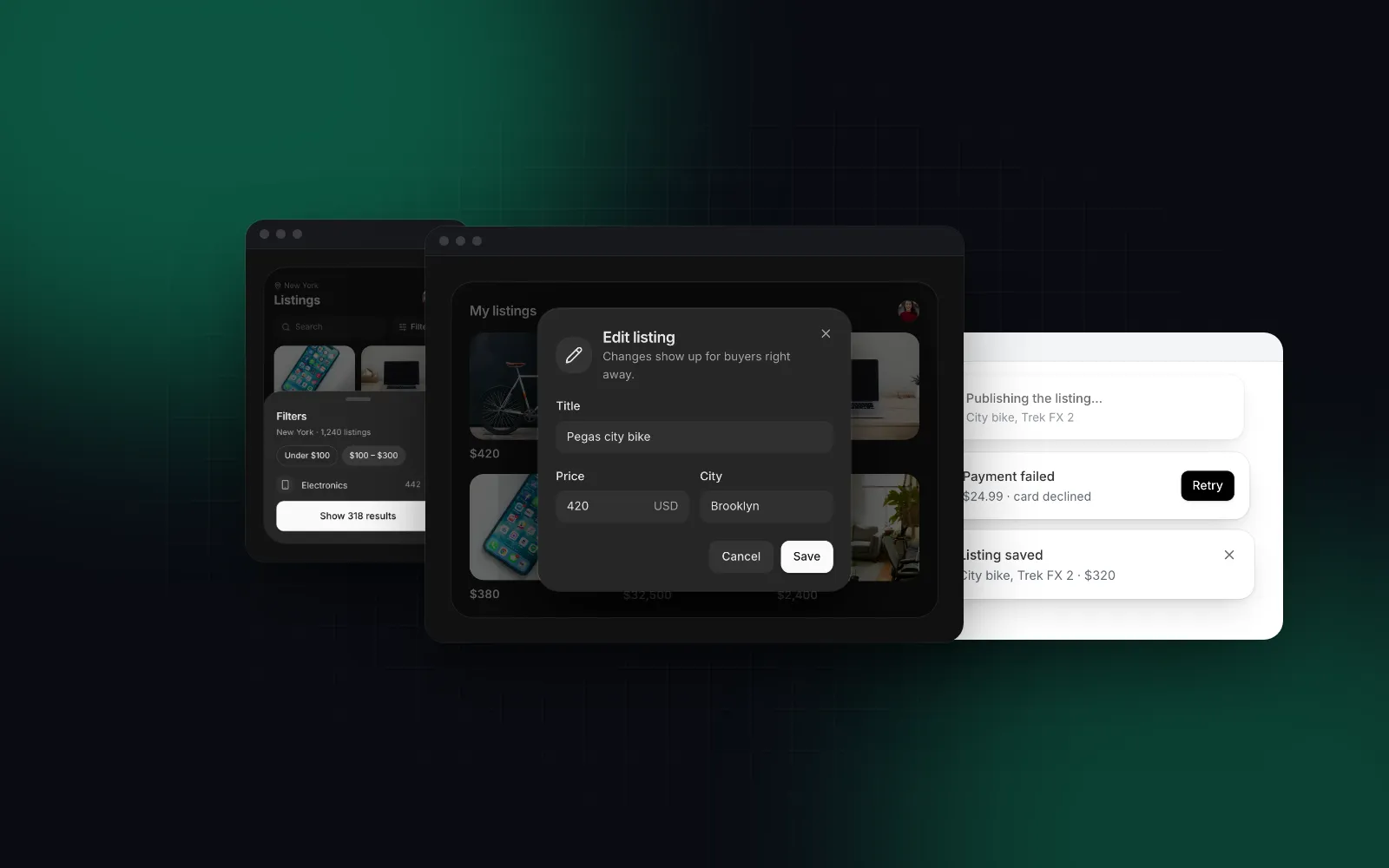
- A web app used on phones as much as on desktops: Wingo UI, alone or next to shadcn/ui, because its overlays become draggable sheets and its controls get 44px targets on touch screens without a recipe per screen.
- An internal tool with heavy data grids: neither is the strongest fit; our shadcn vs MUI comparison covers the MUI X Data Grid and its alternatives.
- A design system you own completely: shadcn/ui, or its primitives (Base UI, Radix or React Aria) directly.
More head to head guides live under Comparisons and alternatives.
The fastest way to settle shadcn vs Chakra UI for your app is to open one overlay on your own phone. Install the free Dialog with npx wingo-ui@latest add dialog, render it next to your Chakra or shadcn/ui dialog, and compare them at 390px.
FAQ
Is Chakra UI better than shadcn/ui?
Neither wins everywhere. Chakra UI gives you style props, a typed theme and package updates through npm; shadcn/ui gives you Tailwind CSS and source files you can edit line by line, with no styling runtime.
Can I use Chakra UI with Tailwind CSS?
You can install both, but you then run two styling systems: Chakra styles through style props and Emotion, Tailwind through utility classes. If Tailwind is your main tool, a Tailwind-native kit such as shadcn/ui or Wingo UI is the simpler Chakra UI alternative.
Does Chakra UI v3 work with the Next.js App Router?
Yes. Chakra's guide says it works with Next.js 15 and 16, but as of October 2026 it asks you to add --webpack to the dev and build scripts because Turbopack hydrates Emotion CSS incorrectly.
Do Chakra UI components work in React Server Components?
You can render them from a server component without adding 'use client', because the package marks its own files as client components. Files that call chakra(), use Chakra hooks or use render props still need the directive.
Is Chakra UI free?
Yes, @chakra-ui/react is MIT licensed. Chakra UI Pro sells prebuilt blocks for v3 at $299 for one person or $899 for a team, one-time, as of October 16, 2026.
- Chakra UI
- shadcn/ui
- Comparisons
- React
- Next.js