Cursor shadcn Setup: MCP Server, .mdc Rules and Registries
Cursor's Agent writes shadcn/ui code from memory unless you give it something better. It will reach for the Button API it learned in training, miss the registry you added to components.json last week, and paste bg-blue-500 where your theme has a token. A Cursor shadcn setup that holds up has four parts: the shadcn MCP server so Agent can search real registries, a project rule that says how to use what it finds, the registry list in components.json, and a CLI that writes the files. This tutorial sets up all four, adds a second registry next to shadcn/ui, and ends with prompts and a finished admin screen built on a Data Table, a Dialog and a Button.
We ran every command below on October 16, 2026, with shadcn 4.22.0, the skills CLI 1.7.2 and our own registry, Wingo UI 1.9.0 (CLI 1.0.3). Statements about Cursor come from its MCP docs (opens in a new tab), rules docs (opens in a new tab) and skills docs (opens in a new tab) as of the same date. Whether Agent runs Composer or another model does not change any of it. For the wider picture of agents and component libraries, start with our component library MCP guide.
What does a Cursor shadcn setup need?
One server, one rule file, one registry list and one CLI per registry:
A library's own MCP server is optional. It earns its place when the library publishes props and design rules, which the shadcn server does not return.
How do I add the shadcn MCP server to Cursor?
Run one command in the project root:
It printed Configuration saved to .cursor/mcp.json., added shadcn to devDependencies, and wrote this file:
That is the project scope of the Cursor MCP setup: commit .cursor/mcp.json and the team gets the server. The same format in ~/.cursor/mcp.json serves every project on your machine. A new server still needs its toggle turned on in Cursor before Agent sees it; as of October 2026 Cursor's docs put the toggles under Customize in the sidebar. Once it connects, its tools appear under Available Tools, and Agent calls them when a prompt needs them.
Which tools does the shadcn MCP server give Cursor?
Seven, all read-only. This is what the server listed once the Cursor shadcn MCP connection was up:
get_project_registries: the registries incomponents.json.list_items_in_registriesandsearch_items_in_registries: browse or fuzzy-search, with paging.view_items_in_registries: name, description, type, file count and npm dependencies.get_item_examples_from_registries: demo code, found by names likedialog-demo.get_add_command_for_items: thenpx shadcn@latest addcommand for a list of items.get_audit_checklist: a short checklist to run after generating code.
Three things follow. The server never writes a file: every install is a terminal command that follows your run mode, and by default Cursor asks before it uses an MCP tool, so you can read each call's arguments first. The server sends no instructions, so nothing tells Agent to search before it writes UI; that is the rule's job. And view_items_in_registries returned no props for @shadcn/button or our dialog, so Agent learns an API from the installed file or the library's docs.
How do I add a second registry?
List it under registries in components.json. A public registry needs only a URL template:
A private registry takes an object with the URL and headers, with the secret in an environment variable:
The shadcn CLI expands ${VAR} from your environment or from .env.local (then .env.development.local, .env.development and .env), so the key never lands in components.json.
With the plain URL in place, one search covers both registries. This is the real answer to search_items_in_registries for "data table" across @shadcn and @wingo-ui with a limit of 5, trimmed to the first three results:
182 matches is fuzzy matching at work, so ask for a small limit. Paid items fail loudly: without a key, view_items_in_registries for our Data Table returned a 402 ("Data Table is part of Wingo UI Pro") and nothing for @shadcn/button in the same call. Ask about paid and free items separately.
What happens when both registries write components/ui/button.tsx?
Something breaks either way. Many shadcn-style libraries install into components/ui with the same file names and different APIs. Our Button's variants are solid, soft, outline, ghost and link, with destructive as tone="danger": replacing the shadcn button breaks every variant="destructive" in the app, and keeping it breaks our dialog, which passes props the shadcn button lacks.
Give the second library its own folder. Our CLI reads its paths from wingo-ui.json, so after npx wingo-ui@latest init set "ui": "@/components/wingo" under aliases, and add writes there and rewrites the imports to match. Install our items with our CLI rather than the shadcn one: init merges the design tokens into app/globals.css, and the shadcn-format JSON at /r/<slug>.json carries none, so shadow-modal or z-modal would resolve to nothing. Our shadcn registry guide covers what else to check before you add a third-party registry.
Does the shadcn skill work in Cursor?
It installs and Cursor finds it, with two caveats. The command:
It copied two skills, shadcn and migrate-radix-to-base, into .agents/skills/ and recorded them in skills-lock.json. Cursor discovers skills in .agents/skills/ and .cursor/skills/, and for compatibility in .claude/skills/ and .codex/skills/ too. If the repository already has the shadcn skill for Claude Code, Cursor picks that copy up as well, so install it once.
Both caveats come from fields written for Claude Code. The allowed-tools line lets Claude Code run the shadcn CLI (through npx, pnpm dlx or bunx) without asking; Cursor's skills docs list no such field, so those commands follow your run mode. And the skill loads your project context with npx shadcn@latest info --json through Claude Code's command syntax, which Cursor's docs do not describe, so expect Agent to run that command itself. The skill's rules (name the registry, read the shadcn docs first, build forms from FieldGroup) fit shadcn/ui files and not other registries, so your rule has to draw that line.
What should the Cursor rules say?
Who owns which folder, which tool to search with, which CLI installs, which tokens to use, and where shadcn/ui patterns stop. Cursor rules for React work best as a few lines Agent can check its output against, because an always-applied rule spends context in every chat. Project rules live in .cursor/rules and must use the .mdc extension; a plain .md file there is ignored. The frontmatter decides when a rule loads: alwaysApply: true for every chat, globs when a matching file is in context, a description alone when Agent judges it relevant, and none of them only when you @-mention it. The old single .cursorrules file no longer appears in Cursor's docs, so move anything you still keep there.
For a project with two registries, these are the Cursor shadcn rules we would commit as .cursor/rules/ui-registries.mdc:
Six bullets, each one checkable. Cursor suggests keeping a rule under 500 lines and adding rules "only when you notice Agent making the same mistake repeatedly." Rules reach Agent only, not Cursor Tab, and User Rules skip Inline Edit. If Claude Code or Codex work in the same repository, put these bullets in AGENTS.md instead, which Cursor reads too; our AGENTS.md vs CLAUDE.md comparison explains which file each agent loads.
How do I connect a library's MCP server next to shadcn's?
Add a second entry to the same .cursor/mcp.json. For our library, one command writes both the server entry and a library rule:
In our test project it created .cursor/rules/wingo-ui.mdc, scoped with globs: ["**/*.tsx", "**/*.jsx", "**/*.css"], and kept the shadcn entry while adding ours:
That is the local proxy, which uses the key saved by npx wingo-ui@latest login. With WINGO_UI_API_KEY exported, the command writes the remote server instead, with Cursor's own variable syntax so the key stays out of the file: "headers": { "Authorization": "Bearer ${env:WINGO_UI_API_KEY}" }. Our server adds what the shadcn one lacks: props with defaults (get_component), design rules and tokens (get_design_rules, get_theme_tokens) and updates (check_updates). Turn it on with its toggle, like shadcn's.
Which prompts get Agent to install the right component?
The ones that name the registry, ask for a search before an install, and say how to check the result:
- Search first. "Search @shadcn and @wingo-ui for an admin data table with bulk actions and cards on phones. List each candidate with its registry and add command. Install nothing yet."
- Build on the real API. "Install the Wingo UI data-table and dialog with the Wingo CLI, read their props with get_component, then build app/clients/clients-table.tsx: search, a status badge, a balance total, row actions, and a confirm dialog before delete."
- Check the tokens. "List every color class in the files you touched and replace anything that is not a semantic token."
- End with a check. "Run get_audit_checklist, then type-check and lint the files you changed."
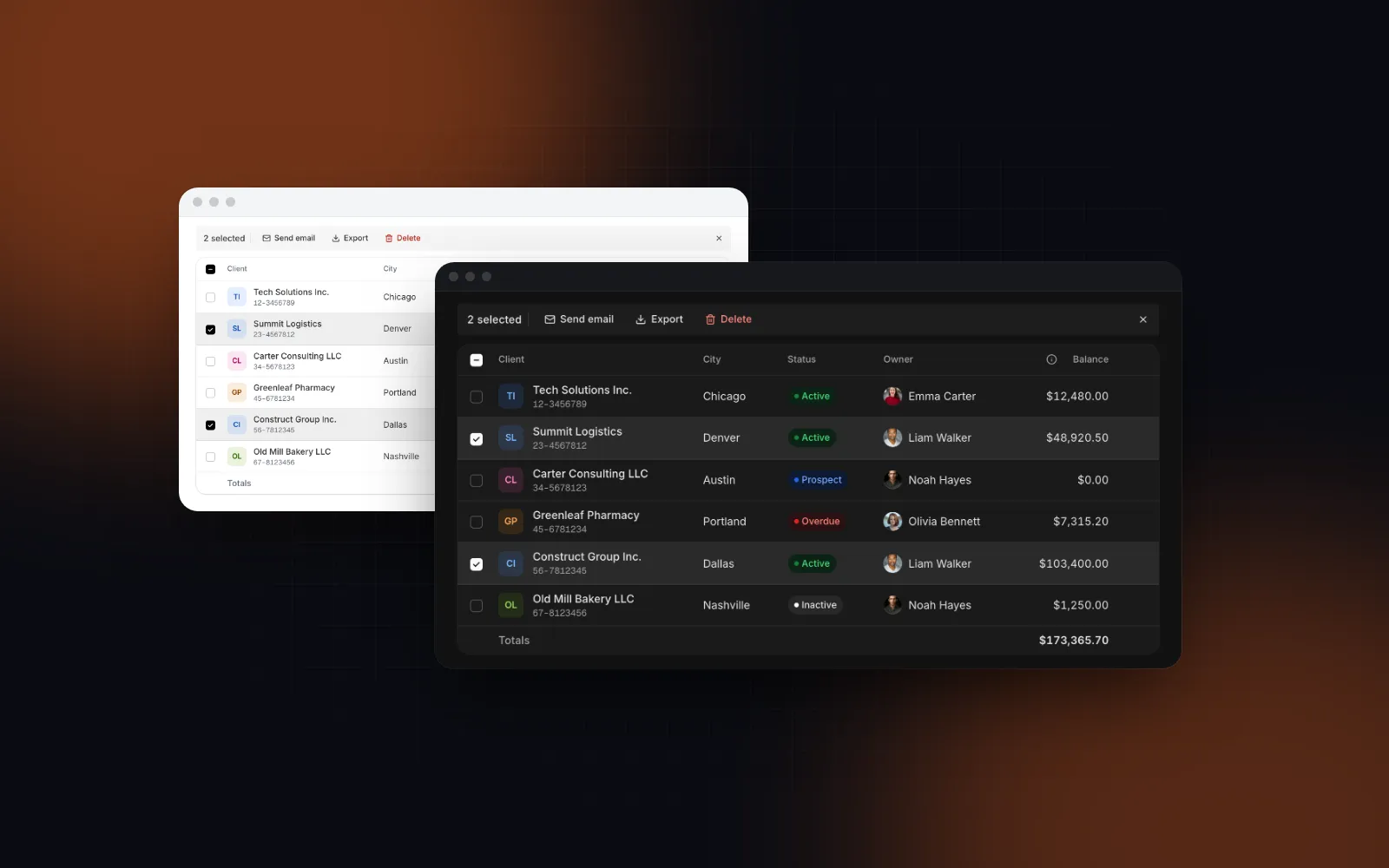
Here is the table that prompt 2 starts from. Type in the search, sort by Balance, then select two rows: the toolbar turns into a bulk bar.
$ npx wingo-ui@latest add data-tableA good run of prompt 2 ends with a file like this, on the real APIs of the Data Table, the Dialog and the Button. We type-checked it against release 1.9.0:
Colors come from tones, never classes, so dark mode needs no extra code. The pending list outlives the dialog, so the title does not flip to "Delete 0 clients?" while it animates out. The delete Button uses loading instead of a hand-built spinner. While the request runs, dismissible={!deleting} stops Escape, outside clicks and the sheet drag from closing it, and the guarded onOpenChange keeps the close button from dropping the dialog mid-request. There is no media query: below 768px the table renders cards and the dialog opens as a bottom sheet. Server mode and the rest of the table's props are in our TanStack Table v9 data table guide.
$ npx wingo-ui@latest add dialogWhy does Cursor ignore the MCP server or the rules?
Usually one of five things:
- The server is off. A server listed in
.cursor/mcp.jsonstays out of chat until its toggle under Customize is on, and its tools are missing from Available Tools until then. - The server failed to start. Open the Output panel (Cmd+Shift+U on a Mac) and pick "MCP Logs". A stdio server needs Node and network access on first run for
npx. - A registry variable is missing. When a
components.jsonregistry uses${VAR}in its headers and the variable is not set, the shadcn CLI fails the whole call withMISSING_ENV_VARS, other registries included. Export it or put it in.env.local. - The rule never loads. Check the
.mdcextension, then the frontmatter: aglobs-only rule waits for a matching file in context. UsealwaysApply: truefor registry and token rules. - The prompt names no registry. "Add a table" leaves Agent to its memory. Name the registry and say "search first".
Where should I start?
On shadcn/ui alone: run mcp init --client cursor, turn the server on, and commit a three-line rule that says search first, install with the CLI, tokens only. If you want a second registry built for phones, the Button and Dialog from this post are free, and npx wingo-ui@latest agents install cursor adds our server and rule next to shadcn's; the MCP server docs and the coding agents docs cover the rest. The Data Table is part of Wingo UI Pro, on the pricing page. Running Claude Code in the same repository? The Claude Code shadcn setup is the companion to this post, and more guides live under Building UI with AI agents.
FAQ
How do I add the shadcn MCP server to Cursor?
Run npx shadcn@latest mcp init --client cursor in the project root. It writes a shadcn entry to .cursor/mcp.json and installs shadcn as a dev dependency; then turn the server on with its toggle in Cursor and check that its seven tools are listed.
Where do Cursor rules for shadcn go?
In .cursor/rules, as files with the .mdc extension; Cursor ignores a plain .md file there. Cursor also reads AGENTS.md in the project root, which is the better home for rules that Claude Code or Codex should follow too.
Does the shadcn MCP server install components in Cursor?
No. Its seven tools are read-only: it returns an npx shadcn@latest add command and Agent runs it in the terminal, where Cursor's run mode decides whether you approve it first.
Is .cursorrules still supported?
As of October 2026 Cursor's rules docs no longer mention .cursorrules at all and describe project rules in .cursor/rules plus AGENTS.md. Move old .cursorrules content into one of those.
Can Cursor use shadcn/ui and another registry in the same project?
Yes. Add the second registry to components.json so one search covers both, and give the second library its own folder, because many shadcn-style libraries ship a components/ui/button.tsx with a different API.
- Cursor
- shadcn/ui
- MCP
- Cursor rules
- AI agents