shadcn Registry: Add Third-Party Components Safely
A shadcn registry is how components from other libraries reach a shadcn/ui project. You add the registry to components.json, run npx shadcn@latest add @name/item, and the CLI writes the files, installs npm packages and pulls in the items they depend on. That works well until a third-party item lands on a file you already have, a token it expects is missing, or a key it needs is not set. This tutorial covers the consumer side: what a registry item contains, how namespaced registries and auth headers work, how to see what an install will change before you run it, what clashes in an existing project, and when to move to a CLI that records versions.
We ran everything below on October 13, 2026 in a fresh Next.js 16.4 app set up with shadcn 4.21.4 (the radix-nova preset) and our own registry, Wingo UI release 1.8.0, with version 1.0.3 of our CLI. Building a shadcn custom registry of your own is a different job, and the shadcn registry docs (opens in a new tab) cover it: you describe items in a registry.json, run shadcn build and host the JSON it writes.
What is in a shadcn registry item?
One JSON file per item, in the registry-item.json schema that shadcn publishes. Our Button is served at /r/button.json. Trimmed to the fields that decide what lands in your project:
filescarry the full source in acontentfield, andpathdecides where it goes after the CLI applies your aliases.dependenciesare npm packages the CLI installs.registryDependenciesare other items, by name or URL, resolved recursively. This is where most surprises come from: one item can bring a whole tree.cssVarsandcsslet an item add CSS variables and rules to your stylesheet. Ours leave them empty, which matters later.envVarsare written to.env.localor.env; the schema docs (opens in a new tab) say existing variables are not overwritten.
How do I add a shadcn namespaced registry?
List it in the components.json registries object, the registries key. The key of each entry is the namespace, and {name} in the URL becomes the item name. A registry with only free items needs nothing more:
For private or paid items, use the object form with a header. This is the form our installation docs give for Pro items:
Put the key in .env.local, which the .gitignore from create-next-app already excludes:
The shadcn namespace docs (opens in a new tab) say ${VAR} works in URLs, headers and params, and is expanded from the environment. Two behaviors we hit in testing:
- No variable, no install. With the header form and
WINGO_UI_API_KEYunset,npx shadcn@latest view @wingo-ui/buttonstopped with "Registry "@wingo-ui" requires the following environment variables", even though the button is free. Keep the plain URL form until you have a key. - A paid item without the right key fails with the server's status.
view @wingo-ui/calendaron the plain URL returned "Failed to fetch from registry (402)", because the Calendar is part of Wingo UI Pro.
How do I install a component by name?
Name the namespace and the item. Several items can go in one command:
A full URL works for public items without any components.json entry: npx shadcn@latest add https://wingo-ui.com/r/button.json. The namespace form is better once you install more than one item, because you configure auth once and shadcn search @wingo-ui -q "date" can browse the registry.
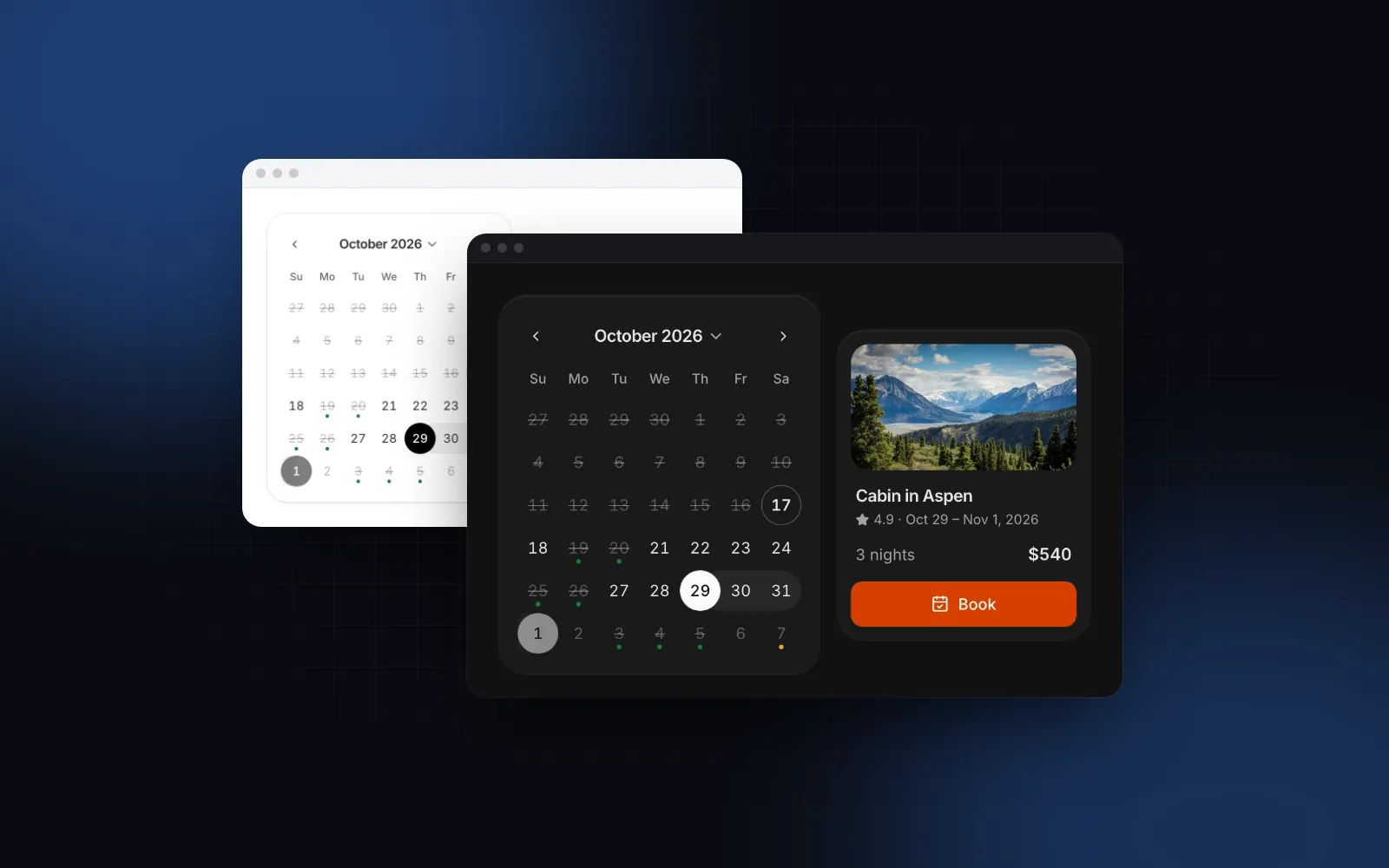
The demo below is the Calendar that add @wingo-ui/calendar installs.
$ npx wingo-ui@latest add calendarHow do I check what a registry will write before running it?
Use three commands, cheapest first. All of them read the registry and write nothing.
--dry-run is the one to read, because it resolves the whole dependency tree. In our project, which already had the shadcn/ui button and card, it printed:
One button, six files, two of them yours. --view <path> prints a file's content and --diff <path> compares it with what you have. Read every line marked ~ before you install, and commit first so git diff can undo anything.
What clashes in an existing shadcn/ui project?
Four things, in the order you will meet them.
lib/utils.ts
Most of our items depend on a utils item that writes lib/utils.ts, so the CLI asks "The file utils.ts already exists. Would you like to overwrite?" shadcn 4.21.4 set up our project with a one-line file, export { cn } from "cn"; ours is the older clsx plus tailwind-merge version. Answer no. Our components only import cn from @/lib/utils, and the Wingo UI button type-checked against shadcn's one-line file.
Files with the same name
shadcn/ui ships 62 ui items as of 4.21.4, and third-party libraries reuse those names because they install into components/ui too. Our Button and shadcn's share button.tsx with different APIs: ours has variant values solid, soft, outline, ghost and link, and tone="danger" where shadcn uses variant="destructive".
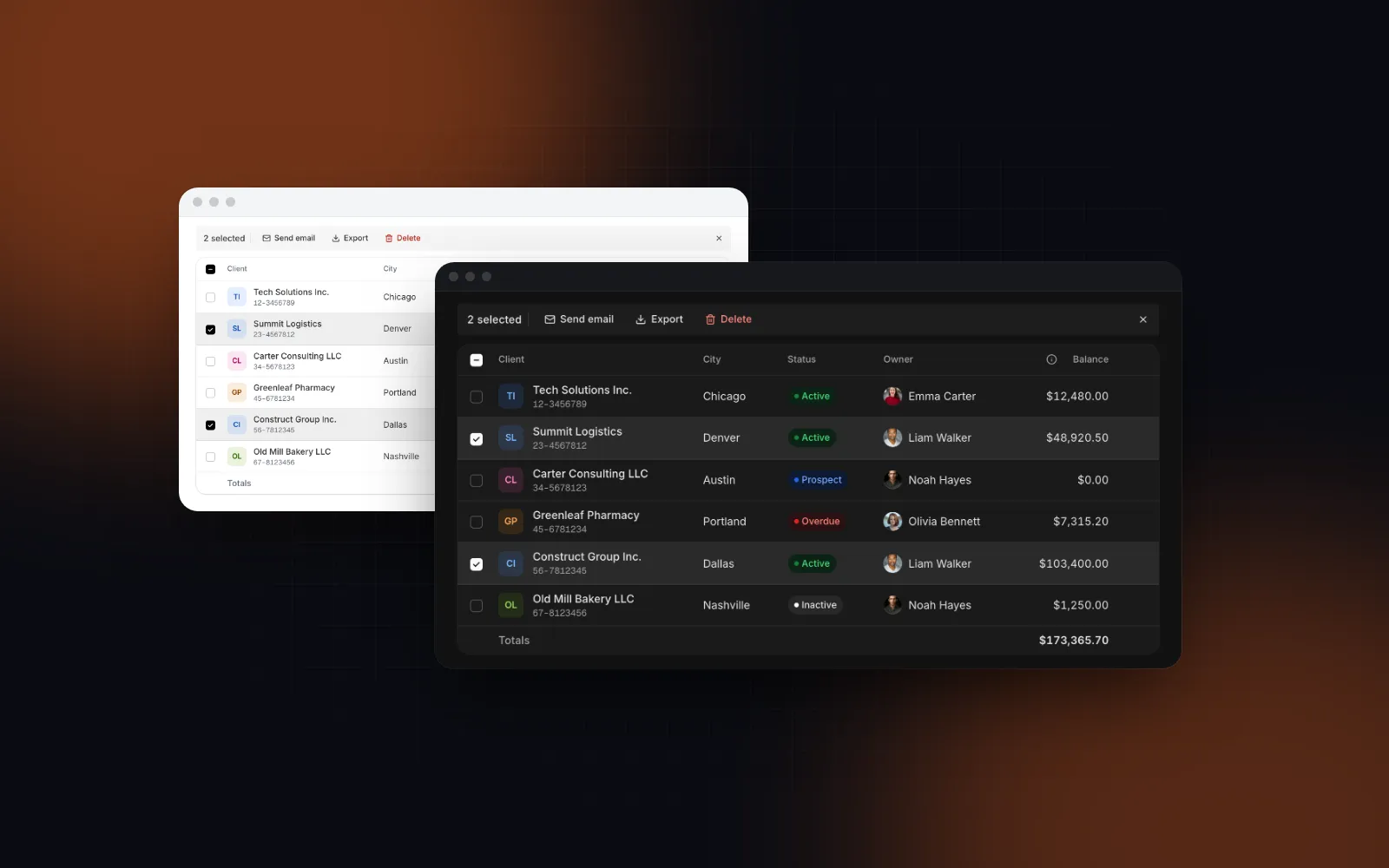
Dependencies make this bigger than it looks. The Calendar depends on our Button, so installing it also overwrites your button, and answering no leaves a calendar that passes variant="soft" and radius="full" to a Button that does not accept them. The Data Table resolves to 47 items, itself included; 28 of them are files in components/ui, and 20 of those share a name with a shadcn/ui component, from avatar.tsx to tooltip.tsx.
The fix is a folder per library. Point the second library at its own ui alias, so components/ui stays shadcn's. Our Claude Code shadcn setup walks through that layout with components/wingo.
CSS variables
Both libraries define --background, --accent, --radius and other shared names, with different meanings:
--accentis a light gray in shadcn/ui (oklch(0.97 0 0)in our radix-nova project), used for highlighted items. Our stylesheet defines it as an orange tint, and our components never usebg-accent.--radiusis0.625remin that project. Ours is0.375rem, kept for older code, and paired with--radius-md: calc(var(--radius) - 2px), which makesrounded-md4px.
Paste our tokens over yours and shadcn/ui's highlights turn orange while its corners shrink. The opposite problem appears with the shadcn CLI: our items set cssVars to null, so nothing adds the tokens they use. Classes like shadow-raised and z-modal then resolve to nothing. The safe merge is npx wingo-ui@latest init. In our project it added 43 variables, 17 dark values and 43 @theme mappings and changed no existing line, so --accent and --radius kept shadcn's values. Our components use fixed corner sizes (a medium button is rounded-[10px]), so your --radius does not change them.
Base UI styles and asChild
shadcn styles named base-* use Base UI, and the CLI rewrites asChild into Base UI's render prop as it installs. We set "style": "base-nova" and ran add @wingo-ui/dialog --dry-run --view components/ui/dialog.tsx: <DialogClose asChild> came out as <DialogClose render={<Button ... />}>, but our Dialog still imports Radix, which has no render prop. In a Base UI project, install with our CLI, which writes files as published.
When should you migrate from the shadcn CLI to the Wingo UI CLI?
When you want updates. The shadcn CLI records nothing about what it installed, so a later release can only reach your files through add --overwrite, which drops your edits. Our CLI writes wingo-ui.json with each item's version and keeps the installed copy in .wingo-ui/base, which is what lets update run a 3-way merge. To migrate from shadcn ui's CLI to ours for the items you installed from us, you do not reinstall anything:
init does not take over components.json. It reads one field from it, tailwind.css, to find your stylesheet, takes the @/* alias from tsconfig.json, and writes its own folders to wingo-ui.json, so change aliases.ui there if our files live outside components/ui. It found shadcn's export { cn } from "cn" and kept it.
add then compares each file with the current release. In our project, where the button and its helpers had come in through shadcn add @wingo-ui/button, all five files reported identical and were recorded at 1.0.0, and outdated listed them as up to date.
A file you edited reports conflict instead and is not recorded. Save your copy, take ours with --overwrite, then put yours back:
That is exact when your copy came from the current release. If it is older, diff also shows the upstream changes you never received as if they were yours, so review them there.
While you are in there, move default-value edits out of the file. We had changed radius = "md" to "full" inside button.tsx; the same result as a UIProvider default leaves the file untouched, so the next update has nothing to merge:
How the merge itself works, and a git script that does the same for stock shadcn/ui files, is in our guide to updating shadcn components without losing edits. The commands are on the updates docs page.
Where should I start?
Add the registry with the plain URL, run npx shadcn@latest add @wingo-ui/button --dry-run in your project and read the list it prints. If button.tsx shows up as an overwrite, choose a folder for the second library before you install anything. Calendar and Data Table are part of Wingo UI Pro, on the pricing page; the Button and UIProvider are free. For how the two libraries differ beyond the registry, read Wingo UI vs shadcn/ui, and more deep dives live under Component guides.
FAQ
What is a shadcn registry?
A server that publishes components as JSON files in the shadcn registry-item format: the source of each file, the npm packages it needs and the other items it depends on. The shadcn CLI reads those files and writes the source into your project.
How do I add a third-party registry to components.json?
Add an entry under registries, such as "@wingo-ui": "https://wingo-ui.com/r/{name}.json (opens in a new tab)". For private or paid items use the object form with url and headers, and write the key as ${VAR} so the CLI reads it from the environment or .env.local.
Why does the shadcn CLI fail with a missing environment variable error?
A registry in components.json uses ${VAR} in its URL or headers and the variable is not set. Set it in .env.local or your shell, or use the plain URL form while you only install free items.
Should I let a third-party registry overwrite lib/utils.ts?
Usually no. If your file already exports cn, components that import cn from @/lib/utils keep working. In our test the Wingo UI button type-checked against shadcn's one-line lib/utils.ts that re-exports cn from the cn package.
Can I switch from the shadcn CLI to a library's own CLI later?
Yes. With Wingo UI, run npx wingo-ui@latest init in the same project, then npx wingo-ui@latest add for the items you installed. Files that match the current release are recorded as installed, so later updates can merge into them.
- shadcn/ui
- Registry
- CLI
- components.json
- React