Nextjs Restaurant Template: Open Now, Menu, Book a Table
Three questions send guests to the phone: are you open, what is on the menu, and do you have a table at eight. A nextjs restaurant template is worth using when the page answers all three before the guest thinks of calling, on a phone, in the restaurant's own time zone. This guide walks through Wingo UI's Restaurant Page, a Next.js restaurant website built from source components: what each section does, how to feed it your hours, menu and booking API, and how it compares with the next js restaurant template listings on ThemeForest and in CMS galleries.
What should a restaurant website answer first?
The guest's question, in the order they ask it:
- Open now? One line the guest can read in a second: Open until 11 PM, Closing soon, or Closed now, opens tomorrow at 10 AM. A table of hours makes them do the math.
- What is on the menu? Real text with prices, split into sections, with a way to find the vegan or gluten free dishes without reading everything.
- Can I book? A form that knows which days you are closed, which times are left and when the last table sits.
After those come the things that help someone choose you: photos, the chef's story, reviews, private events, the address with directions and a map. Most restaurant landing page template listings we read cover the photos and the story well. Few say anything about time zones, last seating, booked slots or what the menu does on a 390px screen.
What is in the Wingo UI restaurant template?
Restaurant Page is one React component with typed sample content for Olive & Ember, a fictional wood-fired restaurant in Chicago. Top to bottom:
- Hero with the open status, the cuisine, the rating and two buttons: Reserve a table glides to the form and focuses it, Order online links out.
- Menu with category tabs and dietary filter toggles in one bar that sticks under the header while you scroll the dishes.
- Reservation form with party size, a date picker, time slots per service, name, email, phone and notes, then a confirmation with an Add to calendar file.
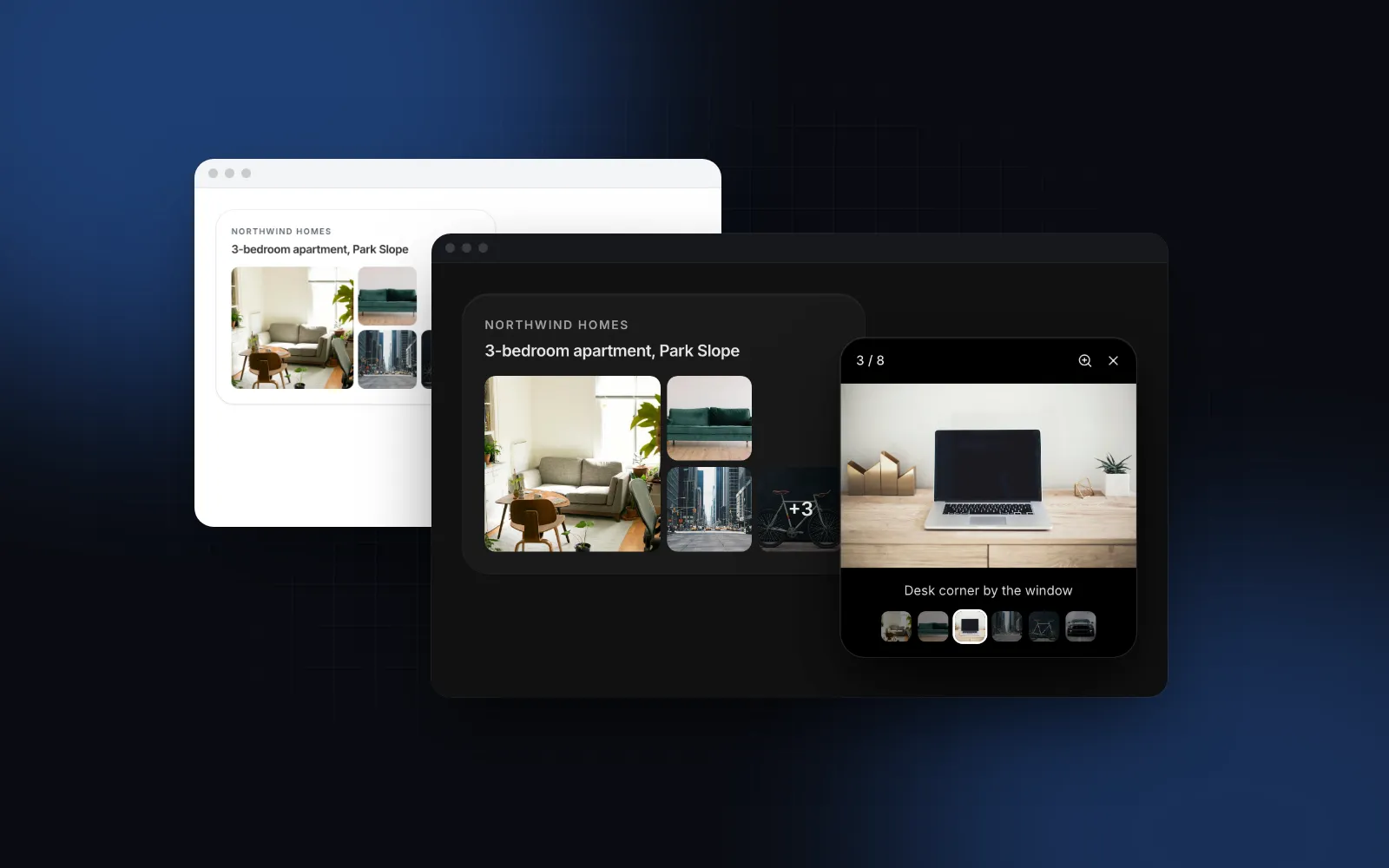
- Chef story, gallery with a full-screen image lightbox, private event cards and reviews.
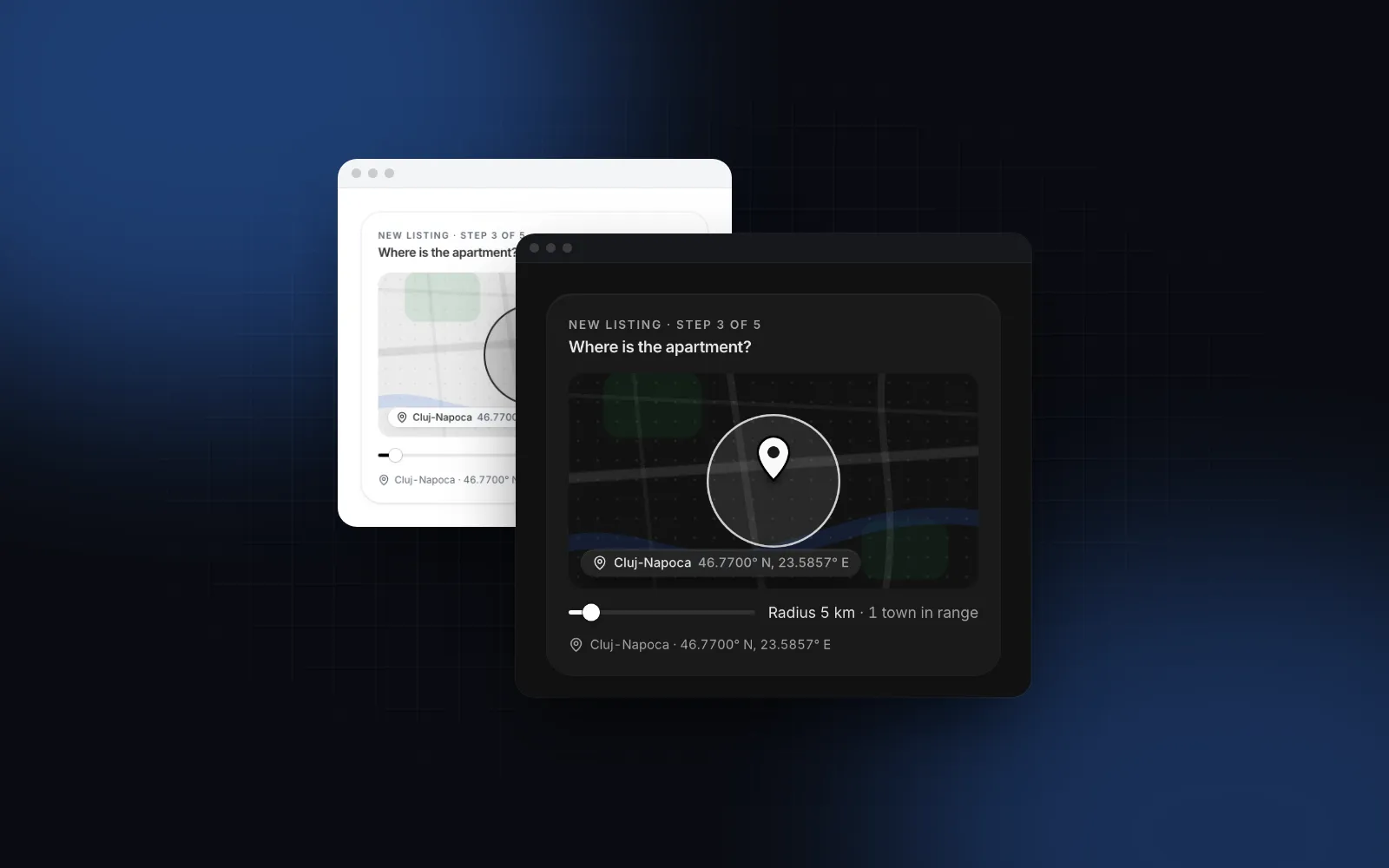
- Visit section with the address, Get directions, a call link, the week's hours with today marked, and a location map.
- Gift card band and a footer. On phones, a Reserve a table bar sticks to the bottom while the form is off screen.
$ npx wingo-ui@latest add restaurant-pageThere are three designs (design="warm" | "dark" | "minimal"), and every color, radius and section is a prop. showGallery={false} or showEvents={false} drops a section; tone and ctaTone move accents and the Reserve buttons from neutral to your brand.
How do you install it in a Next.js app?
Run one CLI command while signed in with a Pro account. The template is Pro, and the CLI copies it with every component it imports:
You get components/templates/restaurant-page.tsx and components/templates/restaurant-page-data.ts, plus the components it builds on (tabs, toggle group, date picker, time picker, lightbox, map, sticky bar) in components/ui/ and the marketing header, footer and sections in components/blocks/. The data file holds the types and the sample content. Keep your own content in a separate file and pass it as props, as the examples below do: the template files stay as installed, so npx wingo-ui@latest update has fewer edits to merge.
How does the open now status work?
You pass the weekly hours and the restaurant's IANA time zone; the page works out the status in that zone after hydration and refreshes it every minute. Hours are a list of weekdays, each with zero or more services in 24 hour time:
The page reads the current minute in the timeZone you pass (an IANA name such as America/New_York) with Intl.DateTimeFormat, so a guest in Los Angeles checking a New York restaurant sees New York's status. Within 60 minutes of a close the line turns into Closing soon. A Friday service that closes at 01:00 still counts as open at 00:30 on Saturday.
The live status is read after hydration and refreshed every minute. The server renders labels.hoursFallback instead ("Dinner Tuesday to Sunday from 5 PM" in the sample), so the HTML never disagrees with the client and crawlers still get a sentence about your hours. Set that label for your restaurant. For screenshots and tests, pass a fixed now.
The same hours drive three other places: the hours table in the Visit section, the closed days in the calendar, and the time slots in the form.
How does the restaurant menu work in React?
A restaurant menu React component needs two things from you: categories, which become tabs, and dishes, each with its category and its dietary tags:
The tag ids vegan, vegetarian, gluten-free and spicy get drawn icons; you can add your own through dietaryTags, or pass an empty array to hide the filters. Filters combine (Vegan and Spicy means dishes with both), the tabs then show how many dishes match, and an empty section offers Clear filters instead of a blank panel. Arrow keys move between tabs. On phones the tabs and the filters become swipeable chip rows, and the dishes stack in one column. variants replace the price for wines, and currency plus locale format every price with Intl.NumberFormat.
How does table booking work?
The form offers only times the restaurant can seat, and two props connect it to your booking system. It builds time chips per service every timeStep minutes (30 by default) and stops lastSeating minutes before the close (60 by default). Today's times inside minNotice (30 minutes) are hidden, the calendar opens bookingWindow days ahead (60) and the next bookable day is preselected. The date picker opens a bottom sheet on phones.
isBooked(date, time) strikes through times that are gone, and onReserve receives the reservation once the form passes validation (a date, a time, a name and a valid email). Here is the wiring for an App Router project:
While the promise runs, the button spins. A resolved { confirmation } shows your number with the date, time and guests; a rejection keeps every field filled and shows labels.reserveFailed. Parties larger than partySizeMax are pointed to the private events link. If you already use a booking service with its own widget, set showReservation={false} and put a link to it in headerProps.actions: the Reserve buttons and the sticky bar go with the form.
How do you get the hours into search results?
Add Restaurant JSON-LD with openingHoursSpecification in your route, built from the same HOURS array. The template does not print any structured data, because only your route knows your canonical URL. Next.js recommends a JSON-LD script in the page component (Next.js JSON-LD guide (opens in a new tab)). Building it from HOURS keeps the page and the markup from drifting apart:
Keep your Google Business Profile hours in sync with the same data. Guests trust whichever one they see first. Our Next.js JSON-LD guide turns that script into a typed component with a CI check that fails when the markup drifts from the page.
What does it do on a phone?
It keeps the three answers within thumb reach on a 390px screen, because a guest checking hours is often on a phone, on the way there. In detail:
- The open status sits in the hero, above the fold, with a live region so screen readers hear it.
- Menu tabs and filters are chip rows you swipe, and the bar sticks under the header so the filters stay in reach.
- The calendar is a bottom sheet, time chips are at least 44px tall on touch screens, and booked times are announced as booked.
- On submit, focus moves to the first field with a problem.
- The gallery lightbox opens from the tapped photo; swipe between photos, pinch to zoom, pull down to close.
$ npx wingo-ui@latest add image-lightbox- The map does not steal the page scroll on touch: a tap opens it full screen.
- The sticky Reserve a table bar respects the safe area and hides while the form is on screen.
What should you watch out for?
Five things the sample cannot decide for you, and each one bites at launch if you skip it:
- Sample copy in the labels. Some default labels describe the sample restaurant:
home,ctaTitleandlegalname Olive & Ember,visitTitleandtaglinename Fulton Market, andheroTitletalks about an oak fire. Read throughDEFAULT_RESTAURANT_PAGE_LABELSand set yours throughlabels. - Holidays. The calendar disables weekdays with no hours.
datePickerProps.disabledreplaces that rule, so include the closed weekday too:disabled: [{ dayOfWeek: [1] }, new Date(2026, 11, 25)]. - Double bookings.
isBookedis a hint built when the page loaded. Check availability again in the server action. - Map tiles. The map uses OpenStreetMap tiles by default. For a busy site, read the OSM tile usage policy (opens in a new tab) and set
mapProps={{ tileUrl }}to your own provider. - Real photos. Without
heroImageand gallerysrcvalues the page draws its pictures in code. That is fine for a prototype, never for launch.
How does it compare with other restaurant templates?
Most alternatives are marketplace themes and CMS starters: that is what searches like "restaurant website template react" and "nextjs restaurant website" returned when we checked on November 6, 2026. The listings below are the ones that ranked, with what each listing itself says:
Pick Maison or the BCMS starter when the owner must edit the menu in a CMS without a developer: the content model comes ready. The Wingo UI template takes plain props, so a CMS is something you wire up yourself. Pick a ThemeForest theme when you want a cheap, one-off look and will build the hours and booking logic on your own. The Wingo UI page fits when booking and the phone experience matter more than a CMS, and when you already build other screens with the library. If the restaurant also sells products online, the Storefront Page shares the same header, footer and band system.
Where to go from here
Try the demo on the Restaurant Page template: switch the design, the time zone and the time input in the playground, then install it with npx wingo-ui@latest add restaurant-page once you have Pro. For the time zone math behind booking slots, read our React appointment booking guide, and for more screens built this way, browse the Build it category.
FAQ
Is there a free Next.js restaurant template?
Yes. bloomtpl's Next.js Restaurant Template on GitHub (Next.js 16, Tailwind CSS 4, a reservation page) is free for personal and commercial use but may not be resold, as of November 6, 2026; check the license, the last commit and whether the booking form actually sends anything before you build on any free starter. The Wingo UI Restaurant Page is Pro, while the Tabs and Button it uses are free.
How do I show whether a restaurant is open now in Next.js?
Store the hours per weekday in 24 hour time, read the current time in the restaurant's IANA time zone with Intl.DateTimeFormat, and render the status only after hydration so the server and the client agree. The Restaurant Page does this with its hours and timeZone props and updates the line every minute.
Can the template take real reservations?
Yes, through onReserve. It receives the date, time, party size, name, email, phone and notes; return a promise that resolves with your confirmation number, or reject it and the form stays filled with an error. Use isBooked to strike through taken times, and check the slot again on the server.
Should a restaurant menu be a PDF or a web page?
A web page. HTML text reflows on a phone, search engines and AI assistants can read it, and guests can filter it for vegan or gluten free dishes. Keep a PDF only as an optional download for printing.
How much does the Wingo UI restaurant template cost?
It is part of Wingo UI Pro: $8 a month, $80 a year or $150 once, with every other Pro template and component included. The 14-day refund applies only while no Pro item has been downloaded.
- Restaurant
- Templates
- Next.js
- Booking
- Mobile UI