Antigravity MCP Setup: The Right Config Path and Prompts
Ask the Antigravity agent for a customers table and it writes one from training data: a plain <table>, a hand-rolled filter, no phone layout. An Antigravity MCP server entry fixes that by giving the agent a component registry it can search, read props from and install from. The hard part is the config file. Search results disagree about where mcp_config.json lives, which key a remote server needs and whether a project can have its own. This tutorial answers those from the binaries on our machine, adds a component library (ours, Wingo UI) and the shadcn server, and ends with prompts that turn into real components.
We checked everything on November 6, 2026 on macOS with the Antigravity app 2.16.0, Antigravity IDE 2.6.0 and the agy CLI 1.5.1, plus our CLI 1.0.4 and shadcn 4.23.0. We ran agy mcp add and agy mcp list in a throwaway home folder, read the MCP docs bundled inside the app and the CLI, and called our stdio server directly. We did not grade what the agent writes, which depends on the model you pick. Why an agent needs a component server at all is in our component library MCP guide.
Where is the Antigravity MCP config file?
~/.gemini/config/mcp_config.json. One file serves all three surfaces:
For the IDE we read the code that builds the path: it joins your home folder with .gemini, config and mcp_config.json. The app's language server and the CLI ship the same docs page, which names ~/.gemini/config/mcp_config.json as the global configuration that "applies to all sessions". Google's Antigravity MCP docs (opens in a new tab) and its Workspace MCP guide (opens in a new tab) say the same as of November 6, 2026.
Why do other guides say ~/.gemini/antigravity/mcp_config.json?
Because that was the older path. On our machine ~/.gemini/config/ holds a .migrated marker, and the changelog bundled with agy describes a fix for a [Disable] button that wrote to the legacy path instead of the migrated config/mcp_config.json. Guides written before the move still show ~/.gemini/antigravity/mcp_config.json. If you edited that file and nothing appeared, this is why.
A community guide on dev.to (opens in a new tab) from May 2026 also lists ~/.gemini/antigravity-cli/mcp/ and ~/.gemini/antigravity-ide/mcp/. The guide marks both as generated from the shared config. Edit the shared file, never those.
Can a project have its own mcp_config.json?
Google's docs say yes: <workspace>/.agents/mcp_config.json applies to one workspace. We could not confirm it. With a server in .agents/mcp_config.json, agy mcp list printed No MCP servers configured., agy mcp add wrote only the global file, and the docs bundled in all three builds mention only the global file and plugin folders. Until you have seen a workspace server appear in your own build, put servers in the global file.
What goes in the Antigravity mcp_config JSON?
A map under mcpServers, with one entry per server. A stdio entry has command, args and an optional env. A remote entry has serverUrl (or url) and optional headers. Google's docs list more optional keys: disabled, enabledTools, disabledTools and timeoutSeconds. The file may contain // and /* */ comments and trailing commas: the agy changelog lists a fix for configs that failed to parse with them.
The quickest way to get a correct entry is to let agy write it:
That printed Added MCP server "wingo-ui" (stdio) and then:
And this is the file it wrote:
The -y matters. Without it, npx stops to ask before it downloads a package, and nobody answers a server that Antigravity started in the background. We saw exactly that failure in our Gemini CLI shadcn setup.
Note that agy mcp list only shows what is configured. Connection status and the tool list are in /mcp inside a session or in the app's MCP Servers section.
Remote entry or npx stdio entry: which should I use?
Our server answers both ways. The stdio entry above runs a small local proxy, npx wingo-ui@latest mcp, which forwards to https://wingo-ui.com/mcp and adds the key that npx wingo-ui@latest login saved on your machine. The remote entry talks to the server directly:
agy detects the URL and picks HTTP on its own. Flags go before the name: agy mcp add wingo-ui https://wingo-ui.com/mcp --header ... fails with http server type does not accept command arguments.
We recommend stdio for most people, because of the key row. Google's MCP docs do not mention ${VAR} expansion in headers or env as of November 6, 2026, and the dev.to author writes that environment variables for API keys "isn't working for me" in the CLI and IDE. We could not test it without a signed-in session. So assume the header value is sent exactly as written, and keep that file out of dotfile repositories.
When our stdio proxy started without a key, it printed serving https://wingo-ui.com/mcp (anonymous: docs only ...) to stderr and answered tools/list with 10 tools, all marked read-only: search_components, list_categories, get_component, get_block, get_design_rules, get_theme_tokens, get_install_instructions, check_updates, get_changelog and get_account_status. Every tool and option is on the MCP server docs.
How do I add an Antigravity shadcn MCP entry?
The same way, by hand. In shadcn 4.23.0, npx shadcn@latest mcp init --client accepts claude, cursor, vscode, codex and opencode, and shadcn's MCP docs (opens in a new tab) do not mention Antigravity as of November 6, 2026:
That writes "command": "npx" with "args": ["-y", "shadcn@latest", "mcp"]. The shadcn server searches the registries in your components.json and returns npx shadcn@latest add commands. In our earlier tests it returned no props, so for components with a large API you want the library's own server next to it.
With both servers in one project, both libraries install a button.tsx with different props. Say in your rules which registry owns which folder, so the agent knows whose API it is reading.
How do I reload Antigravity MCP servers after an edit?
Refresh the server list; you rarely need a full restart. Per Google's MCP docs and its Workspace guide as of November 6, 2026:
- App: Settings > Customizations, then Refresh under Installed MCP Servers. Each server's More actions menu also has Restart, Disable and Delete.
- IDE: Antigravity User Settings > Customizations > Refresh, the same steps as the app. Manage MCP Servers in the agent panel opens the raw config.
- CLI:
/mcpopens the MCP Manager, which reloads configurations and shows connection logs.
Then ask one question only the server can answer: "Call get_account_status on the wingo-ui server." Without a key it says you are anonymous.
Google's docs also say unconfigured MCP tools run in Ask mode, so the agent asks before each call. Permission rules accept patterns such as mcp(wingo-ui/*) if you want to allow a read-only server once. Keep shell installs on confirm.
What should the rules file say?
When to search, how to install, which tokens to use. Antigravity loads GEMINI.md and AGENTS.md from the folder you work in up to the repository root, according to its bundled docs, and Google's rules docs (opens in a new tab) add .agents/rules/*.md (as of November 6, 2026). Each rule file is capped at 24,000 bytes. Our CLI has no Antigravity target (agents install knows Claude Code, Codex, Gemini CLI, Grok and Cursor), so fetch the same block it writes for Codex:
The block sits between <!-- wingo-ui:start v=3 --> and <!-- wingo-ui:end --> markers. Its core line:
AGENTS.md is also what Codex, Cursor and Grok read, so one file covers the team. Our AGENTS.md vs CLAUDE.md comparison has a fuller template.
Which prompts get the agent to install real components?
Name the screen, the data and what the agent should report back. The rules already send it to search_components, then get_component or get_block, then npx wingo-ui@latest add. The prompt supplies what a rules file cannot: columns, routes and copy.
Prompt 1: a customers table
The Data Table covers every line of that prompt with props. The core of a good result:
The mobile roles are the part a model writing from memory skips: below 768px each row becomes a card with the name as its title.
$ npx wingo-ui@latest add data-tablePrompt 2: a sign-in screen
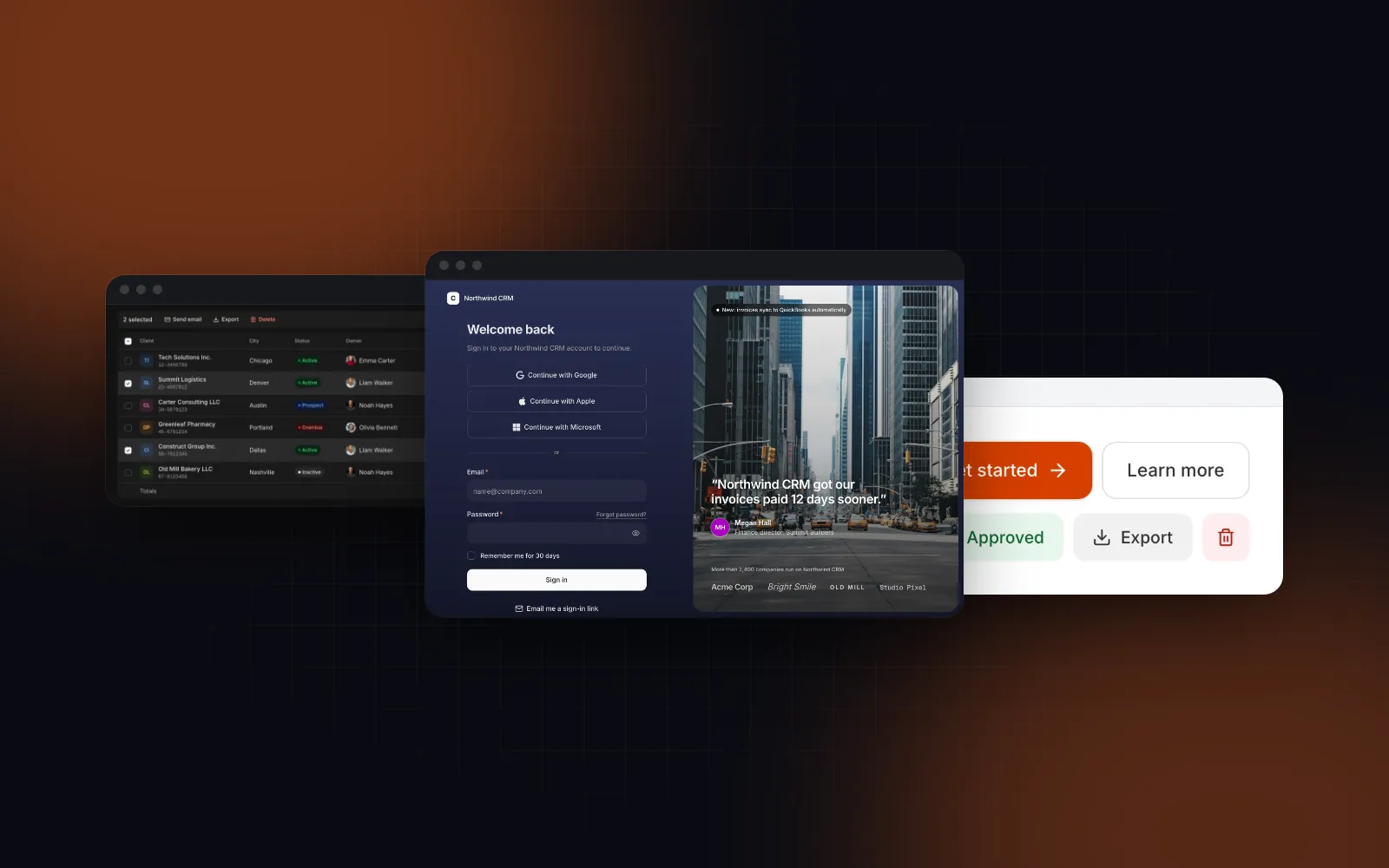
The Login Page ships sample handlers so its demo runs, and its default labels name Northwind CRM. That is why the prompt asks for a report: without onVerifyCode, the code view accepts 123456 for anyone. A good result passes layout="card", methods={["password", "otp"]}, showProviders={false}, labels with appName, signInDescription and copyright, and real onSignIn, onSendCode, onVerifyCode and onSuccess handlers. The complete component with those handlers is in our Gemini CLI shadcn setup.
$ npx wingo-ui@latest add login-pagePrompt 3: swap a hand-written spinner
Our Button has a loading prop, so the spinner markup and the disabled juggling go away:
What goes wrong, and how do I fix it?
- Nothing shows up after an edit. You edited
~/.gemini/antigravity/mcp_config.jsonor a generatedmcp/folder. Move the entry to~/.gemini/config/mcp_config.jsonand refresh. - The server fails to start over stdio. Usually npx waiting for an install answer: add
-ytoargs. - A remote server will not connect. Check that the URL is a Streamable HTTP endpoint (
/mcp, not/sse) and that the key is the literal value, not a variable name. - Connected, but no source. No key: run
npx wingo-ui@latest login(a free account needs only an email) and refresh the server. - Pro blocks with a free key.
get_blockstill returns props and usage forlogin-page, andnpx wingo-ui@latest add login-pagestops because the block is part of Pro. The Button is free; the Data Table and Login Page are Pro ($8 a month, $80 a year or $150 once, on the pricing page).
Where should I start?
Create a free account, run npx wingo-ui@latest login, then agy mcp add wingo-ui npx -y wingo-ui@latest mcp, add the AGENTS.md block and try prompt 3 on the free Button. The coding agents docs cover the other agents. The same setup for other editors is in our Codex MCP setup, Cursor shadcn setup, Copilot shadcn setup and OpenCode MCP setup, and the rest of the series is under Building UI with AI agents.
FAQ
Where is the Antigravity MCP config file?
At ~/.gemini/config/mcp_config.json. In the builds we checked on November 6, 2026 (Antigravity 2.16.0, Antigravity IDE 2.6.0 and agy 1.5.1 on macOS), all three read and write that one file. The app shows the path through Copy Config File Path in its MCP Servers section.
Does Antigravity support a project-level mcp_config.json?
Google's MCP docs list /.agents/mcp_config.json for one workspace. In agy 1.5.1, agy mcp list ignored that file and agy mcp add wrote only the global one, so the global file is the safer place until you have confirmed it in your own build.
Should a remote server use serverUrl or url in Antigravity?
Either works. Google's docs use serverUrl and accept url, the CLI's bundled docs call serverUrl the legacy key, and agy mcp add still writes serverUrl. httpUrl and the old HTTP+SSE transport are not supported.
Does the shadcn MCP server work with Antigravity?
Yes, as a manual stdio entry: agy mcp add shadcn npx -y shadcn@latest mcp. In shadcn 4.23.0, mcp init --client accepts claude, cursor, vscode, codex and opencode, not Antigravity, so it will not write the file for you.
Do I need to restart Antigravity after editing mcp_config.json?
No, refresh the server list: Settings > Customizations > Refresh under Installed MCP Servers in the app or IDE, Restart on a single server in the app, or /mcp in the CLI. A full restart only helps when a server stays stuck.
- Antigravity
- MCP
- shadcn/ui
- AGENTS.md
- AI agents