Gemini CLI shadcn MCP Setup for Real React UI
Ask Gemini CLI for a customers table and it writes one from memory: a plain <table>, a hand-rolled filter, a layout that falls apart on a phone. A Gemini CLI shadcn setup fixes that by giving the agent a registry to search and a rules file that tells it to search first. This tutorial connects Gemini CLI to the shadcn MCP server and to a component library with props and full-screen blocks (ours, Wingo UI), through settings.json or gemini mcp add, adds a GEMINI.md block, and ends with prompts that turn into a real data table and a sign-in screen.
We ran every config below on November 5, 2026 with Gemini CLI 0.67.0, shadcn 4.23.0 and our CLI 1.0.4, in a clean project with its own home folder, and checked each one with gemini mcp list. We did not grade model output: what Gemini writes depends on the model and your auth. The config syntax matches Google's MCP server docs (opens in a new tab) and configuration reference (opens in a new tab) as of the same day. Why an agent needs a component server at all is in our component library MCP guide.
Can you still use Gemini CLI in November 2026?
Yes, with the right account. Google's May 19, 2026 announcement (opens in a new tab) moved individual users to Antigravity CLI: Gemini CLI stopped serving Google AI Pro and Ultra subscribers and free Gemini Code Assist users on June 18, 2026. Access stays unchanged for Gemini Code Assist Standard and Enterprise, and the post says Gemini CLI remains available with paid Gemini and Gemini Enterprise Agent Platform API keys.
If you moved to Antigravity CLI, check its own docs for MCP: Google's post does not cover it, and everything below is for Gemini CLI.
What does a Gemini CLI MCP setup need?
Two config files, a trusted folder and a restart:
Gemini re-reads settings.json when it starts. Inside a session, /mcp shows each server's status and tools, and /memory show prints the GEMINI.md text it loaded.
How do I add the shadcn MCP server to Gemini CLI?
Write the Gemini CLI shadcn MCP entry by hand. shadcn's MCP docs (opens in a new tab) list Claude Code, Cursor, VS Code, Codex and OpenCode for npx shadcn@latest mcp init --client, and Gemini CLI is not among them as of November 5, 2026. The JSON shape is the same one Claude Code and Cursor use, with one change:
The -y matters. With shadcn's documented args (["shadcn@latest", "mcp"]) in a project where shadcn was not installed, gemini mcp list showed ✗ shadcn ... Disconnected: npx stops to ask before it downloads a package, and a server started by Gemini has nobody to answer. With -y it showed Connected. shadcn's own mcp init avoids the problem for its clients by installing shadcn as a dev dependency (source (opens in a new tab), checked November 5, 2026), which you can also do.
The shadcn server searches the registries in your components.json and hands back npx shadcn@latest add commands. In our Claude Code shadcn MCP setup it returned no props, so for components with a real API surface you want the library's own server next to it.
How do I connect a component library through settings.json or gemini mcp add?
Our CLI writes both files in one step. In the project root:
In our clean test project, without a key in the environment, it printed:
For Gemini the default is the project scope (--scope user writes ~/.gemini/settings.json and ~/.gemini/GEMINI.md instead), and running it again changes nothing. This is the Gemini CLI settings.json MCP entry it writes, in each mode:
The first runs a local proxy that uses the key saved by login. The second, which the CLI picks when WINGO_UI_API_KEY is set (or with --mcp http), calls the server directly. Gemini resolves ${WINGO_UI_API_KEY} from your environment when it loads the settings, so the file holds only the variable name and is safe to commit.
What does gemini mcp add write?
The same thing, through Gemini's own command. Scope defaults to project, transport to stdio:
Two details from our run. The HTTP form wrote "url" with "type": "http" instead of httpUrl; both connected. And with double quotes, your shell expands the variable before Gemini sees it, which puts the key itself in settings.json.
Why does gemini mcp list say Disabled?
Because the folder is not trusted. Our first gemini mcp list in the new project printed:
Note the second line: even a server in ~/.gemini/settings.json stays off in an untrusted folder. gemini mcp add in project scope refused outright with "Cannot modify settings in an untrusted workspace". Trust the folder when Gemini asks at startup, or run /permissions in a session; the choice is saved in ~/.gemini/trustedFolders.json. After that:
Then ask one question only the server can answer: "Call get_account_status on the wingo-ui server." Without a key it answers that you are anonymous: docs, props and search work, and no source is sent.
What should GEMINI.md say?
When to search, how to install, and which tokens to use. This is the block agents install wrote, between markers that npx wingo-ui@latest agents update rewrites later:
Per Google's GEMINI.md docs (opens in a new tab), Gemini joins ~/.gemini/GEMINI.md, the files in your workspace and its parent folders, and files it finds next to code it reads, then sends them with every prompt. /memory reload rescans after an edit. If the repository already has an AGENTS.md for Codex, set "context": { "fileName": ["AGENTS.md", "GEMINI.md"] } in settings.json and keep one rules file; our AGENTS.md vs CLAUDE.md comparison has a fuller template.
With both servers in one project, add a line that says which registry owns which folder: shadcn/ui and our library both install a button.tsx with different props, so Gemini has to know which API it is reading.
Which prompts get Gemini CLI to build UI from real components?
For Gemini CLI UI design work, the prompts that work name the screen, the data, and what Gemini should report back. The GEMINI.md rules already send it to search_components, then get_component or get_block, then the install command; the prompt supplies what a rules file cannot: columns, routes and copy. Gemini asks before every MCP tool call by default, even though all 10 of our server's tools are read-only. Add "trust": true to the server entry to skip those prompts, and keep the shell installs on confirm.
Prompt 1: a customers table
A search for "users table with filters" on our server lists the Data Table in its top three, next to a members table and an audit log, and its props cover every line of that prompt. The client component we expect back, type-checked against the current release:
The mobile roles are the part a model writing from memory skips: below 768px each row becomes a card with the name as its title, and selection starts with a long press.
$ npx wingo-ui@latest add data-tablePrompt 2: a sign-in screen
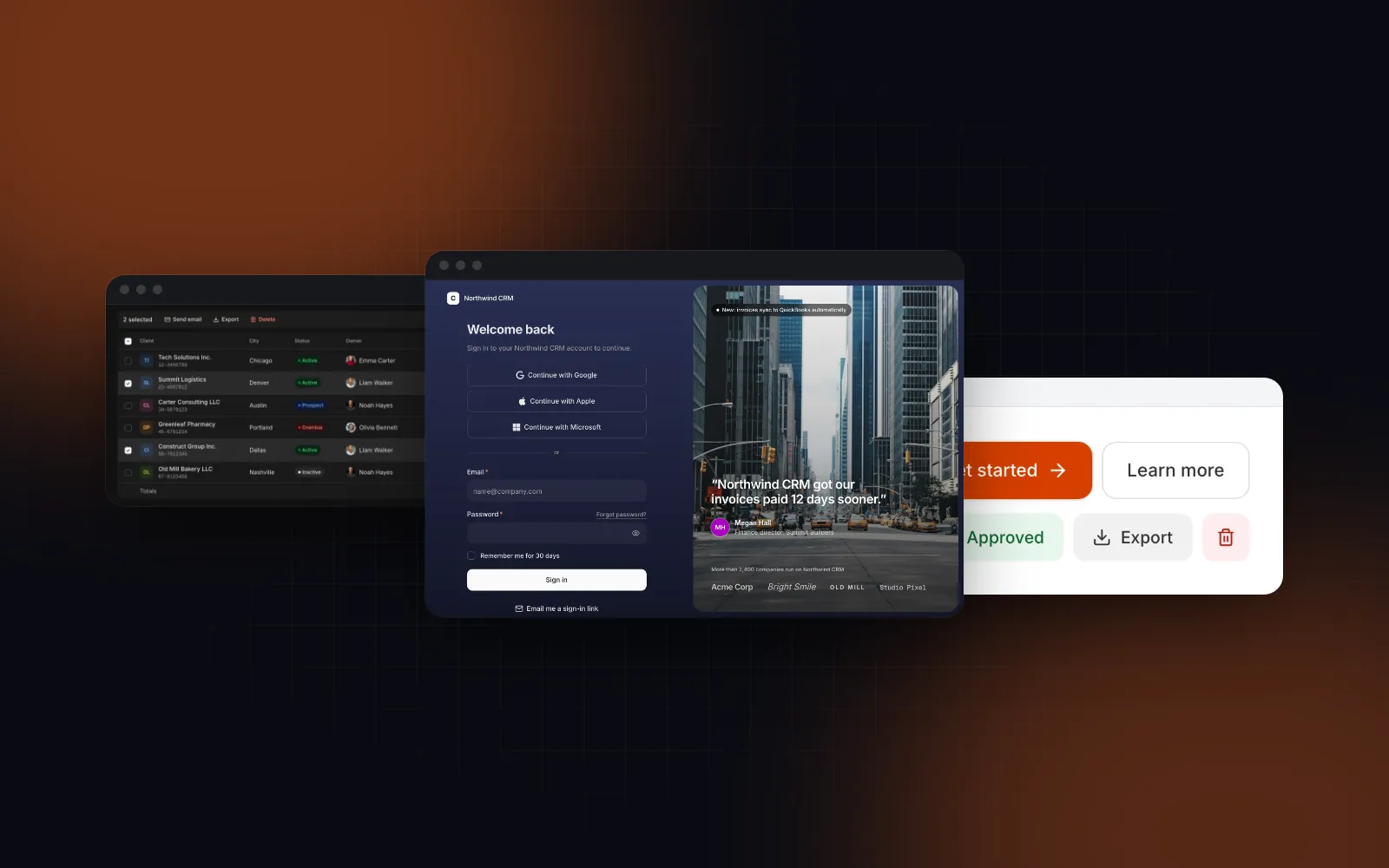
The Login Page ships sample handlers so its demo runs, and its default labels name Northwind CRM. That is why the prompt asks for a report: without onVerifyCode, the code view accepts 123456 for anyone. In the card layout with two-factor off, appName, signInDescription and copyright are the only Northwind labels on screen; the split layout's hero adds heroLabel, customersTitle and the testimonial, and twoFactor adds twoFactorDescription. A good result:
$ npx wingo-ui@latest add login-pagePrompt 3: swap a hand-written spinner
Our Button has a loading prop, so the spinner markup and the disabled juggling go away:
What goes wrong, and how do I fix it?
- Disabled in
gemini mcp list. Untrusted folder. Trust it, then list again. - Disconnected over HTTP. With a made-up key in
WINGO_UI_API_KEY, our server refused the connection and Gemini showed✗ ... Disconnected. Check the key on your account's API keys page, or switch to the proxy withnpx wingo-ui@latest agents install gemini --mcp stdio. - Connected, but no source. With the variable missing, Gemini sent an empty bearer token and connected anonymously. Export the key in the shell profile of the terminal that starts Gemini, then restart it.
- Disconnected over stdio. Usually npx waiting for an install answer: add
-ytoargs, as above. - Pro blocks with a free key.
get_blockstill returns props and usage forlogin-page, andnpx wingo-ui@latest add login-pagestops because the block is part of Pro. The Button is free; the Data Table and Login Page are Pro ($8 a month, $80 a year or $150 once, on the pricing page). - Server names with underscores. Gemini prefixes tools as
mcp_<server>_<tool>and its docs warn that underscores in a server name can break policy matching. Keepwingo-uiandshadcnas they are.
Where should I start?
Create a free account, run npx wingo-ui@latest agents install gemini in your project, trust the folder and try prompt 3 on the free Button. The MCP server docs list every tool and the coding agents docs cover the --scope and --mcp options. The same setup for other agents is in our Codex MCP setup, the Copilot shadcn setup for VS Code and the rest of Building UI with AI agents.
FAQ
Does the shadcn MCP server work with Gemini CLI?
Yes, through a manual entry in .gemini/settings.json. shadcn's mcp init command does not list Gemini CLI as a client (as of November 2026), so add the server under mcpServers with command npx and args -y, shadcn@latest, mcp.
Where does Gemini CLI store MCP servers?
Under mcpServers in settings.json: ~/.gemini/settings.json for every project, or .gemini/settings.json in the project. gemini mcp add writes to the project file by default; --scope user picks the home file.
Why does gemini mcp list show my server as Disabled?
The folder is not trusted. With folder trust on, Gemini CLI ignores the project settings and suppresses user-level servers too in an untrusted folder; trust it when Gemini asks or through /permissions, and the server connects.
Can Gemini CLI read an API key from an environment variable in settings.json?
Yes. String values in settings.json can reference $VAR or ${VAR}, which Gemini resolves when it loads the settings, so a header like Authorization: Bearer ${WINGO_UI_API_KEY} keeps the key out of the file.
Is Gemini CLI still available after the move to Antigravity CLI?
For some users. Google's May 19, 2026 post says it stopped serving Google AI Pro, Ultra and free Code Assist users on June 18, 2026, and stays available with Code Assist Standard or Enterprise and with paid Gemini API keys.
- Gemini CLI
- MCP
- shadcn/ui
- GEMINI.md
- AI agents