Role Management UI in React: Members, Roles, Audit Log
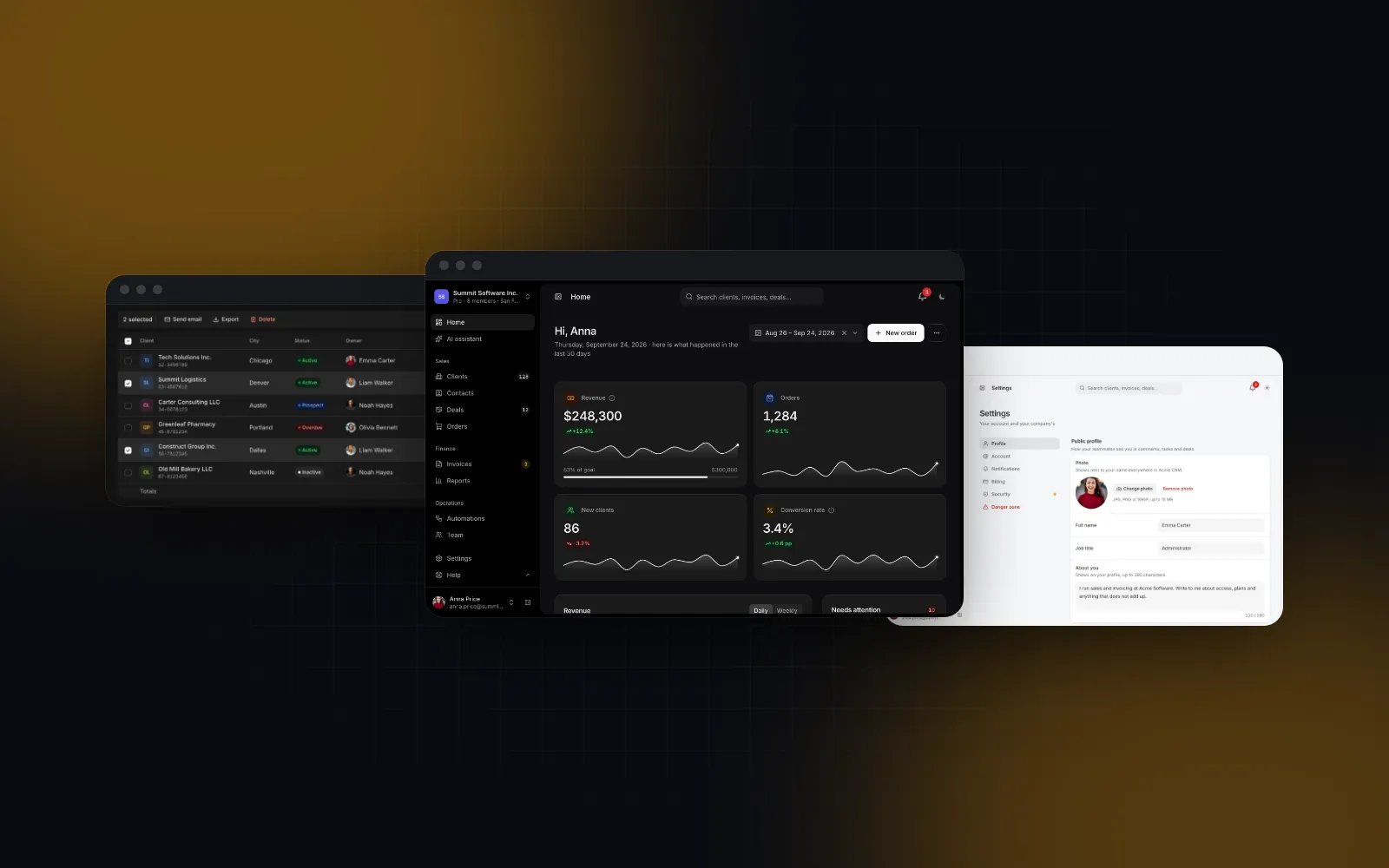
Every B2B product reaches the day a customer asks "can my accountant see invoices but not delete clients?" That question needs a role management UI: a team screen where an admin invites people, gives each one a role, decides what each role may do and can later see who changed what. Search for it and you find block galleries with a members table and an invite dialog, and Dribbble shots of a checkbox grid. Few explain how the parts behave together: seats, dependencies between permissions, unsaved changes, the audit trail and the phone layout. This tutorial builds that screen in Next.js from Wingo UI parts, with the code you need.
What belongs on a user role management UI?
Three tabs cover what admins actually do, in the order they do it:
- Members and invitations. The team with a role picker per row, status, last activity and two-step verification, plus pending invitations. A seat meter on top, because inviting is where plans run out.
- Roles and permissions. One card per role and a matrix of roles by permissions, grouped by module (Clients, Deals, Invoices, Reports, Settings and team). A save bar collects the edits.
- Audit log. Who did what, when, to which record, from which IP, with filters and a CSV export for the security questionnaire your customer will send.
The details decide whether admins trust the screen. The last administrator cannot be demoted, nobody removes the owner or themselves, and a failed request puts the old value back and says so. A user role management UI that shows success and then quietly loses the change is worse than none.
Should you start from a block gallery or a full admin screen?
Start from a block when roles are fixed, and from a full screen once customers can edit roles. Most results for a react user management template are blocks: a members table and an invite dialog. Facts from each public page, as of November 2026:
If your product has three fixed roles and no customer will ever ask for custom ones, the free shadcnblocks table is enough: a role select per row is the whole feature. Once roles become editable you need the matrix, the draft and save model, and the history, and that is the screen this post builds. The Wingo parts are Pro; pricing starts at $8 a month.
How do you lay out the team page in Next.js?
Put the team screen in one route: a server page.tsx that loads data, a client view that wires the handlers, and a permission catalog both sides import. The page sits in the admin route group from the Next.js admin dashboard tutorial, which sets up the Admin Shell and the server/dal.ts module with requireAdmin(). Install the block (it pulls in the table, the matrix and the log):
Keep the permission catalog in a plain module without "use client". The matrix renders it, and the server validates against the same list, so the two cannot drift:
Keep the administrator's id as admin: the block's last-administrator guard looks for that role.
The view is a thin client component that turns Server Action results into the promises the block expects. A rejected promise makes the block roll back and show the message:
page.tsx loads the rows, computes canManage from the session and renders <TeamView />. With canManage={false} the page turns read-only and explains why, which is better than hiding the team from people who only need to see it.
How should the members tab handle invitations and seats?
Count pending invitations as used seats, because inviting is where plans run out. In the block an invitation holds a seat until it expires: the meter under the title shows used seats with a line like "2 seats held by invitations" and switches to its warning color at 80%. When members and invitations fill every seat, Invite people first offers to add seats (seatStep, five by default, through onAddSeats) and then opens the form.
A good invite team members UI accepts what people paste: the Members Table splits a list like Emma Carter <emma@northwind.app>; daniel@northwind.app into addresses, and lists the ones it refused under Not added with the reason (invalid, already a member, already invited). More addresses than free seats keeps Send disabled and says why.
Role changes in a row are optimistic: the picker shows the new role with a spinner, and a rejection rolls it back with the error. The block refuses to demote the last administrator before it calls you, but your changeRole action must refuse it too, because a Server Action can be called without the button.
$ npx wingo-ui@latest add users-admin-pageHow do you design a permissions matrix UI people can read?
A permissions matrix UI fails in two ways: too many rows to scan, and checkboxes that allow states your backend rejects. The Permissions Matrix handles both with a few rules worth copying even if you build your own.
- Group by module, verbs inside. Rows are grouped (Clients, Invoices) with a group checkbox that shows a dash when only some are on. Reuse the same verbs across modules (view, edit, export) so a row reads the same in every group.
- Encode dependencies.
requires: ["invoices.view"]on Issue invoices means granting it also grants View, and revoking View clears Issue. The cells that changed on their own flash once and the change is announced to screen readers. - Mark the dangerous ones.
dangerous: trueadds a danger dot to exports and deletions, the permissions a security review asks about. - Lock the top role. A
lockedcolumn has everything and explains why on hover, focus or long press, so nobody wonders why Administrator cannot be edited. - Show the diff. Pass the saved value as
compareToand cells that differ get a dot and a tint, with a count in the toolbar.
For roles that need more than yes or no, mode="levels" turns each cell into a None / View / Edit / Full select.
$ npx wingo-ui@latest add permissions-matrixWhy a save bar instead of saving each checkbox?
Because one permission change affects every member with that role. Collecting edits in a draft lets an admin set up a role completely, see the count ("3 unsaved changes") and save once, or discard. The block uses countPermissionChanges(draft, saved, { ignoreRoles }) for that count and a save bar from Settings Layout that slides up with Discard and Save, plus mod+s while it shows. Switching tabs with unsaved changes asks first. A single member's role, by contrast, saves per click: it is one clear decision about one person.
What does the matrix become on a phone?
It shows one role at a time. At 390px a grid of five roles by twenty permissions does not fit, and a sideways scroll hides the role names while you tick, so in its default layout the matrix does not scroll sideways on a phone. Below 768px it offers two layouts through mobileLayout: "accordion" (one card per role with a switch per permission and per module) or "role-picker" (role chips over one list). The Users Admin Page uses the role picker, because admins usually edit one role at a time.
Never stack two bottom bars on one edge. The save bar floats above the edge and respects the safe area, and onDirtyChange tells your shell when to hide its phone tab bar while changes are pending. The members tab follows the same rule as any responsive table: rows become cards with a full-width role picker, and the invite dialog and menus open as bottom sheets.
What should the audit log record?
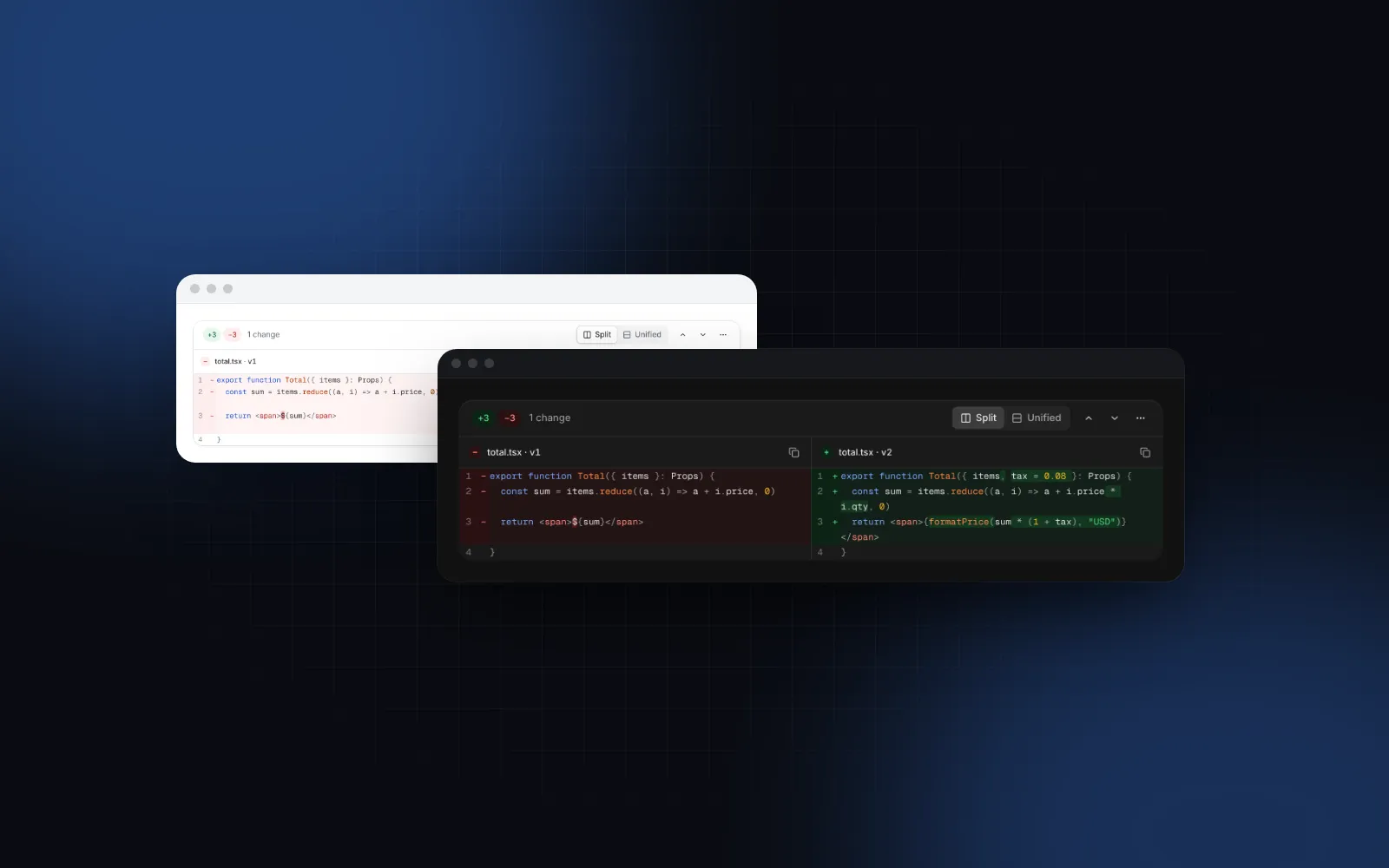
Record every change an admin makes on this screen, and the security events around it: invitations sent and accepted, role changes, removals, role permission edits, failed sign-ins and exports. Each Audit Log event carries actor, action, target, severity, ip, device and a changes list with before and after values, which the row expands into a diff.
Write those rows in the same transaction as the change. The block adds this page's changes to the top of the log as instant feedback, but the source of truth is your table. The block's audit tab filters and exports the auditEvents you pass, in the browser, so load a bounded window (the last 90 days, say). For a log too large for that, render the Audit Log yourself with mode="server", onQueryChange, hasMore and onLoadMore, and give it an onExport that builds the CSV on the server instead of from the rows on screen.
$ npx wingo-ui@latest add audit-logWhere do you enforce the permissions?
On the server, every time. The matrix stops impossible states in the browser, and savePermissions checks them again against the same catalog:
The helpers resolvePermissionDependencies and countPermissionChanges are exported too, but from a client module, so the server reads the plain catalog instead. Your data layer then checks a permission per request (can(user, "invoices.cancel")), not a role name, so a renamed or new role works without code changes.
Where do you go from here?
If you only need members, invitations and a role per person, start with the Members Table. For the whole team screen, open the Users Admin Page demo: try a role change, a matrix edit and the audit filters, then install it with npx wingo-ui@latest add users-admin-page. Every demo and its props are public without an account; the source of these four parts needs Pro. The rest of the admin lives in the Build it category, including the settings page tutorial that uses the same save bar.
FAQ
What is a role management UI?
It is the admin screen where a workspace owner sees who has access, invites people, assigns each person a role and decides what each role may do. Most B2B products also show the history of those changes in an audit log on the same screen.
Should a permissions matrix save every checkbox right away?
Usually not. Permission changes affect many people at once, so collect them in a draft, mark the changed cells and save the batch from a save bar, with Discard next to it. Saving per click works for a single member's role, which is one clear decision.
How do I show a permissions matrix on a phone?
Do not scroll a grid of five roles sideways at 390px. Show one role at a time, either as an accordion card per role or as role chips over one list of switches, and keep the save bar pinned above the bottom edge.
Is hiding buttons enough to enforce roles?
No. The interface only explains the rules. Every Server Action or API route has to check the caller's role and validate the submitted permissions, because anyone can send the request without your buttons.
Do pending invitations count as seats?
They should, until they expire or are revoked. Otherwise an admin can send more invitations than the plan allows and the last people to accept hit an error.
- RBAC
- Admin
- Next.js
- B2B SaaS
- Permissions