Nextjs Contact Form That Sends Email and Blocks Spam
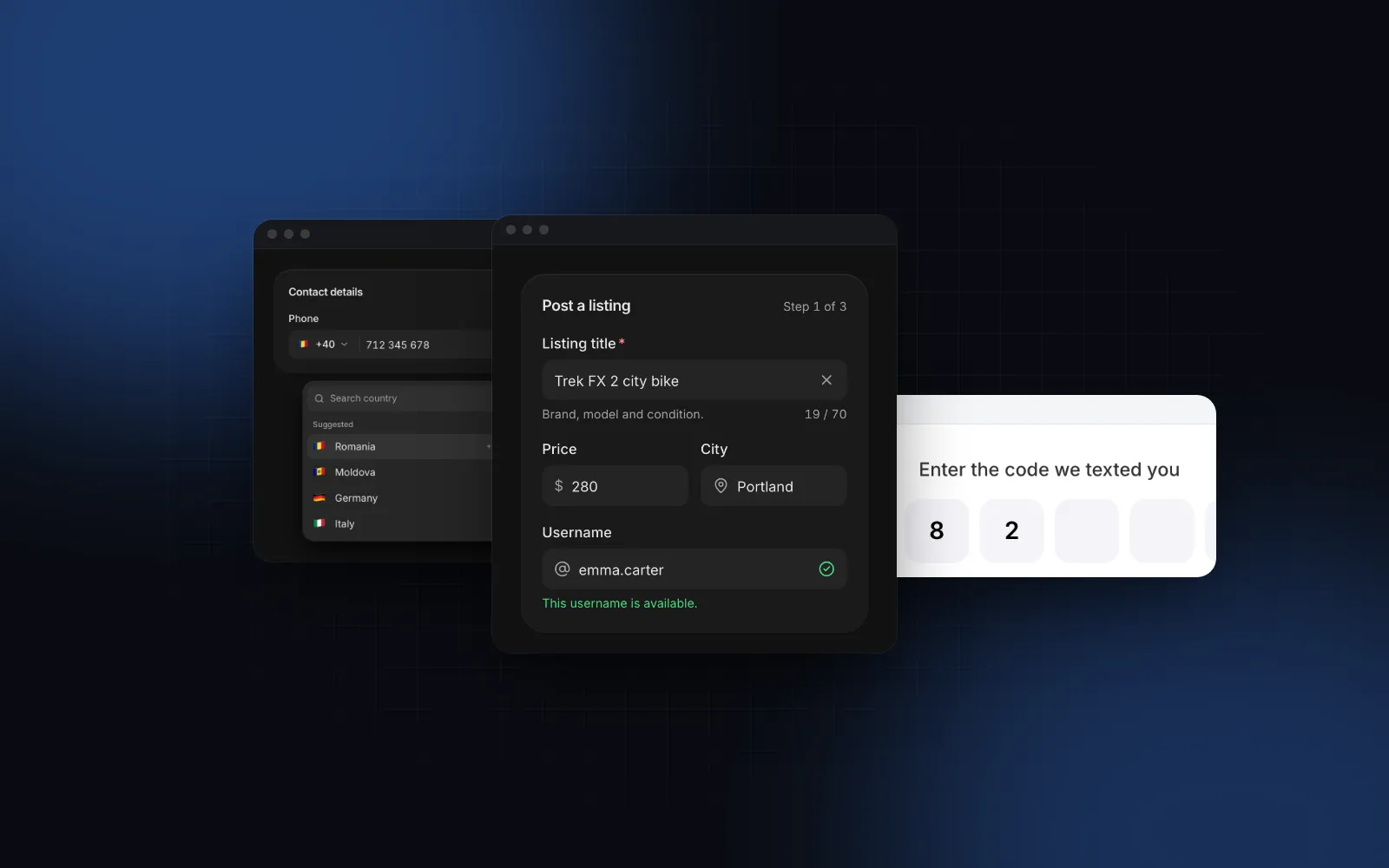
A Nextjs contact form looks like a ten-minute job: three fields, a button, an email in your inbox. Then the first spam wave arrives, a visitor loses a long message to a validation error, and you find out your SMTP password was one import away from the client bundle. This tutorial builds a contact form in the Next.js 16 App Router that validates with zod, sends the email from a Server Action, drops bots with a honeypot, limits each IP, and keeps what the visitor typed when something fails. At the end it swaps the bare form for the free Contact Page template.
What does a Next.js contact form need?
Five parts. The first three make a working form; the last two decide whether it survives real visitors:
- One schema that defines what a valid message is, shared by every place that reads the form.
- A Server Action that parses the form data, sends the email and returns field errors.
- A client form with labels, inline errors, a pending button and a confirmation.
- Spam protection that does not punish people: a honeypot and a rate limit.
- Error recovery: the visitor's text survives a failed send or a validation error.
The email call, the step people search for as "nextjs contact form send email", is about ten lines. Parts 4 and 5 take more thought, and part 5 hides a React 19 behavior that clears the form after a failed send.
Should I use a Server Action or an API route?
Use a Server Action unless something other than your own form needs the endpoint. With an action, the <form action={...}> posts to the server without a fetch call, the form works before JavaScript loads, and useActionState hands the result straight back to the component. The Next.js forms guide (opens in a new tab) uses this pattern with zod for validation (checked November 5, 2026).
A Route Handler (app/api/contact/route.ts) is still the better choice when a mobile app, a webhook or a third-party form builder posts to the same endpoint. Both keep your email credentials on the server. One warning that applies to both: an action is a public HTTP endpoint. Anyone can call it with any payload, so validate on the server even if the client validates too.
How do I validate a contact form with zod?
Put the schema in its own file, without "use server", so the action and any client code can import it. Trim before checking, cap every length, and refuse line breaks in the name, because it ends up in an email subject.
This is zod 4 (the version current as of November 2026): z.email() is a top-level schema, and z.flattenError() turns a failed parse into { fieldErrors: { name?: string[], ... } }, which maps one to one onto form fields.
How do I send email from a Next.js contact form?
Any provider works. This example uses Nodemailer (opens in a new tab) with plain SMTP (npm install nodemailer and npm install -D @types/nodemailer), so it runs against your mail server, Amazon SES, Postmark or anything else that speaks SMTP. The server-only import makes a build error out of any attempt to pull this file into a client component.
Never put the visitor's address in from. Your domain's SPF and DKIM records do not cover it, DMARC alignment fails, and the message lands in spam or gets rejected. replyTo gives you the same one-click answer.
How do I stop spam with a honeypot?
A honeypot is a text field people never see and simple bots fill in, because they fill everything. If it has a value, the action pretends to succeed and sends nothing. Pretending matters: a bot that sees an error tries again with different input.
How do I rate limit a Server Action?
Count submissions per IP in a sliding window. The version below keeps the counts in memory, which is enough for one long-running Node server. On serverless or with several instances each copy has its own memory, so move the counter to Redis or your database, for example with Upstash's @upstash/ratelimit package.
How do I put it together in one Server Action?
One action ties it together: honeypot first, then the rate limit, then validation, then the send. Every failure returns the submitted values, which the next section explains.
Only trust x-forwarded-for when your host or reverse proxy sets it; anyone can send that header straight to a bare Node server.
How do I build the form with React and Tailwind?
The form is a client component that calls useActionState. This step is what people search for as "react contact form tailwind": Tailwind v4 classes for the layout, and components that already carry the field styling. For the fields this uses the Wingo UI Input and Textarea, which render the label, the description and an animated error under the box through the shared Field anatomy, with the ids and aria-invalid wired for you. The Toast confirms a send without moving the layout.
Here is the error behavior the form will have. Press Continue with a short title and watch the message replace the hint, then type one character and watch it slide away.
$ npx wingo-ui@latest add fieldMount the toaster once in the root layout with <Toaster /> from @/components/ui/toast, then render the form from a server page:
Why does the form clear itself after an error?
Because React 19 resets it. The React form docs (opens in a new tab) (checked November 5, 2026) say that after the action succeeds, all uncontrolled fields in the form are reset. "Succeeds" means the action did not throw, so an action that returns validation errors counts. Without the values round trip, a visitor who mistypes their email loses a 600-character message. Passing the values back as defaultValue means the reset restores what they typed, and after a real send values is empty, so the form clears as it should.
noValidate turns off the browser's own bubbles so every message comes from the zod schema, in the same place and style. The required props still draw the required mark and set aria-required.
Is there a Next.js contact form template?
Yes, and it is free. For a "next js contact form template" that is a whole contact page template rather than a bare form, the Wingo UI Contact Page template is the full page: topic cards (Sales, Support, Partnerships, Press), name, email, company, company size and message with a live counter, a consent box, copyable email and phone channels, office hours with a live open or closed status, offices on a drawn map, an FAQ and a logo row. It is one of the two templates in the free tier, next to the FAQ page.
Fill in the form and send it. The demo waits 900 ms and then shows the confirmation panel; an empty field moves focus to the first problem.
$ npx wingo-ui@latest add contact-pageThe template validates on the client and calls onSubmit(values) with { name, email, company, companySize, topic, message, consent }. A promise keeps the button spinning; a rejection shows the template's "didn't go through" message. So the server side is a second action in the same file that takes an object and throws on failure. The template also asks for at least 20 characters in the message, so the shared schema agrees with it:
Wrap the template in a small client file. The route stays a server page that can export metadata, and the wrapper is the place for props a server page cannot pass, such as function labels like successDescription:
Then render <Contact /> from app/contact/page.tsx in place of <ContactForm />. The template has no honeypot field, so the rate limit and the server-side schema carry the spam protection here; the file is yours to edit if you want one. Before launch, replace the samples that are still showing: the FAQ (pass faq, or showFaq={false}) and, if you turn them back on, the Acme offices and the logo row, whose title claims 12,000 teams that are not yours. If you change the topic cards, change the z.enum in pageSchema with them. On phones the company size select opens as a bottom sheet and the channels move under the form, so the page needs no mobile work of its own.
What should I check before the contact page goes live?
- Deliverability. Send from a domain with SPF, DKIM and DMARC set up at your provider, and test that a reply goes to the visitor.
- Secrets.
SMTP_PASSlives in server environment variables only. Withimport "server-only"in the mailer, a client import fails the build. - Abuse. Submit the form six times in a minute and confirm the sixth is refused. Fill the honeypot from the dev tools and confirm nothing arrives.
- Recovery. Stop the SMTP server, send a long message, and check the text is still in the form with an error toast.
- Privacy. Link your privacy policy under the form (
privacyHrefon the template) and say what you do with the address.
More screens built step by step are in the Build it category, starting from the Next.js admin dashboard tutorial. For longer forms, the React multi-step form guide and the React form components guide go deeper on fields, and the shadcn login page tutorial uses the same Server Action pattern for sign-in.
Where to go from here
Start with the template if you want a finished page today: npx wingo-ui@latest add contact-page, wire onSubmit to the action above, and replace the sample content. The Contact Page, Field, Input, Textarea, Button and Toast are all in the free tier, so a free account (email only, no card) is enough to install every Wingo UI file in this tutorial.
FAQ
How do I send an email from a Next.js contact form?
Post the form to a Server Action, validate the fields with zod on the server, then call your email provider from the action: an SMTP transport like Nodemailer or a provider SDK. Keep the credentials in server-only environment variables and set the visitor's address as replyTo, never as from.
Should a Next.js contact form use a Server Action or an API route?
In the App Router a Server Action is the shorter path: the form posts to it without a fetch call, it works before JavaScript loads, and it returns field errors straight to useActionState. A Route Handler is still the right choice when other clients, like a mobile app or a webhook, must call the same endpoint.
Why does my Next.js form clear its fields after a validation error?
React 19 resets uncontrolled fields after a form action finishes without throwing, and returning validation errors counts as finishing. Return the submitted values from the action and pass them back as defaultValue, so the reset restores what the visitor typed.
How do I stop spam on a contact form without a captcha?
Add a honeypot: a text field hidden from people that bots fill in, and drop any submission where it has a value. Combine it with a per-IP rate limit and server-side validation; add a captcha only if spam still gets through.
Is there a free Next.js contact page template?
Yes. The Wingo UI Contact Page template is in the free tier: a validated form with topic cards, copyable channels, office hours, offices on a map and an FAQ. Install it with npx wingo-ui@latest add contact-page and pass a Server Action to onSubmit.
- Next.js
- Contact form
- Server Actions
- Zod
- Tailwind CSS