Skip to content
WingoUI
ComponentsTemplatesDocsPricingAI agentsBlogChangelogContact
  1. Home
  2. Blog
  3. Build it: screens and apps
  4. AI SaaS Landing Page Template: The 4 Sections It Needs
Auf Deutsch lesen
  1. Blog
  2. Build it: screens and apps
  3. AI SaaS Landing Page Template: The 4 Sections It Needs
Build it: screens and apps

AI SaaS Landing Page Template: The 4 Sections It Needs

SR
Serban Rusu · Founder of Wingo UI
Nov 6, 2026 · 9 min read

On this page

0%
  1. What does an AI landing page need that a generic SaaS page does not?
  2. How do I show the AI working without a video?
    1. Should the hero demo call a real model?
  3. How do I answer "is my data used for training?"
  4. How should an AI product show its pricing?
  5. How do I prove which models and capabilities you use?
  6. What does the AI page look like at 390px?
  7. Should I use the AI page or the Landing Page template?
  8. What should you do next?
  9. FAQ
    1. What should an AI SaaS landing page include?
    2. Should the hero demo call a real AI model?
    3. How do I show usage-based pricing on an AI landing page?
    4. Is there a free AI SaaS landing page template?
    5. Can I use the AI page template for an AI-native startup?

TL;DR

An AI SaaS landing page needs four things a generic SaaS page can skip: a demo that answers a prompt in front of the visitor, a plain answer to whether customer data trains the model, pricing that explains seats, credits or usage limits, and a straight answer about which models run the product. The Wingo UI AI Product Page template has a section for each, filled from props, so you replace the sample data instead of building the sections. On a 390px phone it keeps the assistant panel readable, scrolls the prompt chips in one row and stacks the other sections in one column.

Published Nov 6, 2026

Search for an AI SaaS landing page template and you get marketplace pages. On November 6, 2026 the results we saw were mostly listings on Gumroad, Product Hunt, Monster One, Framer's marketplace and Getly. One Getly listing (opens in a new tab) is typical: $34 for a single HTML file with a hero task demo, a bento of features, customer proof, a monthly / yearly pricing table, an FAQ and a closing call to action. That is a good generic SaaS page. It has no section that tells a buyer whether their data trains a model, and its pricing has no place for credits or usage limits.

Those are the questions that decide an AI purchase. This guide walks through what an AI product page needs beyond the usual sections, and how the AI Product Page template in Wingo UI, the library we build, covers each one, including what it looks like at 390px. If you want the generic version first, read what each section of a SaaS landing page must prove.

What does an AI landing page need that a generic SaaS page does not?

The sections overlap with any SaaS page. The jobs change. Look at a few AI SaaS landing page examples from products you trust and the same extra sections keep showing up. A visitor to an AI product has seen a hundred "intelligence at the speed of thought" headlines and wants to see it answer something, know where their data goes and know what a heavy month will cost.

SectionGeneric SaaS pageAI product pageIn the AI Product Page templateAt 390px
HeroScreenshot of the appA demo that answers a promptStreaming assistant mockup with prompt chips and a composerAssistant panel only, chips scroll in one row
FeaturesFeature gridWhat the model can do, shownCapability bento with drawn visuals (write, summarize, automate, ask, translate)One column
How it worksOptionalSources, reasoning, approvalThree steps: context, reasoning, actions to approveSteps stack
TrustLogosTraining, residency, permissionsPrivacy promises, admin switches, counted numbersNumbers in a 2 x 2 grid
PricingPer-seat plansSeats plus limits or usageAdd-on card with a seat slider beside a bundled planCards stack
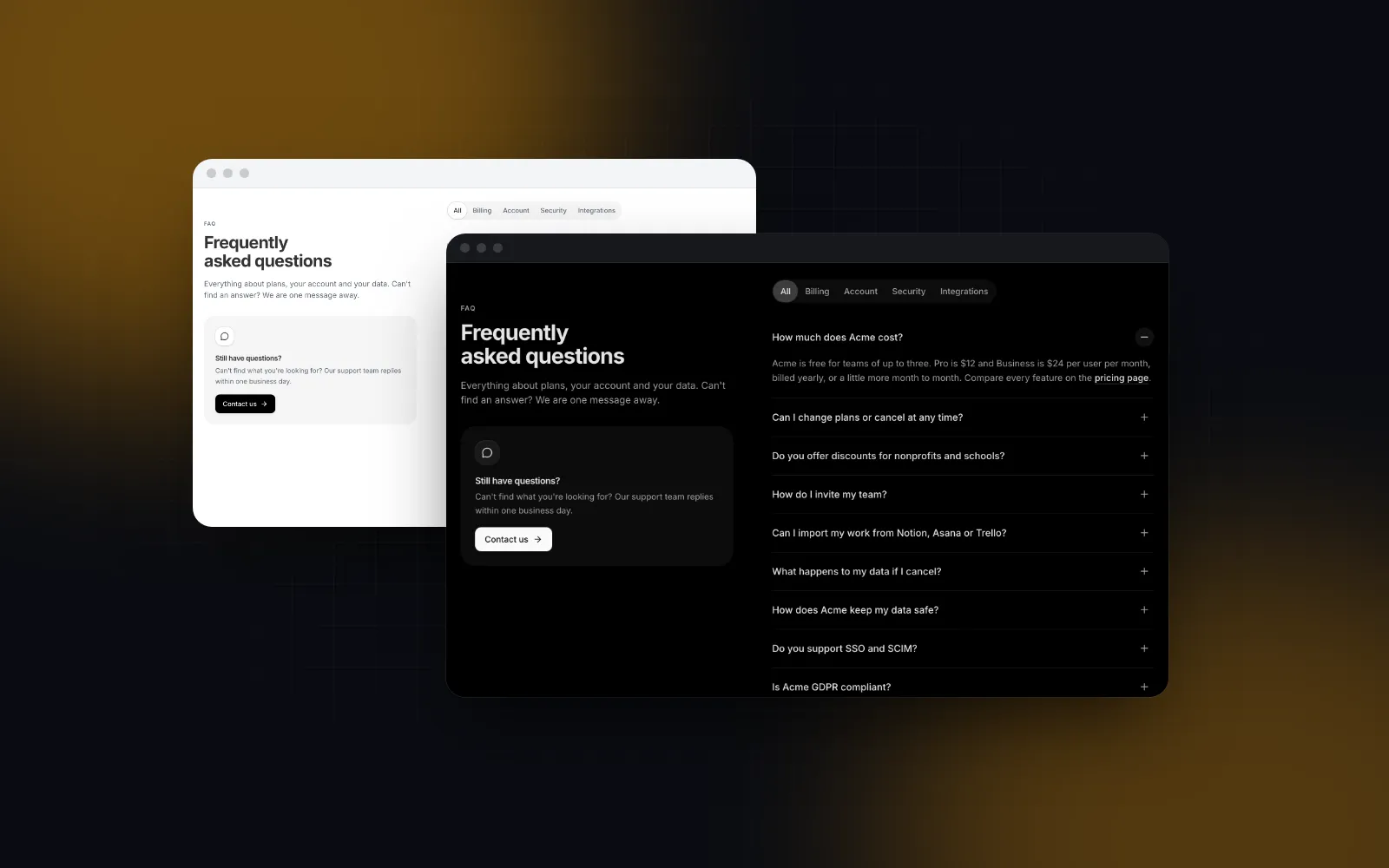
FAQBilling and cancelTraining, models, accessSix AI questions in the sampleOne answer open at a time

How do I show the AI working without a video?

A video is a promise. A demo that answers is proof. The template's hero holds a drawn workspace with an assistant panel. On load the first answer types itself out once, the visitor can pick one of four prompt chips (summarize, plan, blockers, release notes) or type a question and press Enter. While an answer streams, the send button turns into Stop, and finished answers carry their sources as chips.

Pick Find blockers: the assistant thinks, then streams task cards with Blocked and At risk pills. Type a question with the word plan in it and you get the plan table instead
$ npx wingo-ui@latest add ai-page
ProAI Product Page docs

Install it with the CLI. It pulls in the sections it composes, including the Hero Section for the browser frame and the FAQ Section:

bash
npx wingo-ui@latest add ai-page

The prompts are data. Each one has a chip label, what the user "typed", a thinking line, keywords that route typed questions to it, and an answer made of text, heading, bullets, table and tasks blocks.

tsx
// app/(marketing)/ai/prompts.ts
import type { AiPrompt } from "@/components/templates/ai-page-data";
export const prompts: AiPrompt[] = [
{
id: "invoice",
label: "Read this invoice",
prompt: "Pull the totals out of this invoice",
thinking: "Reading invoice-1042.pdf",
keywords: ["invoice", "total", "pdf"],
answer: {
blocks: [
{ kind: "text", text: "Invoice 1042 from Northwind is due Dec 1." },
{
kind: "table",
columns: ["Line", "Amount"],
rows: [
["Design work, 12 hours", "$1,440"],
["Hosting, November", "$120"],
["Total", "$1,560"],
],
},
],
sources: ["invoice-1042.pdf"],
action: "Create a bill",
},
},
];

Should the hero demo call a real model?

Not on day one. Every visitor who types costs you a model call, and a public text box gets pasted into. Recorded answers to three or four prompts that show your best cases do the job of a demo for free. When you want live answers, pass onAsk. It receives the typed question and returns an answer or a promise of one; while the promise is pending the assistant keeps thinking, then the answer types out word by word. A rejected promise already falls back to aiPageFallbackAnswer, the built-in workspace answer; the example below also returns it for a non-OK response, so a 429 from your rate limiter never shows as an error.

tsx
// app/(marketing)/ai/ai-route.tsx
"use client";
import Link from "next/link";
import { AiPage } from "@/components/templates/ai-page";
import { aiPageFallbackAnswer, type AiAnswer } from "@/components/templates/ai-page-data";
import { prompts } from "./prompts";
export function AiRoute() {
return (
<AiPage
linkComponent={Link}
prompts={prompts}
defaultPrompt="invoice"
onAsk={async (question) => {
// your route handler: rate limited, short answers, returns an AiAnswer
const response = await fetch("/api/demo-answer", {
method: "POST",
headers: { "Content-Type": "application/json" },
body: JSON.stringify({ question: question.slice(0, 300) }),
});
if (!response.ok) return aiPageFallbackAnswer(question);
return (await response.json()) as AiAnswer;
}}
/>
);
}

The answer appears in a role="log" region with aria-live="polite", so screen readers announce it, and under reduced motion it shows at once instead of typing. If you want a full chat screen rather than a marketing mockup, that is a different job: see the guide to building a React AI chat UI.

How do I answer "is my data used for training?"

Put it on the page, near the top of the trust section, in the reader's words. Security reviewers and the buyer's IT lead ask this before anything else, and an AI landing page template without a place for the answer sends them to your docs or away. The template has three parts for it: trustPoints (promises with an icon), adminSettings (switches in a drawn admin panel) and trustStats (numbers that count up when they scroll in).

The sample says Acme never trains on your data, is covered by SOC 2 Type II and GDPR, and shows 99.95% uptime and 12,000+ teams. Those are Acme's sample claims, not yours. Replace every one with a promise you can back with a contract or a status page, and drop what you cannot back:

tsx
// app/(marketing)/ai/trust.ts
import type { AiTrustPoint, AiTrustStat } from "@/components/templates/ai-page-data";
export const trustPoints: AiTrustPoint[] = [
{ title: "Not used for training", description: "Prompts and files are never used to train models, ours or our providers'." },
{ title: "Deleted after 30 days", description: "Request logs are kept for 30 days for abuse checks, then deleted." },
{ title: "You choose the region", description: "Pick US or EU processing per workspace." },
];
// only numbers you can show a source for
export const trustStats: AiTrustStat[] = [
{ value: 0, suffix: "%", label: "of your data used to train models" },
];

Pass them as trustPoints={trustPoints} and trustStats={trustStats}. An empty adminSettings={[]} hides the admin panel if your product has no admin controls yet, and showQuote={false} removes the customer quote until you have a real one. The logo row under the hero has the same rule: showLogos={false} until real customers say yes.

How should an AI product show its pricing?

AI costs scale with use, so a flat seat price either loses money on heavy users or overcharges light ones. Your page has to say which model you chose. The template's pricing band is built for one common shape: an AI add-on per seat on top of an existing plan, with a seat slider that rolls the monthly total, next to a bundled plan that includes it. The sample add-on is $8 per user per month billed yearly and lists "1,000 AI automation runs a month", which is how a limit reads on a seat plan.

If you charge for usage, credits or tokens instead, the Pricing Section (also Pro) is the better fit. Prices are numbers per month, the included usage and the overage go in the feature list, and the labels that say "per user" are props:

tsx
// app/(marketing)/ai/pricing.tsx
// a server component is fine: the plans are plain data
import { PricingSection, type PricingSectionPlan } from "@/components/blocks/pricing-section";
const plans: PricingSectionPlan[] = [
{ id: "free", name: "Free", price: 0, features: ["500 credits a month", "Community support"], cta: { label: "Start free", href: "/sign-up" } },
{ id: "pro", name: "Pro", price: { monthly: 20, yearly: 16 }, featured: true, features: ["10,000 credits included", "Then $2 per 1,000 credits", "Spending cap you set"], cta: { label: "Start Pro", href: "/sign-up?plan=pro" } },
{ id: "scale", name: "Scale", price: { monthly: 99, yearly: 79 }, features: ["100,000 credits included", "Then $1.50 per 1,000 credits", "EU processing"], cta: { label: "Start Scale", href: "/sign-up?plan=scale" } },
];
export function AiPricing() {
return (
<PricingSection
plans={plans}
title="Pay for what you run"
labels={{
billedMonthly: "base price, billed monthly",
billedYearly: "base price, billed yearly",
footnote: "One credit is one short answer. Usage resets on the 1st.",
}}
/>
);
}

Always say what a credit buys in plain terms. "10,000 credits" means nothing until the footnote says one credit is one short answer.

Flip Monthly and Yearly and the prices roll. Below 768px the plans become a swipeable rail that opens on the featured plan
$ npx wingo-ui@latest add pricing-section
ProPricing Section docs

For a full pricing route with a comparison table, the shadcn pricing page guide covers the rest.

How do I prove which models and capabilities you use?

Name them. "Powered by leading models" reads as a hedge to a developer audience. The sample FAQ answers "Which models power Acme AI?" with a generic line, and that is the first answer to rewrite: say which providers you use, where requests run and how you test a model change. The capability bento then shows each capability with a small drawing, and the How it works steps show the three things buyers want to see an assistant do: read the right sources, show its reasoning, and wait for approval before it acts (the Approve buttons toggle to Approved).

The FAQ is a regular FaqSection, so faqProps={{ jsonLd: true }} adds a FAQPage JSON-LD script with the plain text of every answer, so crawlers get each question and answer as structured data next to the visible accordion.

What does the AI page look like at 390px?

The drawn product is where most AI landing page templates break on a phone: a wide app screenshot shrunk to a third of its size. The mockup here uses container queries instead. The doc beside the assistant appears only once the frame is about 42rem wide and the workspace sidebar at about 64rem, so on a 390px phone the visitor sees the assistant panel at a readable size. The prompt chips become one horizontal row that snaps chip by chip, chips and inline links grow to 44px on touch screens, and the composer uses 16px text so iOS Safari does not zoom when it gets focus.

Below the hero everything stacks: the capability cards in one column, the three steps one under another, the trust numbers in a two by two grid, the add-on card above the bundled plan, and the FAQ with one answer open at a time. The seat slider works with a drag or the arrow keys, through the Slider.

Should I use the AI page or the Landing Page template?

Use the AI Product Page when AI is a product line or an add-on inside something people already use, which is how its sample copy is written. The Landing Page template is the better AI startup landing page template when you are a young company with one product and a waitlist or a free plan: replace its hero media with your own demo (our shadcn hero section post compares six layouts) and add a privacy section from the AI page's ideas. Both are page templates in the Build it category, and the SaaS website template guide lists the pages a full AI SaaS website template needs next, from pricing to the changelog.

What should you do next?

Open the AI Product Page template, pick a prompt chip and narrow the window to see the phone layout. Both templates are part of Wingo UI Pro ($8 a month, $80 a year or $150 once), while the FAQ Section, the CTA Section and the Logo Cloud come with a free account, so you can start with the trust questions today and add the demo later.

Components in this post

  • AI Product Page

    A React AI product page template: a streaming assistant mockup, a capability bento, how it works, privacy, add-on pricing and an FAQ.

    Pro
  • Landing Page

    A SaaS home page: hero with a drawn product shot, logos, bento features, product tour, numbers, quotes, pricing teaser, FAQ and CTA.

    Pro
  • Hero Section

    A React hero section for a landing or product page: an announcement pill, a big title, two actions, social proof and a product shot drawn in code.

    Pro
  • Pricing Section

    A compact plans section for a landing page: plans with a Monthly / Yearly switch, a highlighted plan, checklists and a button each.

    Pro
  • FAQ Section

    A React FAQ section for marketing pages: an accordion, a split layout, an open grid or expandable cards, with topics and live search.

    Free

FAQ

What should an AI SaaS landing page include?

A hero with a working demo, proof under it, a capability section, how it works, a privacy and data section, pricing that explains limits or usage, an FAQ and a closing call to action. The privacy section and the demo are the two parts most generic SaaS templates leave out.

Should the hero demo call a real AI model?

Start with recorded answers to three or four prompts. A live model on a public page costs money per visitor and invites abuse, so wire it only behind a rate limit and a short answer cap.

How do I show usage-based pricing on an AI landing page?

Show a base price per plan and put the included usage and the overage rate in the feature list, then relabel the per-user billing line. The Pricing Section takes all of that as plans and labels props.

Is there a free AI SaaS landing page template?

In Wingo UI the AI Product Page and Landing Page templates are Pro, while the FAQ Section, CTA Section, Logo Cloud and Marketing Header are free with a free account. Paid listings we checked on Gumroad and Getly on November 6, 2026 started at $10, and most cost $34 to $39.

Can I use the AI page template for an AI-native startup?

Yes, but its sample copy is written for AI as an add-on inside an existing workspace product. For a product where the AI is the whole thing, the Landing Page template with a custom hero may fit better.

Try it in your project

AI Product Page

Pro

A React AI product page template: a streaming assistant mockup, a capability bento, how it works, privacy, add-on pricing and an FAQ.

75 components free, no account needed. Pro from $8 a month.

Open AI Product Page liveSee pricing
  • AI
  • Landing page
  • SaaS
  • Templates

Share

SR

About the author

Serban Rusu

Founder of Wingo UI

Serban Rusu founded Wingo UI. He builds its component library, CLI and MCP server, and writes about React interfaces for phones and AI coding agents.

More from Serban
Keep reading

Related posts

All posts
Building UI with AI agents

Claude Code Landing Page That Does Not Look AI-Made

Build a Claude Code landing page from real sections: connect them through MCP, set tokens and a rules file, then prompt one section at a time and check it.

SRSerban Rusu·Nov 5, 2026·11 min read
Build it: screens and apps

Nextjs SaaS Landing Page: What Each Section Must Prove

Build a nextjs saas landing page section by section: what the hero, proof, features, pricing and FAQ must prove, what to cut, and how each reads on a phone.

SRSerban Rusu·Oct 16, 2026·11 min read
Build it: screens and apps

Mobile App Landing Page Template: QR Code and Store Links

Build a mobile app landing page template in React: store buttons on the first screen, a QR code for desktop visitors and one link that opens the right store.

SRSerban Rusu·Nov 6, 2026·9 min read
Newsletter

Get new posts by email

New posts, product news and occasional offers from Wingo UI. We count clicks to keep it relevant.

No spam. Unsubscribe at any time.

WingoUI

Animated, configurable, mobile-first React components and blocks. Copy the source, make it yours, and let your coding agent build with it.

Product

  • Components
  • Templates
  • Pricing
  • AI agents
  • For teams
  • Theme generator

Resources

  • Docs
  • Contact
  • Programs
  • Blog
  • Changelog
  • Changelog RSS
  • llms.txt

Compare

  • Wingo UI vs paid kits
  • Wingo UI vs shadcn/ui
  • shadcn/ui alternatives
  • MUI alternatives
  • Tailwind Plus alternatives
  • Magic UI alternatives
  • Free components

Legal

  • Terms
  • Privacy
  • Refunds
  • License
  • Imprint

Component categories

  • Buttons & Actions
  • Inputs
  • Forms
  • Navigation
  • Overlays
  • Feedback
  • Data Display
  • Tables & Lists
  • Charts & Stats
  • Layout
  • Media
  • AI Kit
  • Text & Effects
  • Mobile
  • Commerce
  • Marketing Sections
  • Blocks
  • Hooks & Utilities

© 2026 Wingo UI

Wingo UI