Nextjs Waitlist Page: Countdown, Referrals, Real Counts
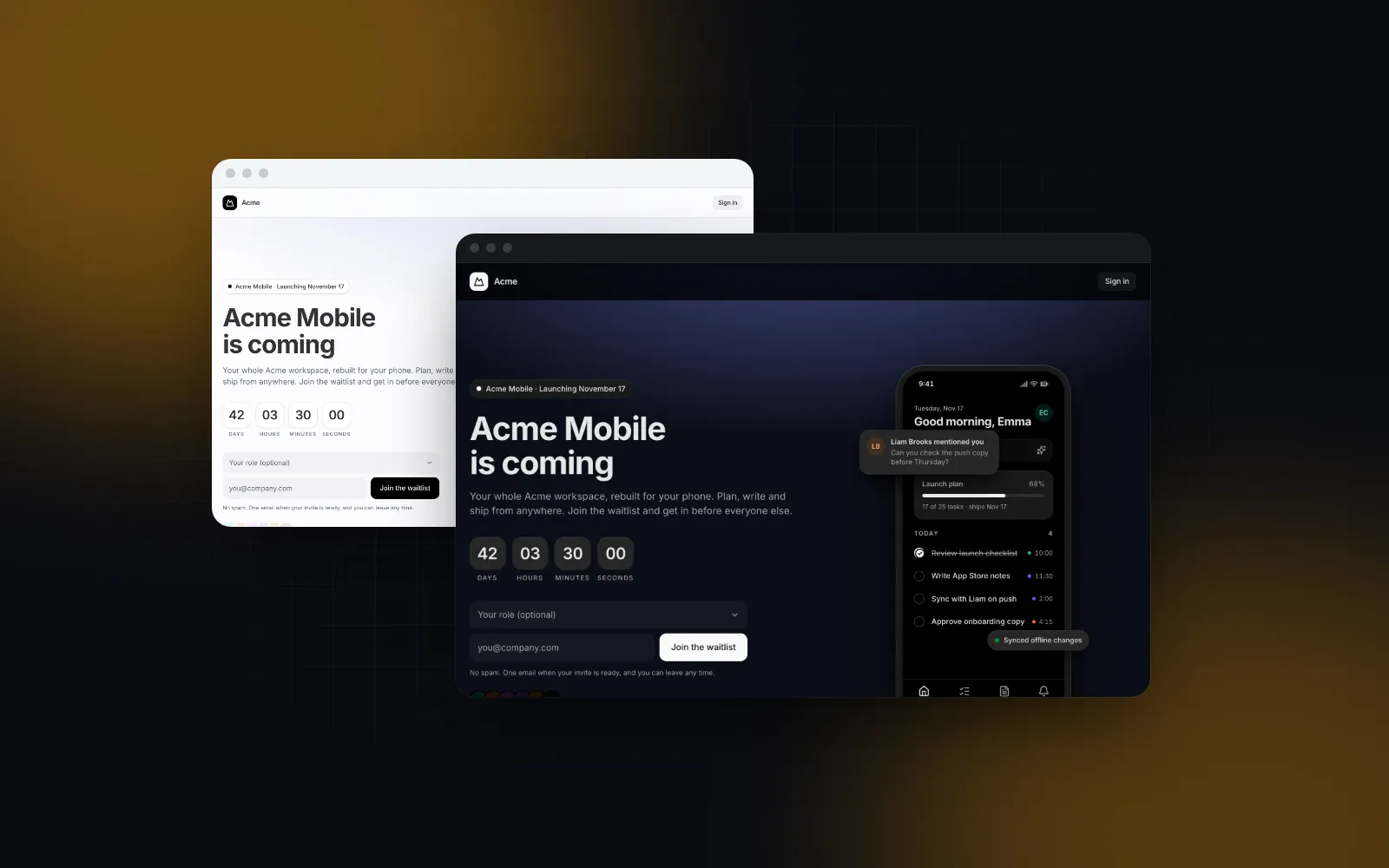
A Nextjs waitlist page is often the first page a product has, and it is easy to ship with the template's sample numbers still in it. Our own template's defaults show a "Join 4,812 people" line, a position that is just the count plus one, and a referral code that no database knows about. This tutorial builds a pre-launch page in Next.js 16 with a countdown to the launch, an email signup, the visitor's real place in line, a referral link that moves them up, and a signup count that only appears when it is true.
What does a waitlist landing page need?
A waitlist landing page needs five parts, because it has one job: get an email address from someone who is interested, and give them a reason to bring a friend.
- A launch date or a clear "coming soon". A countdown works when you have a date you will keep. Without one, say "coming soon" and skip the timer.
- One email field. Each field you add is one more thing to fill in before the payoff. An optional role select is the most we would add.
- A place in line after signup. "You're #213" is the payoff for typing the email, and it gives the referral link a purpose.
- A referral link with one-tap copy and share. Each signup gets a unique code; friends who join with it move the referrer up.
- Social proof only if it is real. KickoffLabs' pre-launch waitlist guide (opens in a new tab) recommends showing the count and says small numbers hurt: "Zero feels bad. Ten feels bad." It names 500 or more as the size where a count starts to create FOMO (checked October 16, 2026). That pressure is how fake counts end up in production. The fix is to read the count from the database and hide it until it is worth showing.
If you want a Next.js starter instead of a component library, Vercel lists Waitly (opens in a new tab), which stores signups in Notion, rate limits with Upstash Redis and sends email through Resend; its Notion schema includes referral code and referred-by fields (checked October 16, 2026). This post takes the other route: a finished screen from a component library and storage you own.
How do I install the Next.js waitlist template?
Wingo UI ships the screen as the Waitlist Page template: the countdown, the email form, the success card with the position and referral link, feature teasers and an FAQ. If you searched for a "nextjs waitlist template", this is one in the shadcn sense: the source is copied into your project, so you can change any line.
That adds components/templates/waitlist-page.tsx, its sample data file and the parts it uses: the Countdown, the Copy Button for the referral link, the Accordion for the FAQ, the Select for the optional role, plus the marketing header, footer and section blocks.
Try the flow before wiring anything. The demo below uses a pretend backend that waits 900 ms and returns a position.
$ npx wingo-ui@latest add waitlist-pageThe props that matter for this tutorial, all taken from the template's source:
Note the defaults for count and people. They exist so the screen looks finished in a preview. If you ship them, your page claims 4,812 signups you do not have. The rest of this tutorial replaces both with data.
How do I store signups and compute a place in line?
One Postgres table is enough for the data. The referral bonus lives in a tiny shared file, because both the query and the page copy need it:
The table holds the rest. Each row has the email, an optional role, a random referral code, and the code of whoever referred them.
The position rule: your score is your join order minus 10 for every person who joined with your code. Your position is one plus the number of people with a lower score, with ties going to whoever joined first. Join order comes from row_number(), not from id directly: an insert ... on conflict burns a sequence value even when it updates, so repeat signups leave gaps in id, and a gap would make a 10-spot bonus worth fewer than 10 people. This sketch uses the postgres (opens in a new tab) client (npm install postgres); any driver that runs SQL works the same way.
Two details carry most of the weight. The on conflict clause makes a repeat signup return the original code instead of an error, so someone who joins twice sees the same link. And because the referrer is only written on the first insert, joining again with your own link cannot change who referred you. The template also exports a referralCode(email) helper that derives a short code from the address; it is a fine fallback for previews, but a random code stored in the database cannot be guessed from someone's email.
Each position query scores the whole table, which is cheap while the list is small and referred_by is indexed. Once it grows, keep a referrals counter column, increment it when a referred signup lands, and score from that column instead of the subquery.
How do I connect the form with a Server Action?
The template is a client component, so the page splits in two: a server component that reads data, and a small client wrapper that renders the template. The save goes through a Server Action that validates the email and returns exactly the shape onJoin expects.
When the action throws, the promise rejects and the form shows its "That didn't work" message. When it resolves, the success card shows the position and builds the share link from referralUrl plus the returned code.
The server page reads the ref code from the URL and the real count. In Next.js 16 searchParams is a promise, and reading it makes the page render per request, which you want here anyway because the count changes.
Should a waitlist page show the signup count?
Show it only when it is real and big enough to help. Pass the real count from the database, and pass 0 until it crosses a threshold you pick: the template renders the "Join N people" line and the initials stack only when count is above zero. The wrapper below uses 500, the size the KickoffLabs guide names. Pass people={[]} regardless: those are sample names, and showing real people's initials needs their permission.
The constant comes from config.ts instead of waitlist-db.ts, because importing the database file into a client component would pull the Postgres driver and DATABASE_URL toward the browser bundle. The import "server-only" line at the top of waitlist-db.ts turns that mistake into a build error instead of a runtime surprise; Next.js handles the import itself, and installing the server-only package is optional.
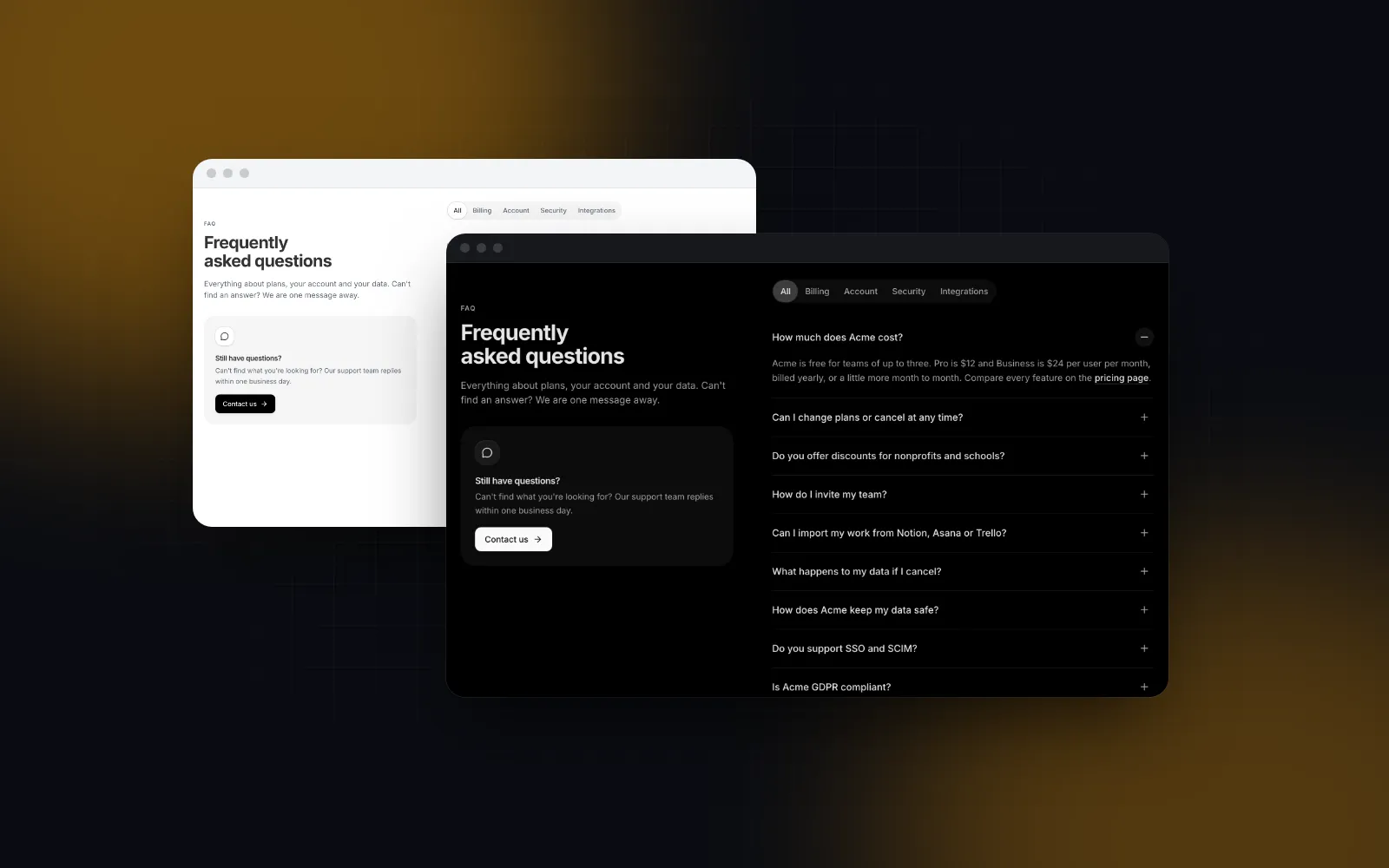
Keep the FAQ and the success card in sync with your actual rules. The template's sample FAQ promises 10 spots per referral; if your query uses 5, both the prop and the copy have to say 5. Replace every sample string in labels, features and faqs before launch, including the pill: the template formats the launch date in New York time, so if your launch is midnight in Europe, write the date yourself in pillLaunch instead of using its argument.
This is the whole referral waitlist React flow: a visitor opens /waitlist?ref=3f9a1c2b7d04, the server page reads the code, the form sends it with the email, and the new row credits the referrer on the next position query.
How do I add a launch countdown in Next.js?
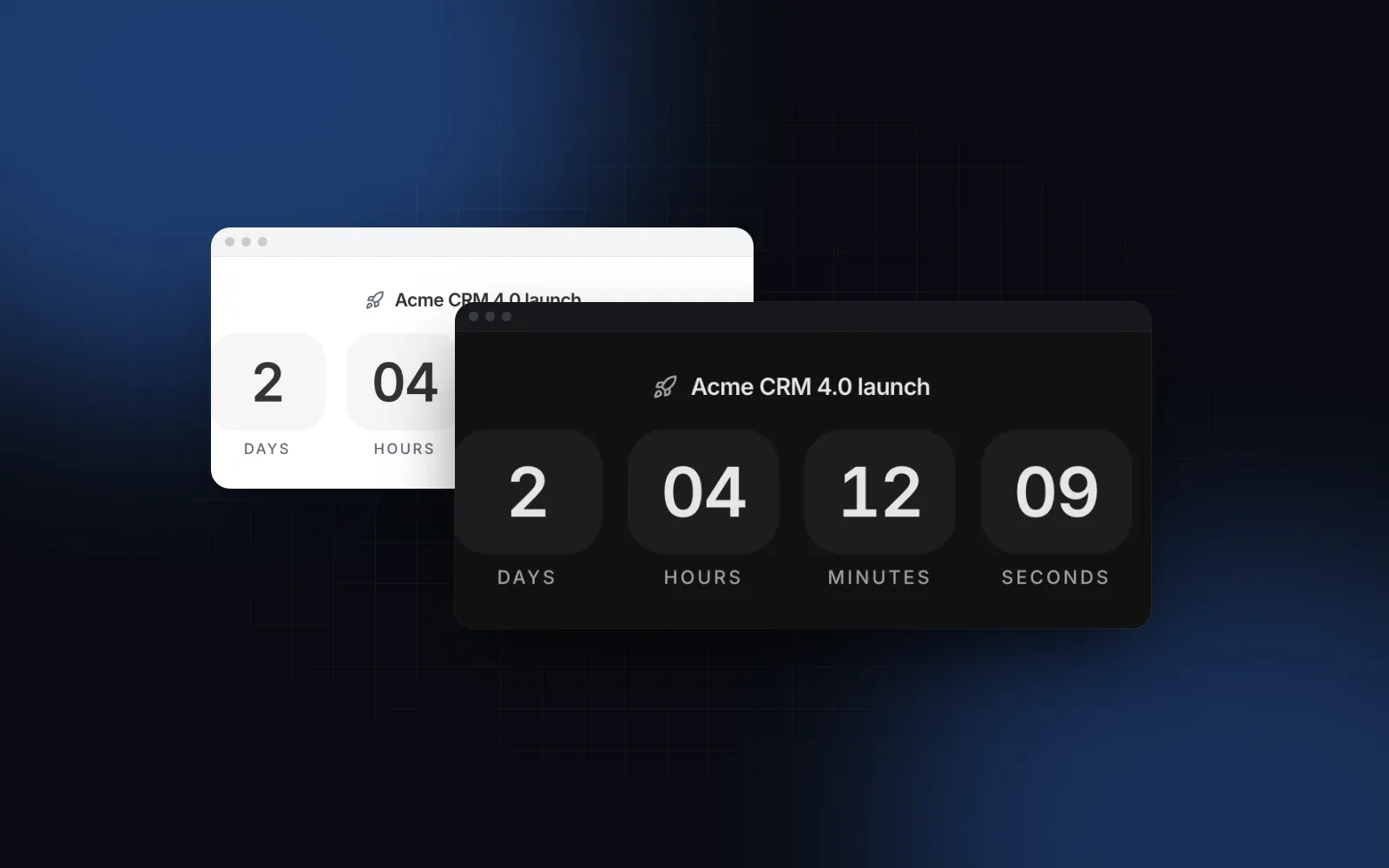
Pass the launch moment as an ISO string to launchAt, and the template hands it to the Countdown component, which does the ticking, the hydration gap and the finish for you. The Countdown drops leading zero units as time passes (days while the launch is far away, only minutes and seconds in the last hour), ticks on the unit boundaries and swaps in the countdownDone message at zero. Until the client knows the time after hydration, the digits render as -- at their final width, so nothing shifts. If you render the page for screenshots or need fixed server HTML, the now prop pins the clock.
You can use the same component outside the page, for example in an announcement bar on the main site. The text variant writes the time left in words inside a sentence:
Screen readers do not hear every tick; the component updates a sentence once a minute and announces the finish once.
$ npx wingo-ui@latest add countdownWhat should I add before I share the waitlist link?
Add rate limiting, email confirmation and a way to leave the list. The page works at this point, but these three belong on the server before the link goes out:
- Rate limiting. A Server Action is a public endpoint. Limit it per IP the way you limit any signup form; Waitly uses Upstash Redis for this.
- Email confirmation. Send a confirmation link and count a referral only once the referred person confirms. Otherwise a script with fake addresses climbs to #1. Add a
confirmed_atcolumn and filter the referral count on it. - Unsubscribe and deletion. If your FAQ promises people can leave any time, build that path before launch.
On phones the template already does the mobile work: if you keep the role select, it opens as a bottom sheet titled with its label below 768px, and with layout="split" the phone mockup moves under the copy below 1024px. When launch day comes, the Launch Page template can take over the same URL with its live phase, and the Referral Page template covers an ongoing referral program after the waitlist closes.
More screens built this way are in the Build it category, starting with the Next.js admin dashboard tutorial. Once people are in, the React onboarding flow guide picks up the first run, and the shadcn pricing page tutorial covers the page they see when the free invite ends.
Where to go from here
Install the template with npx wingo-ui@latest add waitlist-page, swap the sample copy and data for yours, and connect the Server Action to your database. The Waitlist Page and the Countdown are part of Wingo UI Pro, which costs $8 a month, $80 a year or $150 once as of October 2026 (pricing); the Copy Button, Accordion and Select it uses are free.
FAQ
How do I build a waitlist page in Next.js?
Render the page from a server component that reads the real signup count and the ?ref= code, pass both to a client component with the form, and save each email through a Server Action that returns the person's position and referral code. The Wingo UI Waitlist Page template covers the screen; you supply the storage.
How does a referral waitlist calculate someone's place in line?
One simple rule is join order minus a bonus per referral: each friend who joins with your link takes a fixed number of spots off your score, and your position is one plus the number of people with a lower score. One Postgres query with row_number() and a referral count computes it.
Should a waitlist page show how many people signed up?
Only when the number is real. Read it from your database and hide the line until it is large enough to mean something; the Waitlist Page template hides the count and the avatar stack when you pass count={0}.
Is the Wingo UI waitlist template free?
No. The Waitlist Page template and the Countdown are part of Wingo UI Pro, while the parts it builds on, such as the Copy Button, Accordion, Button and Select, are free. Everything installs with npx wingo-ui@latest add.
How do I stop people from gaming a referral waitlist?
Make the email column unique, never let a second signup change who referred someone, rate limit the action, and count a referral only after the new person confirms their email. Some fake addresses will still get through, so do not promise invites strictly by position.
- Next.js
- Waitlist
- Landing page
- React
- Tailwind CSS