React 404 Page: 5 Error Screens for the Next.js App Router
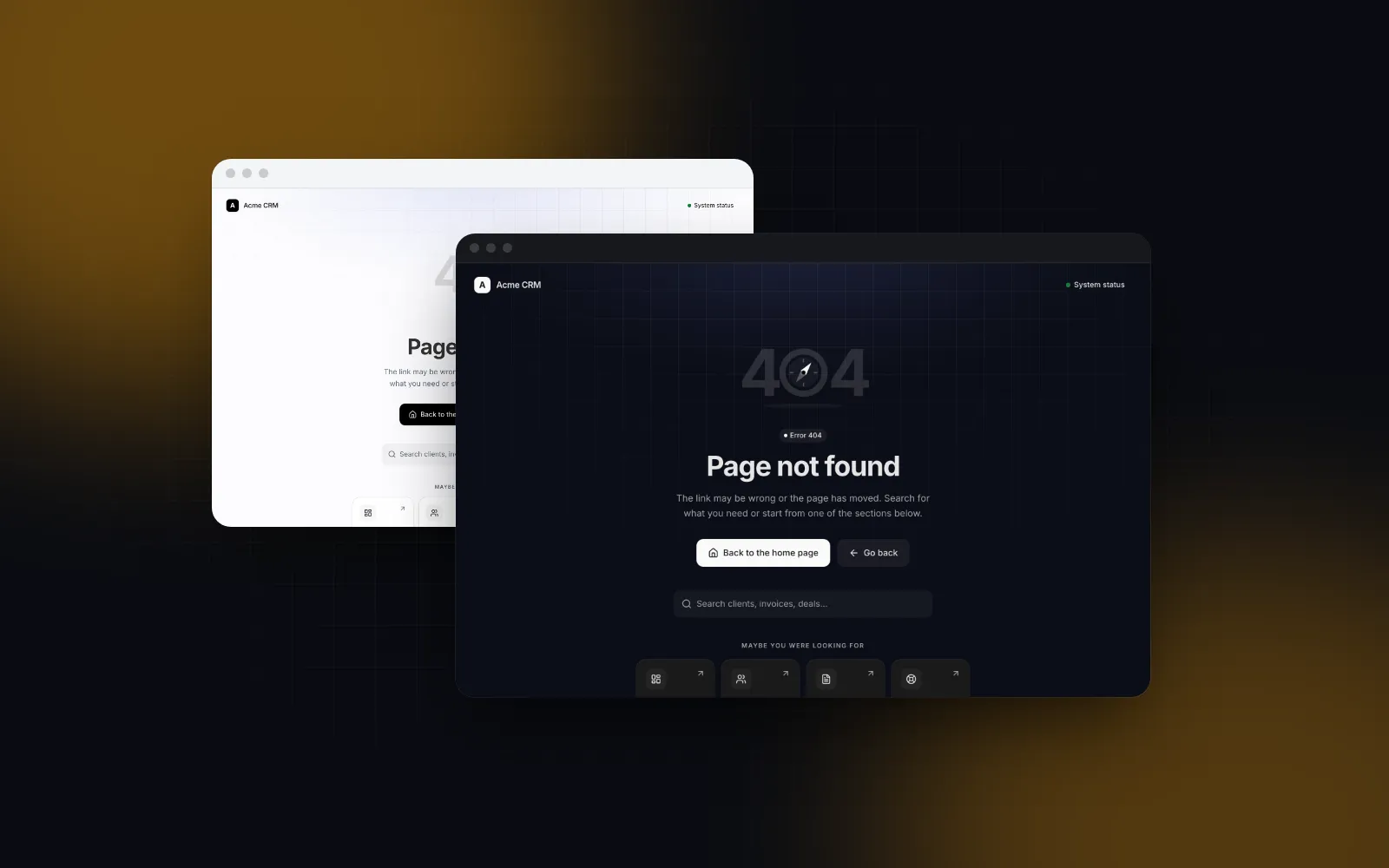
Most React 404 page templates are a big number, a sad illustration and a "Go home" button. That covers one of the five error screens a real app hits, and the status code is left to whatever the server happens to send. This tutorial builds a React 404 page that helps people get where they were going, then the four screens next to it: a 500 with a retry, a maintenance page with a countdown, an offline page for your PWA, and a no access page that lets people ask for access. Everything is wired into the Next.js App Router with the file conventions of Next.js 16.3. We build Wingo UI and the code uses our Error Pages block, so we are not neutral; the wiring works with any component.
What should a React 404 page do?
It gets the person to a working page and keeps the dead URL out of search. Four things decide whether someone recovers:
- Say what happened in plain words. "This page does not exist or was moved", not "Error 404".
- Offer the next step. A search field, the three or four pages people want most, and a way back to where they came from.
- Return the right status. Google flags a page that answers 200 but shows an error message as a soft 404 (opens in a new tab) in Search Console. The not found UI must come with a 404, or at least a
noindex. - Move focus to the title after a client-side navigation, so a screen reader user hears that the page changed. Do not do it on the first load, where the browser already starts at the top. The Error Pages block follows that rule through its
autoFocusTitleprop (on by default).
The same checklist applies to the other four error screens, with a different next step for each.
Which error screens does a Next.js app need?
Five: not found, server error, maintenance, offline and no access. Each one has its own App Router entry point:
Facts in this table come from the Next.js 16.3 docs that ship in node_modules/next/dist/docs, read on October 16, 2026. forbidden.tsx and useOffline are still experimental there.
How do I install a React 404 page template?
Install the Error Pages block with the CLI:
That copies components/blocks/error-pages.tsx with its data file and the parts it composes (alert, countdown, tracker, dialog, search input and a few more), plus the npm packages they need, among them motion, lucide-react, react-hook-form and zod. Error Pages is part of Wingo UI Pro.
The block's defaults are demo content: an Acme CRM logo, support@acme.com, sample admins, a sample stack trace. Pass your own once, in a small client wrapper that also hands it the Next.js Link:
statusHref="" hides the status page links until you have one. Server files such as not-found.tsx can render this wrapper directly, as long as every prop they pass is plain data, JSX (icons are fine) or a server action. Functions defined in a server file cannot cross into the client wrapper.
How do I build a Next.js not found page?
Create app/not-found.tsx. That file is the Next.js not found page: it renders for every URL that matches no route, and for any segment that calls notFound():
The search field navigates to /search?q= on Enter by default; pass onSearch from a client component to route it somewhere else, or showSearch={false} if you have no search. "Go back" uses history.back() when there is history and falls back to the home link when the tab has no history, for example when the link was opened in a new tab.
$ npx wingo-ui@latest add error-pagesFor a missing record, call notFound() in the page that loads it:
Two status details the docs spell out. notFound() returns a 404 when the response is not streamed yet; if a loading.tsx boundary already flushed the shell, the status stays 200 and Next.js injects <meta name="robots" content="noindex"> instead. If you need the real 404 for analytics, check that the record exists before anything streams. And when an app has several root layouts, the experimental global-not-found.tsx (behind experimental.globalNotFound) gives you one 404 that renders without any layout.
When is a full 404 page too much?
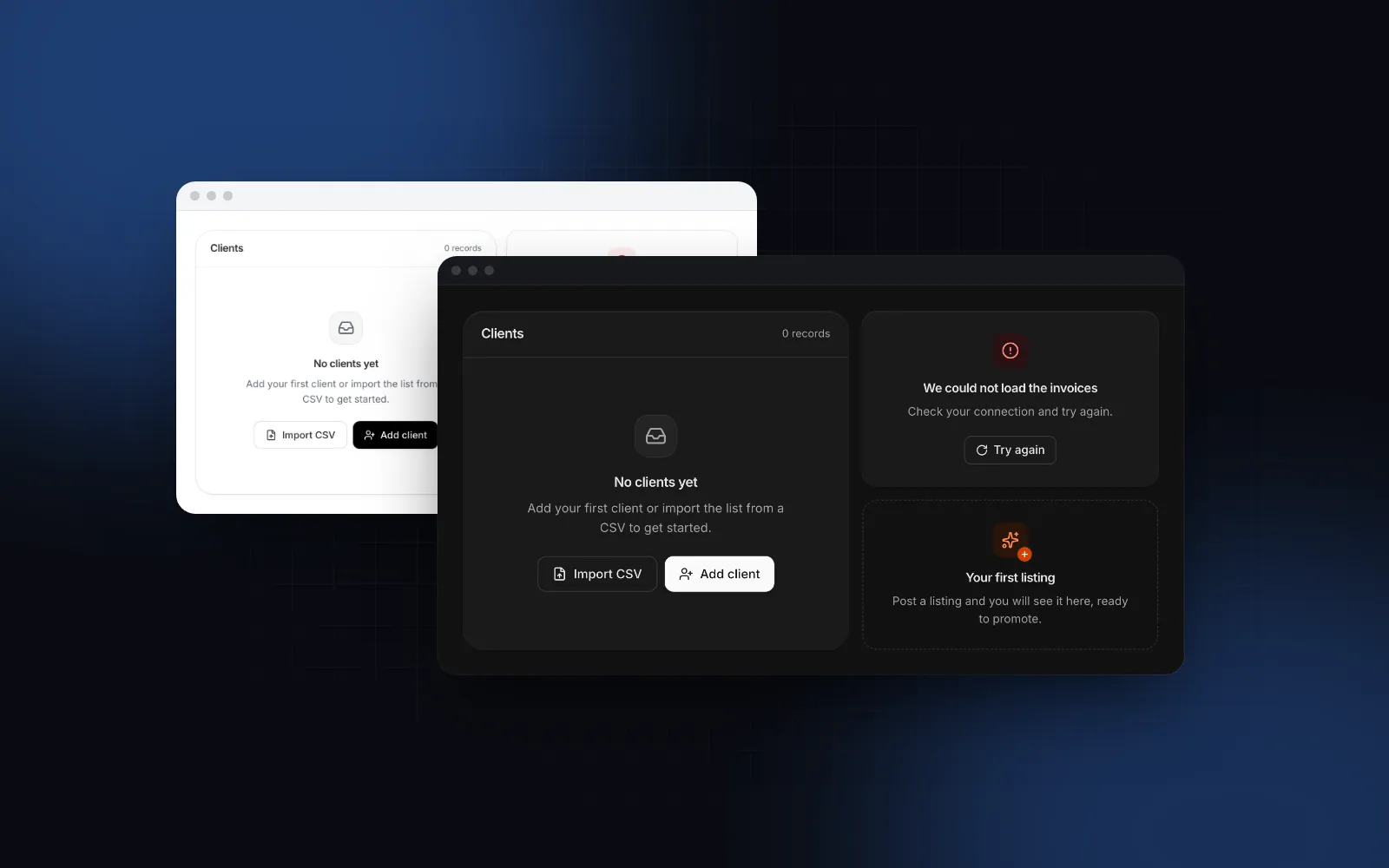
When the URL is right and the data is just empty. A search with no matches, a filtered table with zero rows or a new account with no invoices should answer 200 with an empty state inside the page, never a 404. The free Empty State covers that case with its no-results, empty, no-permission and offline presets, and live announces it to screen readers when the results change:
How do I show a 500 page with a retry?
Add app/error.tsx and wire its retry prop to the Try again button. The file wraps each segment in a React error boundary, so it must be a client component. Since Next.js 16.3 the retry prop is stable. It re-fetches and re-renders the segment, unlike the older reset(), which re-renders without re-fetching, so a segment whose data request failed shows the same failure again:
error.digest is the hash Next.js also writes to the server log, so it makes a good id for people to quote to support: the block copies it with one click. Errors thrown in the browser have no digest, and errorId="" hides the id row. In production, errors thrown by server components reach the client with a generic message, and the stack trace is not something visitors need anyway, which is why the technical details only show in development here.
$ npx wingo-ui@latest add error-pageserror.tsx does not catch errors in the root layout. For those, add app/global-error.tsx, which replaces the whole document, so it renders its own <html> and <body> and imports your styles:
It also sits outside any theme provider, so a class-based dark mode does not reach it: this page renders with your light tokens unless you set the class yourself.
Inside an app shell, pass layout="inline" to any variant, for example from a nested app/(app)/error.tsx. The page drops its own logo and footer and fills the shell's main area, so a failing report keeps the sidebar of your Admin Shell around it.
How do I build a maintenance page in React?
Serve it with a 503 status and tell people when it ends. A typical React maintenance page is a static "We will be back soon" that answers 200, which gets both wrong. Google's documentation on HTTP status codes (opens in a new tab) (updated February 4, 2026) says 5xx responses make its crawlers slow down, that content from those URLs is ignored, and that indexed URLs are kept at first and dropped only if the errors continue. A 200 maintenance page gets none of that protection.
The page itself is an ordinary route:
until drives a live Countdown; when it reaches zero the page says maintenance is over and the main button becomes Reload. Two pitfalls here. Without connection() the page is prerendered and keeps the value MAINTENANCE_UNTIL had at build time. And if the variable is missing, until falls back to the block's sample date, which is in the past, so the page opens on "Maintenance is over". showStatus and showSubscribe are off because their defaults are sample data: turn them on once you pass your own statusHistory (a 30 day Tracker) and an onSubscribe server action. For a full public uptime page, the Status Page template is the separate screen to link from statusHref.
To send every request there, use proxy.ts (the file that replaced middleware.ts in Next.js 16). Do not rely on NextResponse.rewrite() for the status: in the 16.3 router a rewrite passes the proxy's headers on, but the destination page renders the response, and a normal page answers 200. To get a real 503, fetch the rendered page and return it with your own status:
Keep /maintenance out of the matcher or the fetch calls the proxy again. Retry-After takes seconds or an HTTP date; set it to the end of the window. Client-side navigations get the same HTML with a 503, so the router falls back to a full page load, which is what you want during maintenance.
How do I add an offline page to a PWA?
Cache an /offline route in a service worker and serve it when a page load fails. That covers full loads; requests inside an app that is already open need a different fix.
Inside the app, a soft navigation, prefetch or Server Action fails because the network dropped. Next.js 16.3 has an experimental answer: with experimental.useOffline on, those requests are retried when the connection returns, and the useOffline() hook from next/offline returns true so a component can show a banner. Without the flag the hook always returns false. No error page needed.
A full page load with no network. The browser has no HTML to show, so only a service worker can help. Cache an offline route when it installs and serve it when a navigation fails:
Register it once from a client component in the root layout:
The offline route checks the connection on its own schedule. The HEAD request is not a navigation, so the service worker lets it through to the network:
Render <OfflineView /> from app/offline/page.tsx. This is the PWA offline page people see after a reload with no signal, still at the URL they asked for. It retries every 10 seconds with a visible progress bar, retries at once when the browser fires online, and reloads the original URL when a check passes. offlinePages={[]} hides the "saved on this device" list until you cache pages for real.
One catch with the minimal worker above: it caches only the HTML of /offline. The CSS and JavaScript chunks under /_next/static are not in the cache, so with no network the page shows unstyled and the retry loop never starts. Precache those files too. Serwist (opens in a new tab), the option the Next.js PWA guide points to, builds that precache list from your build output. If you are turning the app into a PWA, our post on the React PWA install prompt covers the install side.
How do I show a no access page?
Return a 403 that says who can grant access. For a signed-in person without the right role, a 404 hides that the page exists and a redirect to sign-in loops. Turn on experimental.authInterrupts in next.config.ts, call forbidden() from next/navigation where you check the role (Next.js adds a noindex tag to that response), and add app/forbidden.tsx. The status works like notFound(): you get a real 403 only when the check runs before the response starts streaming.
getSession, getWorkspaceAdmins and the two server actions are yours. requestAccess receives { adminId, reason }; a rejected promise shows its message in the dialog, which opens as a bottom sheet on phones. One production pitfall: Next.js replaces the message of an error thrown inside a server action with a generic one, so "You already have a pending request" would not reach the dialog. Have the action return { error } instead, and pass onRequestAccess from a small client component that calls it and throws new Error(result.error). After a successful request the button turns into a disabled "Request sent" with the time.
$ npx wingo-ui@latest add error-pagesWhat does the finished setup look like?
Six route files, a proxy, a service worker and one wrapper around one block:
To put the inline variants inside a real app, our Next.js admin dashboard tutorial builds the shell they fit into, and more full screens live in the Build it category.
Start with the free Empty State for in-page dead ends, and add the Error Pages block when you want all five full screens: npx wingo-ui@latest add error-pages.
FAQ
How do I create a 404 page in Next.js App Router?
Add app/not-found.tsx. It renders for every unmatched URL and whenever a server component calls notFound() from next/navigation, and Next.js adds a noindex meta tag to it automatically.
Does the Next.js not found page return a 404 status code?
It returns 404 when the response is not streamed. If a loading.tsx boundary already started streaming before notFound() ran, the status stays 200, but Next.js injects a noindex meta tag so the URL is still kept out of the index.
How do I add a 404 page in React Router?
Add a catch-all route with path="*" that renders your not found component. In a single page app the server still answers 200 for every path, so configure the host to answer 404 for paths outside your route list if search traffic matters.
What status code should a maintenance page return?
503 Service Unavailable, with a Retry-After header that says when to come back. Google documents that 5xx responses make its crawlers slow down, that their content is discarded and that indexed URLs are kept at first; a 200 maintenance page gets none of that protection.
How do I show an offline page in a PWA?
Cache an /offline route when the service worker installs and serve it when a navigation request fails. For an app that is already open, the experimental useOffline option in Next.js 16.3 retries failed navigations, prefetches and Server Actions when the connection returns, and the useOffline hook from next/offline reports the state.
- Error Pages
- Next.js
- App Router
- PWA
- React