React Skeleton Loader: Real Shapes, No Layout Shift
You fetch a list, and for a second the screen is blank. So you add a React skeleton loader: gray bars that shimmer until the data lands. Then the data lands and the page jumps, because the bars were 16px tall and the text is 20px, and the square placeholder became a 16:10 photo. This guide covers when a skeleton is the right loading state, when a spinner is better, how to shape skeletons like the real content, and how to swap them out without layout shift, using the free Wingo UI Skeleton, Spinner and Empty State.
Skeleton vs spinner: which loading state should I use?
Use a skeleton when you know the layout of what is coming, and a spinner when you do not. The Nielsen Norman Group's Skeleton Screens 101 (opens in a new tab) (June 2023, last reviewed September 2026) gives the clearest skeleton vs spinner guidance we have found. It scopes skeletons to full-page loads; we also use them for page-sized regions such as a feed or a table, because the same reasoning applies:
The same article says the gray boxes should mimic the structure of the final page, and that skeletons reduce the perceived loading time. Perceived is the key word: the request takes just as long, so if it takes four seconds, fix the request too.
How do I build a React skeleton loader with Tailwind?
The minimal answer to react skeleton loader tailwind is a single div with animate-pulse, a tint, a radius and a fixed size. As of October 2026, shadcn/ui's Skeleton (opens in a new tab) is exactly that: a div with animate-pulse rounded-md bg-accent plus your size classes. It works, and it leaves you to match every block to the real content, announce the wait to screen readers and get the swap right. The Wingo UI Skeleton handles those parts:
The base block has three shapes. rect fills the row and is 96px tall until you size it, circle is 40px unless width says otherwise, and line is a 14px text bar. width and height take px numbers or any CSS length, and Tailwind classes work too.
animation is shimmer (the default), pulse or none. The shimmer is a band that moves on a pseudo-element with transform, not an animated background-position, so the browser can run it on the compositor instead of repainting every frame. speed scales the cycle, and color and highlight take any CSS color. The default fill is a 5% tint of the text color, so it reads in light and dark mode.
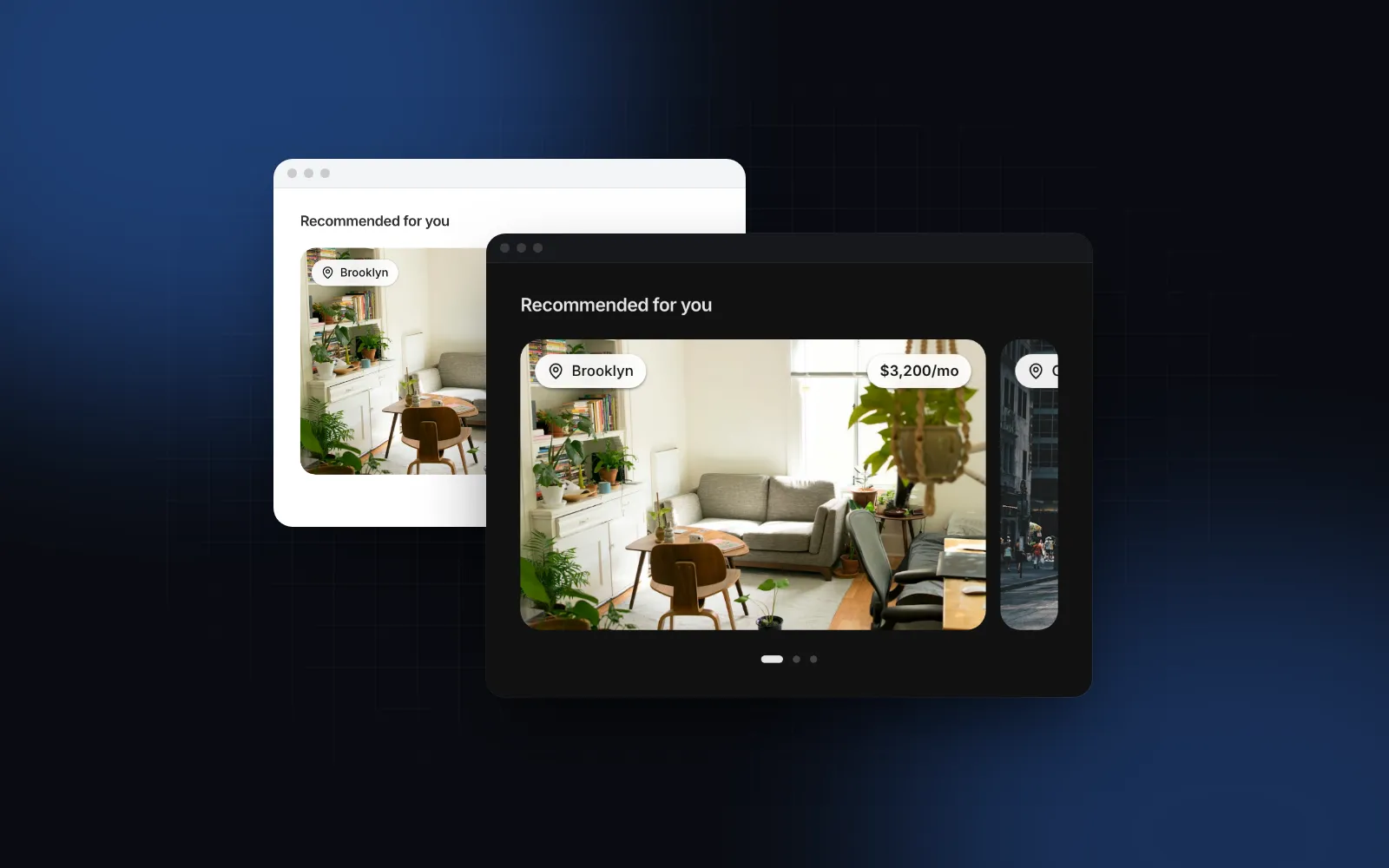
Press Reload in the demo below and watch the listing cards: the skeletons and the real cards share one rhythm, so the swap moves nothing.
$ npx wingo-ui@latest add skeletonHow do I shape a skeleton like the real content?
Two ways: wrap the real content, or use a preset that copies a common layout.
Wrap the real content
Pass the real markup as children and a loading flag. While loading, the children render invisible and inert inside the block, so the block takes their exact size. A rect also copies the corners of what it wraps, such as a rounded photo or a button. When loading turns false, the content fades in where the block was.
The README of react-loading-skeleton (opens in a new tab) makes the same case (as of October 2026): build skeleton states into your components instead of separate skeleton screens, so the styles stay in sync. Its bars default to the height of the font size, and its basic usage imports a CSS file. The wrapping mode here measures the real element instead, so a button or a photo gets its real box too.
Wrapping needs content to measure, so it fits labels, avatars, buttons and text you already have. For items you do not have yet, use a preset.
Use a preset
Four presets cover the layouts that load most often:
SkeletonCard: a 16:10 media block (mediaAspectchanges it), a title and meta lines, and a footer with a price line and a round action.SkeletonList: 56px rows with a 40px avatar, a title, a subtitle and a button-sized action, with hairlines between rows.SkeletonTable: a header and 48px rows from 768px up, one card per row below that, in pure CSS so the server markup is already right on a phone. That matches the responsive table pattern where rows turn into cards.SkeletonProfile: a cover, an avatar that overlaps it, name and meta lines, and a row of stats.
The line widths inside the presets come from fixed lists, not Math.random(). Random widths look natural, but the server and the client pick different numbers, and React reports a hydration mismatch.
How do I avoid layout shift when the content loads?
Make the skeleton and the content the same size, and never let the reserved space collapse. Google's guide to optimizing CLS (opens in a new tab) sets a good Cumulative Layout Shift at 0.1 or less, recommends reserving space for late content with min-height or aspect-ratio, and warns that removing reserved space shifts the page as much as inserting content does.
Five rules follow:
- Same row heights.
SkeletonCarduses a 20px title row, 18px meta rows and a 32px footer, with the bar centered in each row. Give your real cardleading-5,leading-[18px]andh-8on the same rows. - Same media box. The skeleton's
aspect-[16/10]must match the image'saspect-[16/10], not a fixed height that only matches at one width. - Same grid. Render the skeletons in the same grid classes as the real items.
- Same count, roughly. Show about as many skeletons as one screen of real items. Six placeholders that turn into two results is a shift too.
- Keep the box when there is nothing. Swap to an empty state in the same container instead of rendering nothing.
Here is the whole pattern in a Next.js App Router page. <Suspense> streams the static heading at once and the listings when they are ready, as the Next.js data fetching docs (opens in a new tab) describe. A loading.tsx file next to the page does the same for the entire route segment.
The Skeleton and Empty State are client components; a server component can render them because the props here are plain data. The image corners are rounded-[10px], the preset's default radius="md".
How do I make skeleton loading in React accessible?
Announce the wait once and keep the gray blocks silent. Every block is aria-hidden, and each preset is a role="status" region with aria-busy and one hidden label, "Loading" by default. Set label to something specific ("Loading invoices"). Extra props land on the preset root after its own attributes, which is why aria-hidden on the extra cards in the grid above silences them.
Wrapped content is inert while it loads, so Tab skips a button that is not ready yet. Under prefers-reduced-motion the shimmer is hidden and the pulse stops, so every block stays still. NN/g notes that animated skeletons can be distracting, so this matters. The prefers-reduced-motion guide covers the hook that keeps that switch hydration-safe.
When is a spinner the better react loading placeholder?
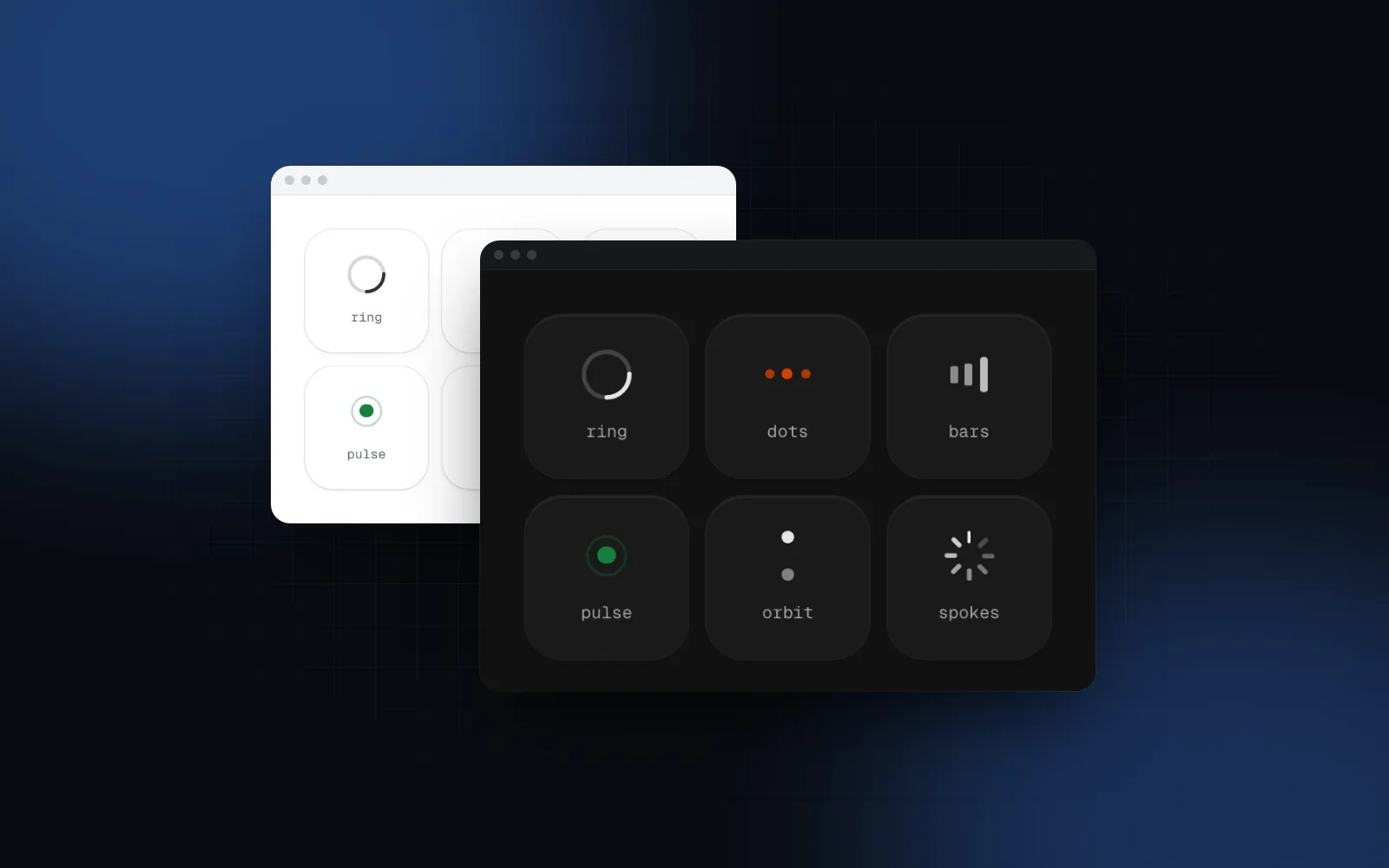
When there is no layout to preview. A spinner is the right react loading placeholder for a form submit, a sign in, a payment, a pull to refresh, or a single panel whose content changes shape. The Wingo UI Spinner has six styles (ring, dots, bars, pulse, orbit and the iOS-like spokes), sm, md and lg sizes of 16, 24 and 40px, and a label that screen readers hear once as a polite status.
Its most useful prop is delay. With delay={300} nothing renders for the first 300 milliseconds, so a fast response never flashes a spinner, and a slow one fades it in.
The min-h-52 reserves space, as a skeleton would. For actions, skip the separate spinner and use the Button loading prop. The button keeps its width while it shows a spinner, and loadingText="Saving" adds a label next to it.
$ npx wingo-ui@latest add spinnerWhat should replace a skeleton when the request fails or returns nothing?
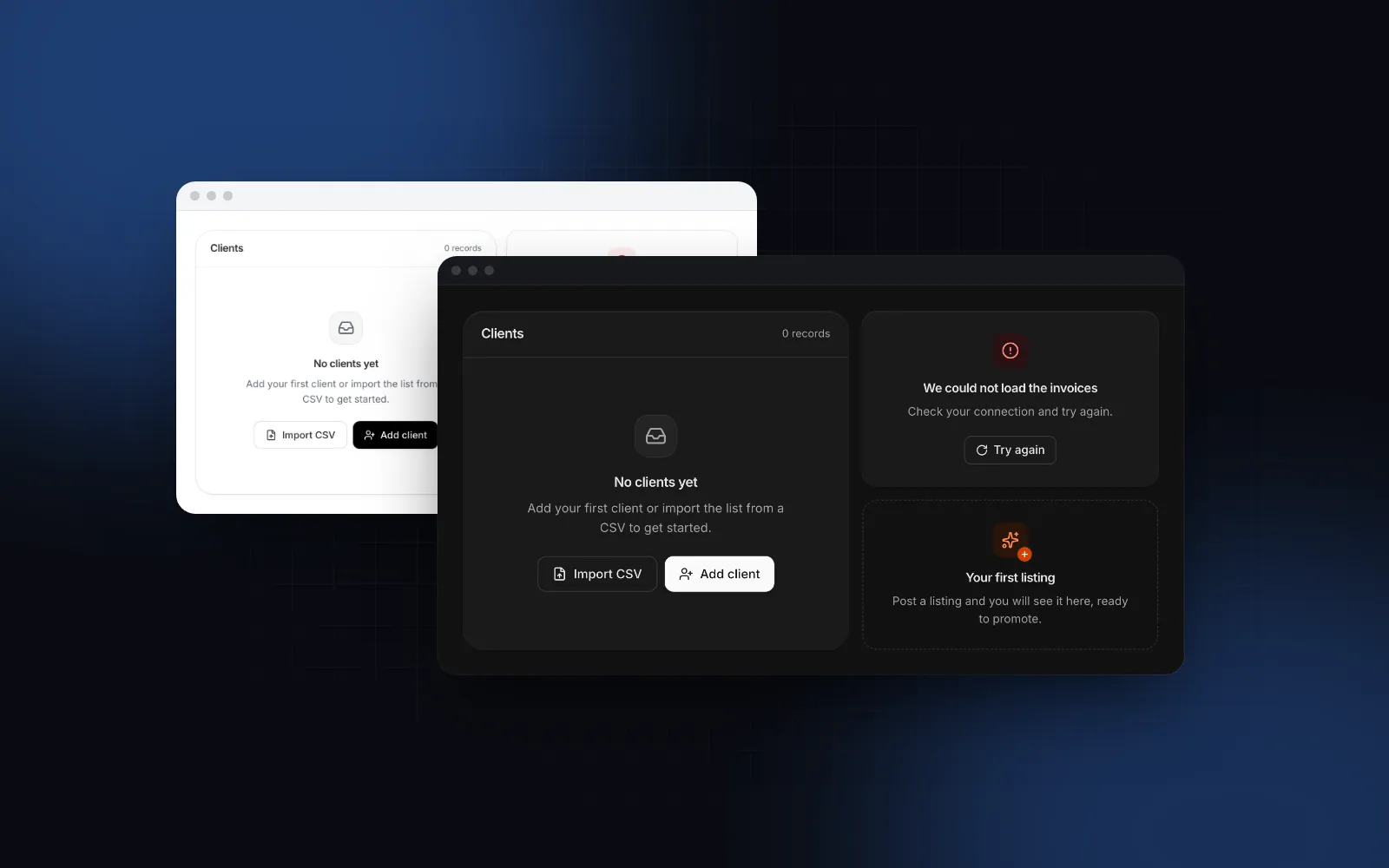
An empty state in the same box. The Empty State has presets for empty, no-results, error, first-run, no-permission and offline, each with its own icon, tone and copy. On the error or offline preset, onRetry adds a Try again button that spins until the promise you return settles. Since onRetry is a function, render that one from a client component.
What are the common skeleton loading pitfalls?
Three mistakes in skeleton loading React code only show once real data and real networks arrive.
- One shade for everything. A skeleton on a card of the same gray disappears. The default tint is relative to the text color, so it shows on any surface; on a brand-colored banner, pass a white
colorandhighlight. - Skeletons for a 200ms request. If most responses come back fast, the skeleton only flashes. Show cached data, or wrap the wait in a spinner with a
delay. - A skeleton that never ends. A request that fails must replace the skeleton with an error and a retry, or people wait forever.
How do I add these components to my project?
Run npx wingo-ui@latest add skeleton spinner empty-state. The CLI copies the source into your project with the helpers and components they import (the Empty State brings the Button) and installs the npm packages they use (motion, lucide-react and @radix-ui/react-slot). All three are free. If every skeleton in your app should pulse instead of shimmer, set it once in <UIProvider defaults> instead of passing the prop each time. The base block reads the skeleton key, and SkeletonText and each preset read their own (skeleton-text, skeleton-card, skeleton-list, skeleton-table, skeleton-profile) because they pass animation to their blocks explicitly. So defaults={{ skeleton: { animation: "pulse" }, "skeleton-card": { animation: "pulse" } }} covers bare blocks and cards. More single-component deep dives are in the component guides category, and the React form components guide applies the same accessibility and mobile rules to every form control.
FAQ
Should I use a skeleton or a spinner?
Use a skeleton when you know the layout of the content that is loading, such as a feed, a list or a full page. Use a spinner for actions like saving or signing in, for a single small module, and when you cannot predict what will appear. Past about 10 seconds, show a progress bar instead.
How do I make a skeleton loader with Tailwind CSS?
The simplest version is a div with animate-pulse, a tint such as bg-foreground/5, a radius and a fixed height and width. Give every block the height of the text line or image it replaces, or the page jumps when the data arrives.
Do skeleton screens cause layout shift?
Only when they are a different size than the content that replaces them. Match line heights, gaps, image aspect ratios and the grid, and keep the reserved space even when the request returns nothing.
Are skeleton loaders accessible?
They can be. Hide the gray blocks from screen readers, announce one short label such as Loading listings, keep focus out of content that is not ready, and stop the shimmer when the user asks for reduced motion.
Is the Wingo UI Skeleton free?
Yes. The Skeleton, the Spinner and the Empty State are all free components. Install them with npx wingo-ui@latest add skeleton spinner empty-state.
- Skeleton
- Loading states
- Core Web Vitals
- Accessibility
- React