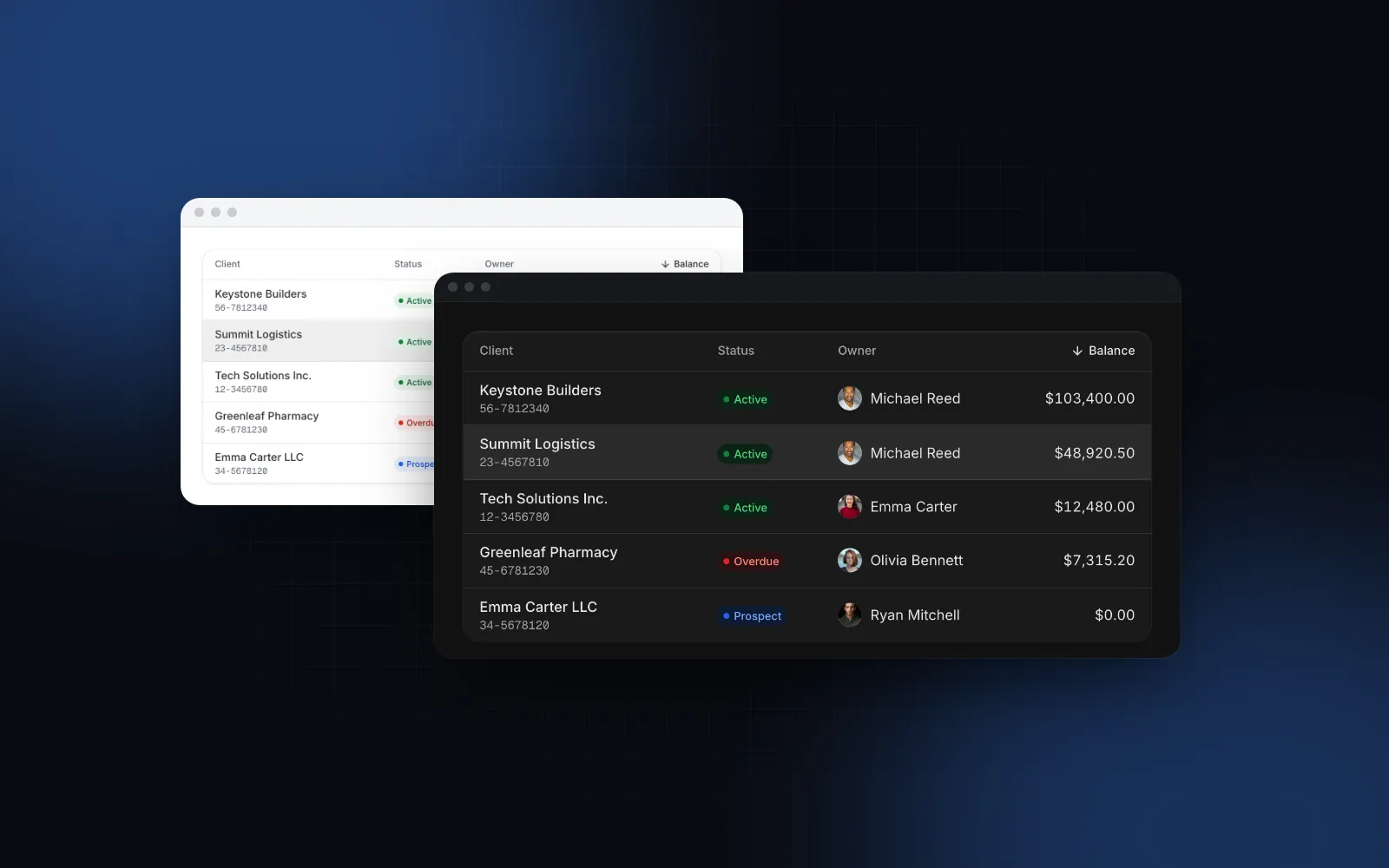
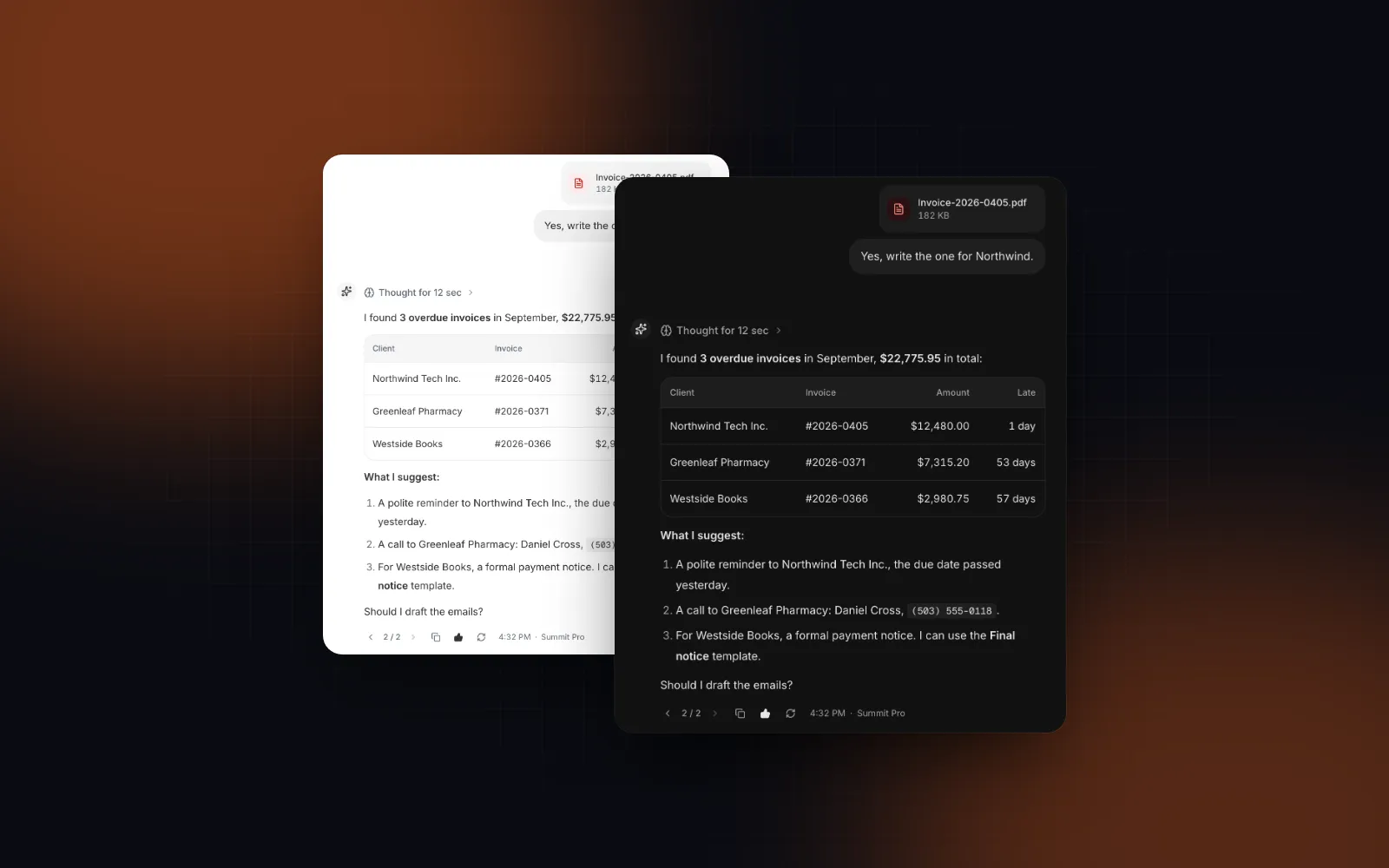
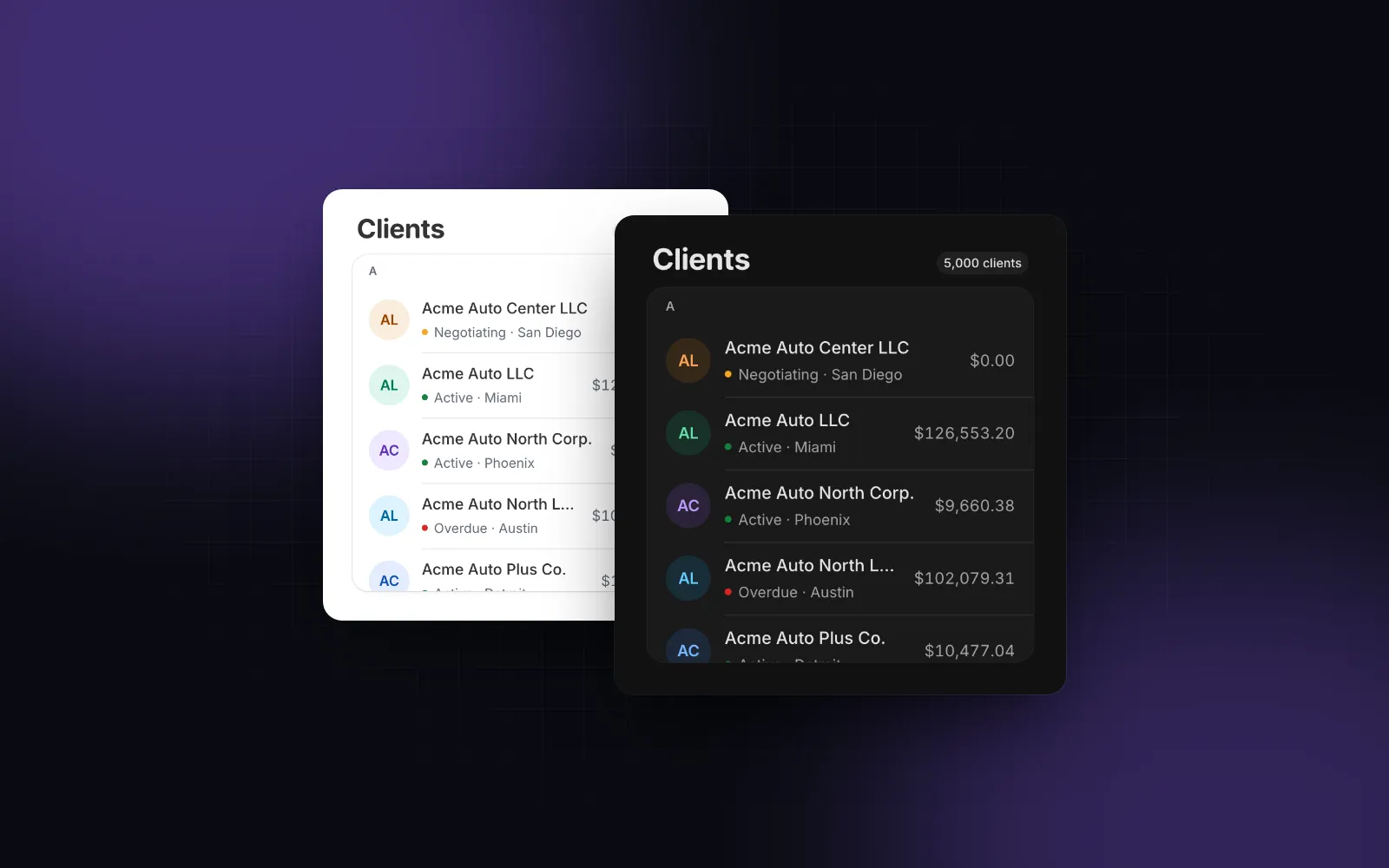
React Log Viewer: Stream 100,000 Lines With Regex Search
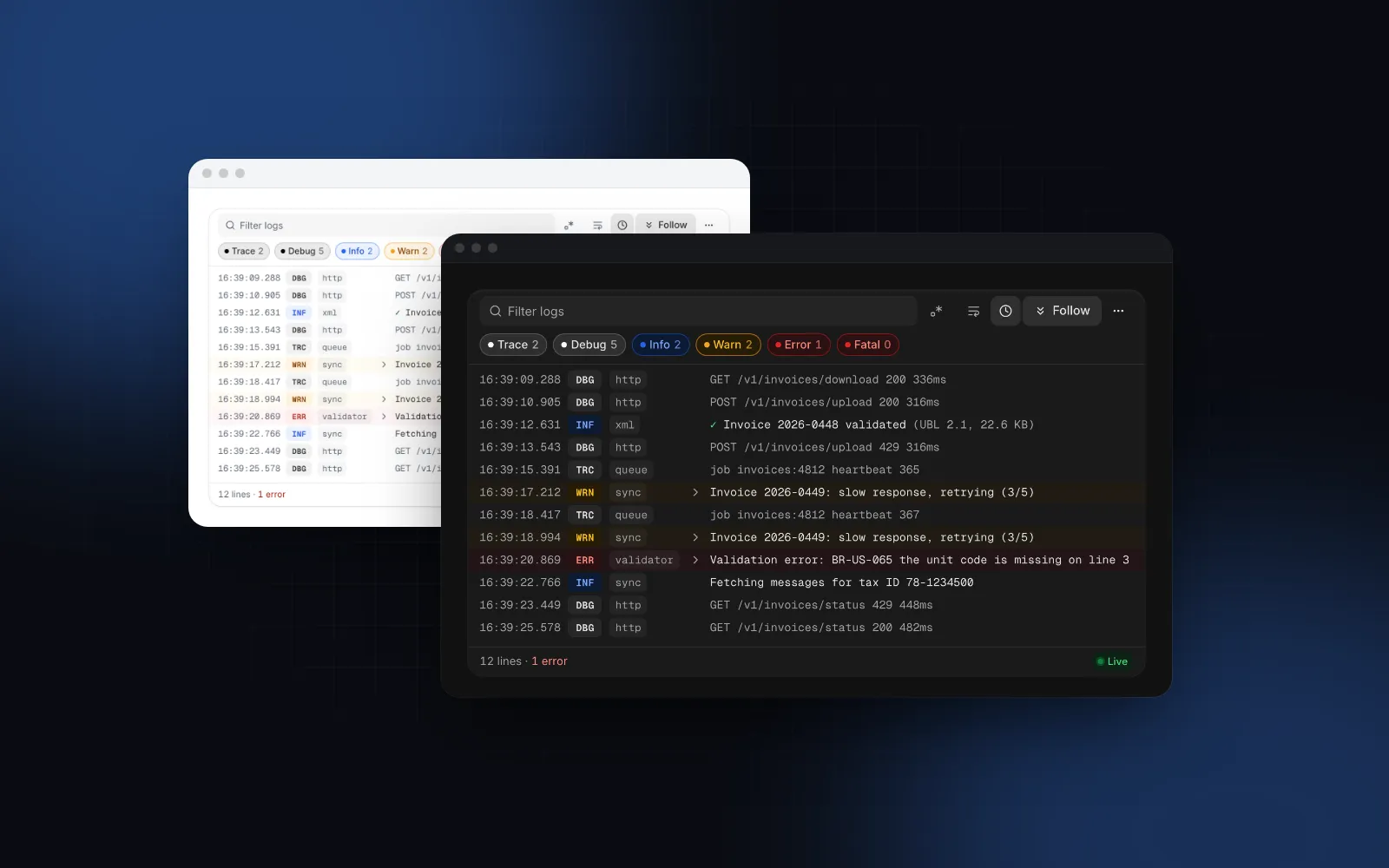
You have a deploy job, a sync worker or an AI agent that prints lines, and you want them in the browser as they happen. The first version is a <pre> and lines.map(). It works for 200 lines. At 20,000 the tab stutters, the view yanks you back to the bottom every time a line arrives while you are trying to read an error, and search re-renders everything on each keystroke. This guide covers what a React log viewer has to do to stay fast and readable under a live stream: virtualization, batched appends, level and regex filters, and a follow mode that knows when to let go. The examples use the Log Viewer from Wingo UI, the library we build, so we are not neutral. The techniques apply to any implementation.
What does a React log viewer need to handle?
It needs to handle volume, rate, memory, search, following and terminal output, because a log is an append-only list that grows without end and that the reader skims, searches and reads backward:
- Volume. Tens of thousands of lines is normal for a build, so rows have to be virtualized.
- Rate. A busy stream sends dozens of lines a second. One render per animation frame is enough.
- Memory. A job that runs for hours needs a ring buffer that drops the oldest lines and says so.
- Finding things. Level chips with counts, a text search that ignores case, and a regex log filter for patterns like error codes.
- Following. New lines scroll into view while you watch the tail, and stop the instant you scroll up.
- Terminal output. Build tools print ANSI color codes. Render or strip them, never show
\u001b[32mas text.
Most React log console examples stop at the <pre>. That holds up for a debug panel with a few hundred lines. A streaming log viewer that a user leaves open for an hour needs all six.
How do I render 100,000 log lines without freezing the page?
Two things: keep the lines out of React state, and render only the rows on screen.
Spreading a useState array on each message copies every line and re-renders the parent, per line. The Log Viewer keeps its lines in an internal store instead. You push lines through setApi().append(...), and every append that lands in the same animation frame is flushed in one render. Your component never re-renders for a new line.
For the DOM, the viewer uses @tanstack/react-virtual: only the rows in the viewport plus 20 rows of overscan on each side exist as elements. Wrapped rows get a height estimate from their text length and the panel width, then a real measurement after render, so reading upward rarely jumps.
Install it and wire it to a stream:
append takes a line object, a string, or an array of either. Strings go through parseLogLine, which reads lines like 2026-09-24T16:38:12.345Z INFO [sync] message or [16:38:12] WARN message, and JSON lines. For JSON it looks for the message in msg, message or text, the level in level, lvl, severity or levelname (pino's numeric levels included), and the time in time, timestamp, ts or @timestamp. A JSON line without a message key is shown as raw text. Extra keys become meta, shown as a JSON tree under the line on click or Enter, minus pino's pid, hostname and v. A WebSocket works the same way. If you already hold the lines in state, pass them as lines instead: a longer array appends only the new tail.
What does the server side look like?
Server-Sent Events are the simplest one-way transport, and EventSource reconnects on its own. subscribeToJobLogs stands for your own queue or log tail:
To avoid repeated lines after a reconnect, add an id: field to each event: the browser sends the last one back in the Last-Event-ID header. Try the viewer below, and scroll up while it streams.
$ npx wingo-ui@latest add log-viewerHow does follow mode know when to stop?
Follow mode should stop on the first sign that the reader wants to go up, before the scroll position has moved. Most hand-rolled versions check "am I within N pixels of the bottom" after each scroll event. With a fast stream, a new line lands between the reader's wheel turn and that scroll event, and the view snaps back down before it moves.
The Log Viewer uses four rules:
- A wheel turn upward pauses at once, on the
wheelevent (deltaY < 0), beforescrollTophas changed. - Any upward scroll while the content did not shrink pauses too. That covers touch, the scrollbar and keys. The height check matters: when the content shrinks (old lines trimmed, a filter applied), the browser clamps
scrollTopwithout the reader doing anything. - Scrolls the code makes itself are ignored. When the virtualizer corrects
scrollTopafter measuring a wrapped row above the view, scroll events in the next 80ms neither pause nor resume. On iOS that correction lands after the fling ends, so it would otherwise look like a reader's scroll. - Following resumes only on a clear signal: scrolling back down to within 4px of the end, pressing End, the follow toggle, or the "12 new lines" pill.
The scrolling itself comes from the useStickToBottom hook. It eases toward the bottom in a requestAnimationFrame loop, re-reads the target every frame so content that grows mid-animation is still caught, and re-renders only when its isAtBottom or isFollowing flags flip. While paused, the footer reads Paused instead of Live, and when old lines drop off the ring buffer the line you are reading stays put. Opening a line's JSON details pauses too.
Control it with follow / onFollowChange, or set defaultFollow={false} for a finished log that should open at the top.
Can I use the hook on its own?
Yes, for a short log or a chat where virtualization is overkill. Put scrollRef on the scroller and contentRef on the element that grows, and show a button while the reader is away from the end. The hook counts anything within 72px of the bottom as "at the bottom" and re-follows when the reader scrolls back into that zone; pass threshold to change it, or initial: false to open at the top:
Past a few thousand lines, switch to the full viewer. For long lists that are not logs (contacts, feeds), the Virtual List gives you the same windowing with sticky group headers and infinite loading. The chat version of this scroll problem is in our React AI chat UI guide, and the streaming text side in React markdown streaming without scroll jumps.
How should level filters and regex search work?
Levels belong in toggle chips with live counts, and text belongs in a debounced search that can switch to a regular expression. Lines without a level always stay visible. Control the chips with levelFilter and onLevelFilterChange when the parent owns the state, for example to sync it to the URL:
Text search matches words in the message or source, ignoring case and diacritics. The .* toggle (or the regex prop) switches to a case-insensitive regular expression. Three details make it usable:
- Debounce. The filter runs 120ms after typing stops, not on every key.
- Invalid patterns fail softly.
new RegExpthrows on input like(. The viewer marks the field as invalid and filters nothing, instead of hiding every line. - Big buffers filter in chunks. Above 50,000 lines, it scans 8,000 lines at a time in idle callbacks, so typing stays responsive.
If you write your own regex log filter, avoid the g flag with test(): a global regex keeps lastIndex between calls and skips matches. A pattern with nested quantifiers, such as (a+)+$, can also backtrack for a very long time on some inputs, and no debounce fixes that.
filterMode="filter" hides the lines that do not match. highlight keeps every line, marks the hits, and steps through them with Enter and Shift+Enter, which is better when the lines around an error matter.
$ npx wingo-ui@latest add log-viewerIs a log viewer accessible to keyboard and screen reader users?
Yes, if the log body is a single Tab stop instead of 100,000 focusable rows. In the Log Viewer it is one Tab stop with role="log". Inside it, Up and Down move a focus row, Page Up and Page Down jump a page, Home and End go to the first and newest line, and Escape drops the focus row. Ctrl+F or ⌘F inside the viewer jumps to its search; searchShortcut adds a global key.
A live region that reads every streamed line would be unusable, so the log is aria-live="off" and a separate polite region announces the focus row as it moves. Every string is in labels for translation.
How does a log viewer work on a phone?
It wraps lines and moves secondary controls out of the way. With defaultWrap="auto" (the default), lines wrap below 768px and scroll sideways above it. When the viewer is narrower than 480px, the wrap and time toggles move into the ⋯ menu, the level chips scroll sideways, and below 768px the menu opens as a bottom sheet. The menu also copies the visible lines, downloads the whole buffer as a dated .log file, or clears the buffer. Lines over 10,000 characters are cut with a Show all button, and maxLines caps memory; lower it for jobs that run for days.
Should I use an npm log viewer package or own the source?
Picking a React log viewer component comes down to who owns the code. If you want an npm package, @melloware/react-logviewer (opens in a new tab) is the maintained fork of Mozilla's react-lazylog. As of October 2026 its latest version on npm (opens in a new tab) is 6.6.0 (published September 27, 2026), under the MPL-2.0 license. It loads text from a URL, a WebSocket or an EventSource, renders ANSI colors, searches, virtualizes with Virtua, and follows the tail through a ScrollFollow wrapper. It is the better choice when you mostly open whole log files from a URL and want updates from npm.
The Wingo UI viewer is a source file in your project, so the row markup, the parser and the levels are yours to change. It is a Pro component: as of October 2026, Pro costs $8 a month, $80 a year or $150 once, listed on the Wingo UI pricing page.
What is the fastest way to try it?
Install the viewer, point an EventSource at your job's log endpoint, and pass setApi:
The command also adds its dependencies, including useStickToBottom and the JSON Viewer used for line details. If your log records carry large payloads, our React JSON viewer guide covers that tree on its own. More guides like this one are in the component guides category.
FAQ
How do I show live logs in React?
Open an EventSource or WebSocket in an effect and append each message to a buffer outside React state, then render only the visible rows with a virtualizer. With the Wingo UI Log Viewer you call api.append(event.data) from the effect, and it batches everything that arrives in one frame into a single render.
How do I stop auto scroll when the user scrolls up?
Treat an upward scroll as the reader's intent and turn following off right away, including on the wheel event, before scrollTop has changed. Turn it back on only when they scroll back down to the end or press a jump to latest button. The Wingo UI Log Viewer resumes within 4px of the end; the useStickToBottom hook uses a 72px threshold you can change.
How many log lines can a React component handle?
With virtualization, the limit is memory, not the DOM, because only the rows on screen plus a small overscan are rendered. The Log Viewer keeps up to 100,000 lines by default (the maxLines prop) and drops the oldest ones past that, with a footer that says how many were dropped.
How do I filter logs with a regular expression in React?
Compile the pattern once with new RegExp(text, "i") inside a try / catch, mark the field as invalid when it throws, and test each line against the compiled expression after a short debounce. Avoid the g flag for test(), because a global regex keeps lastIndex between calls and skips matches.
Is the Wingo UI Log Viewer free?
No. The Log Viewer, the useStickToBottom hook and the Virtual List are part of Wingo UI Pro. They install as source code with npx wingo-ui@latest add log-viewer.
- Logs
- Streaming
- Virtualization
- DevOps UI
- Accessibility