React Calendar Component with Events: Month, Week, Day
You need a React calendar component with events: a clinic's appointments, a team's meetings, a sales rep's week. A month grid with a few colored chips is easy to build. Then the real data arrives. Two appointments overlap at 9:30, a conference runs across four days, someone drags a visit to Friday and the save fails, and on a phone the week view is seven columns that are each 50px wide. This guide covers what an event calendar needs, the props that matter in the Wingo UI Calendar View, how to fetch and save events, and what to show on a phone.
What should a React calendar component with events handle?
Six things:
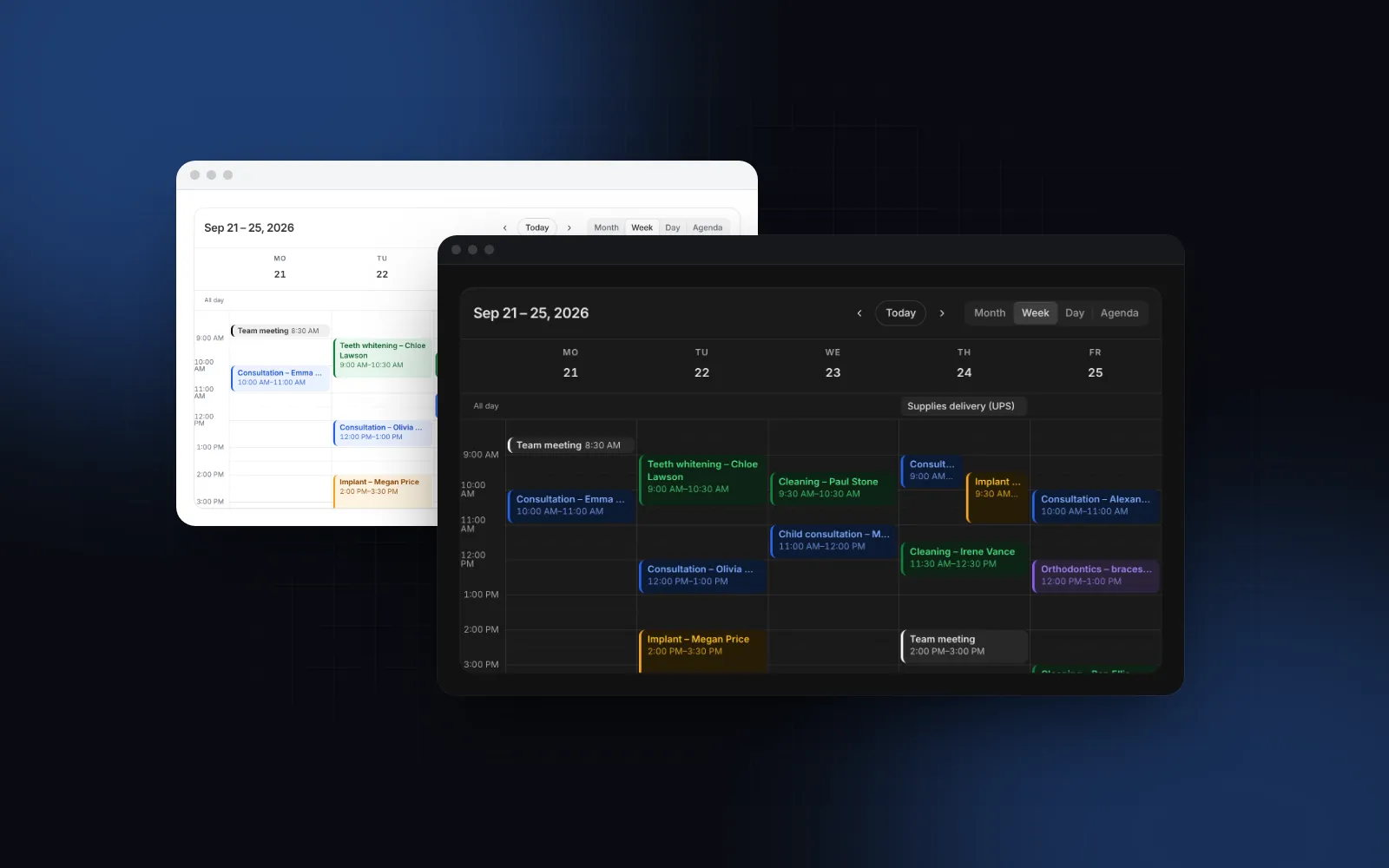
- Month, week, day and agenda views, with prev, Today and next, and a title that says which range you are looking at.
- Overlapping events side by side in the week and day grids, and multi-day events as one bar across the month cells.
- Details on click: time, location, attendees, plus your own status or links.
- Drag to move and resize, snapped to a slot, with a way to undo a move the server refuses.
- Selecting empty time to create an event.
- A phone layout that is a list, because a time grid does not fit.
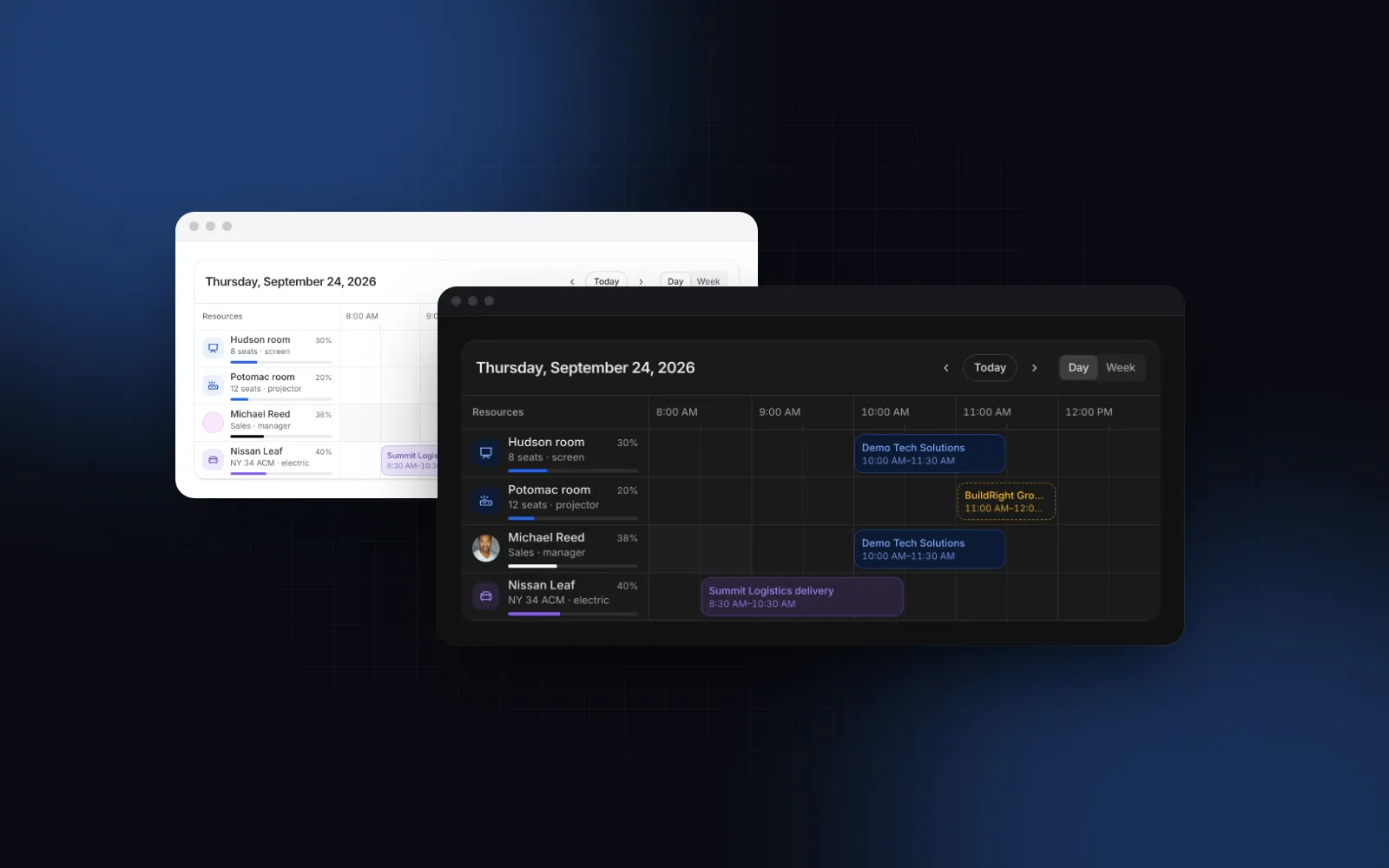
If your question is "which room, car or person is free at 10 AM", you want a resource timeline instead, with resources as rows. That is a different component, covered in the React resource scheduler guide. An event calendar answers "what is on my schedule".
Does shadcn/ui have a calendar with events?
No. The shadcn Calendar (opens in a new tab) is a date picker built on React DayPicker: single days, ranges, month and year dropdowns. It has no week or day time grid. People searching for a shadcn calendar with events usually want two different things, and both exist in Wingo UI:
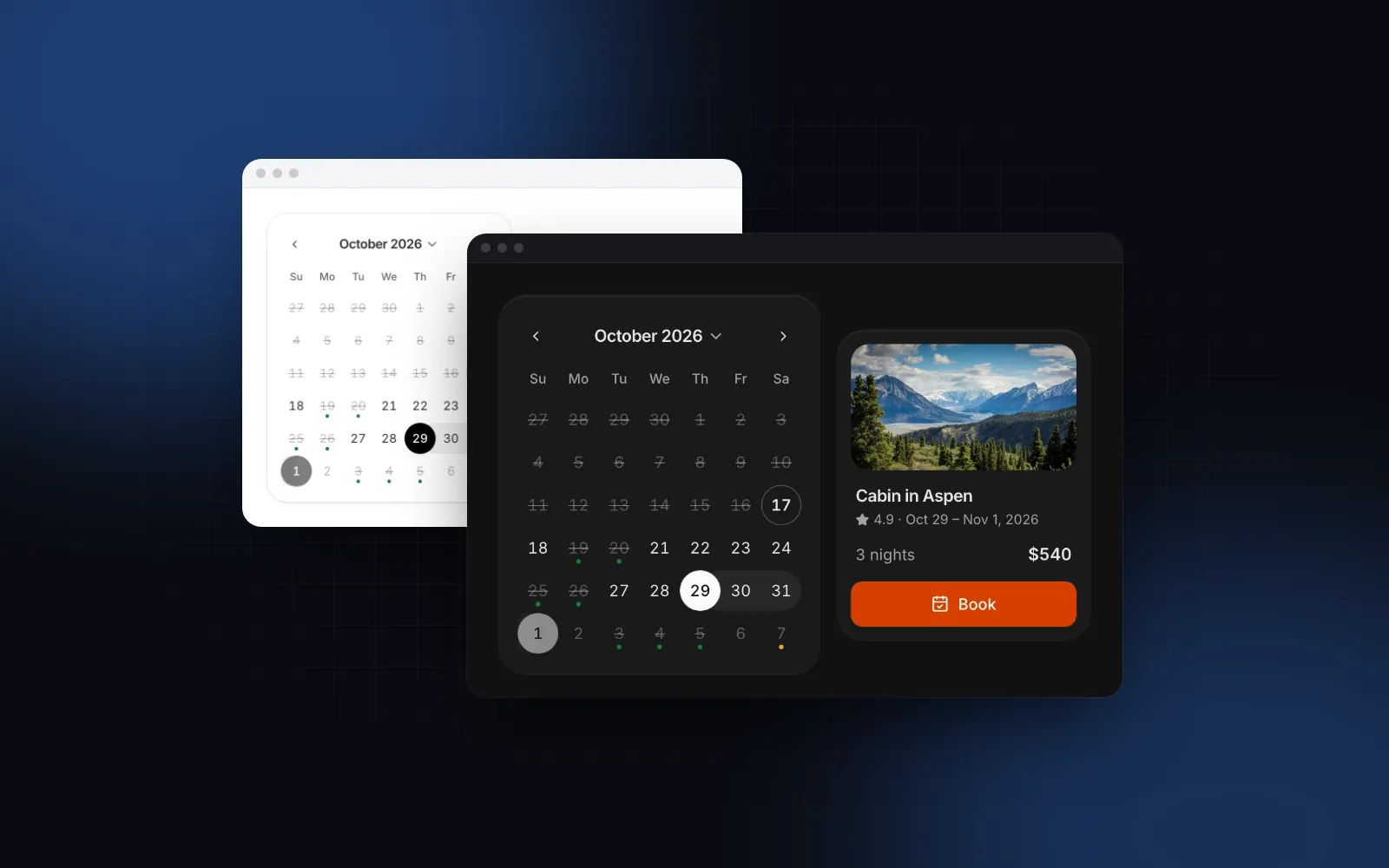
- A date picker that shows events as dots, so you can see busy days before you pick one. That is the Calendar, whose
eventsprop takes{ date, tone?, color?, label? }and draws up to three dots under a day, with the labels read out by screen readers. - A React event calendar that lays events out on a time grid. That is the Calendar View, the subject of the rest of this post.
How do React event calendars compare?
react-big-calendar, FullCalendar and Mantine Schedule are the free MIT options, and the Wingo UI Calendar View is the Pro option you install as source. These are the names that come up when you search for "react calendar month week day" or a react big calendar alternative. Versions and facts are from each project's docs, repository and npm, as of October 2026.
FullCalendar is the better choice if you also need resource timelines from the same vendor and are fine paying for Premium. react-big-calendar is a solid free default if you are happy to restyle its CSS. Mantine Schedule makes sense when your app already runs on Mantine. The Calendar View fits a Tailwind and shadcn style codebase where you want to read and edit every line.
What props does the Calendar View need?
One: events. Each event is { id, title, start: Date, end: Date } plus optional allDay, tone or color, location, description, attendees, editable and meta.
The two morning appointments overlap, so the week grid puts them in two columns, and the congress shows as one bar across three month cells (an all-day end at local midnight is exclusive). The props you change most after that:
viewsanddefaultView: the switch shows month, week, day and agenda by default; a single view hides it.dayStartHour,dayEndHour,scrollToHour(8 by default) andhourHeight(48px, at least 56px on touch screens).slotMinutes: 15, 30 or 60, the snap for moving, resizing and selecting.hideWeekends,showWeekNumbers,maxEventsPerDay(3 lines per month cell; a busier day shows two chips and "+N more").toolbarActionsfor a "New appointment" button,labelsfor every string,variantforsurface,outlineorplain.
The demo below opens in the week grid. With a mouse or pen, drag an appointment to another hour, then pull its bottom edge to make it longer.
$ npx wingo-ui@latest add calendar-viewHow do I load events for the visible range?
Control view and date, and fetch whenever either changes. getVisibleRange(view, date, weekStartsOn, agendaDays) returns the first and last visible day as local midnights, both inclusive. Two details matter. Its weekStartsOn defaults to Monday, while the calendar follows the locale (Sunday in en-US), so pass the same value. And the end is the last day at midnight, so query up to the next midnight or you lose that day's events.
loading shows a thin bar under the toolbar while the current events stay on screen, so moving a week ahead does not flash an empty grid.
How do I save a drag to reschedule?
The calendar shows the change the moment you drop, then calls onEventChange(event, { start, end, allDay }). Return false and the event goes straight back, which is how the example above refuses a move into the past. For a server save, update your events, send the request and restore the previous array if it fails. Passing a new events array clears the calendar's optimistic copy, so the restore is all you need. The snapshot is only safe for one save at a time; if moves can overlap, refetch the range after a failure instead.
onSlotSelect makes empty time selectable: click a slot for an hour, or drag down the grid for a range with a "New event" ghost. In the month, click a day or drag across days for an all-day range. Opening the new event through openEventId right after you add it shows its details at once, which is where your own Rename or Delete buttons can sit (see meta below).
Events can opt out with editable: false, for example a confirmed surgery that only the front desk may move.
How does a React event calendar work on a phone?
It turns into a list. When the calendar is narrower than 576px, month and week switch to the mobileView you pick:
"agenda"(the default): the days of that month or week as sticky headings over 56px rows with the time, a tone bar, the title and the location. It opens at today."day": the focused day as a time grid; swipe left or right to change the day."month": a compact month with up to three dots per day and the chosen day's events listed underneath, also with swipe.
The switch is a container query on the calendar itself, so a narrow side panel on a desktop gets the phone layout too, and both layouts are in the server HTML. layout="mobile" forces it, for example inside a phone frame. Below a 768px viewport, event details rise as a bottom sheet instead of a popover, for the reasons in the React bottom sheet guide.
$ npx wingo-ui@latest add calendar-viewDragging events is off on touch screens, because a drag that starts on an event would fight the page scroll. If people reschedule from their phones, give them a button in the details. Each event's meta renders at the end of the details popover or sheet:
openRescheduleForm is your own form, for instance a Drawer with a date and time field. The same button also covers keyboard users, as the next section explains.
How do I make an event calendar accessible?
Give every action a path that is not a drag. The month grid is one Tab stop: arrows move by day and week, Home and End go to the ends of the week, PageUp and PageDown change the month (with Shift, the year), Enter opens the day's events, and Tab moves on to the events inside the day. In week, day and agenda, events are buttons in time order, read as the title and the time range. Escape closes the details and returns focus to the event. The toolbar title is a live region, so a screen reader hears the new range after prev or next.
Moving an event by keyboard is not built into the grid (Enter opens the details), which is one more reason for a Reschedule button in meta. WCAG 2.2 2.5.7 Dragging Movements (opens in a new tab) asks for a single-pointer alternative to any drag, and that button is it. Reduced motion replaces the slides between periods with fades.
What are the common pitfalls?
- Strings instead of Dates. JSON gives you ISO strings. Convert
startandendwithnew Date()when you load, astoEventdoes above. - All-day ends. An all-day event that ends at local midnight ends the day before, so a three-day conference starting on the 22nd ends at midnight on the 25th. An end at or before the start reads as 30 minutes, with a warning in development.
- Mismatched week starts. Pass the same
weekStartsOntogetVisibleRangeand the calendar, or a Sunday in en-US goes unfetched. - Hydration. Without
defaultDateordate, the server renders the first event's day and the browser moves to today after mount, so the HTML matches. A controlleddatethat starts asnew Date(), as in the fetch example, is computed on the server and again in the browser, so near midnight or across time zones the two can land on different days. Start it from a fixed date or set it to today in an effect. - Very busy days. Every overlapping event gets its own column, so a day with dozens of parallel bookings splits into columns too narrow to read. Show that kind of data in a Data Table with filters, or split it by resource.
How do I add it to my project?
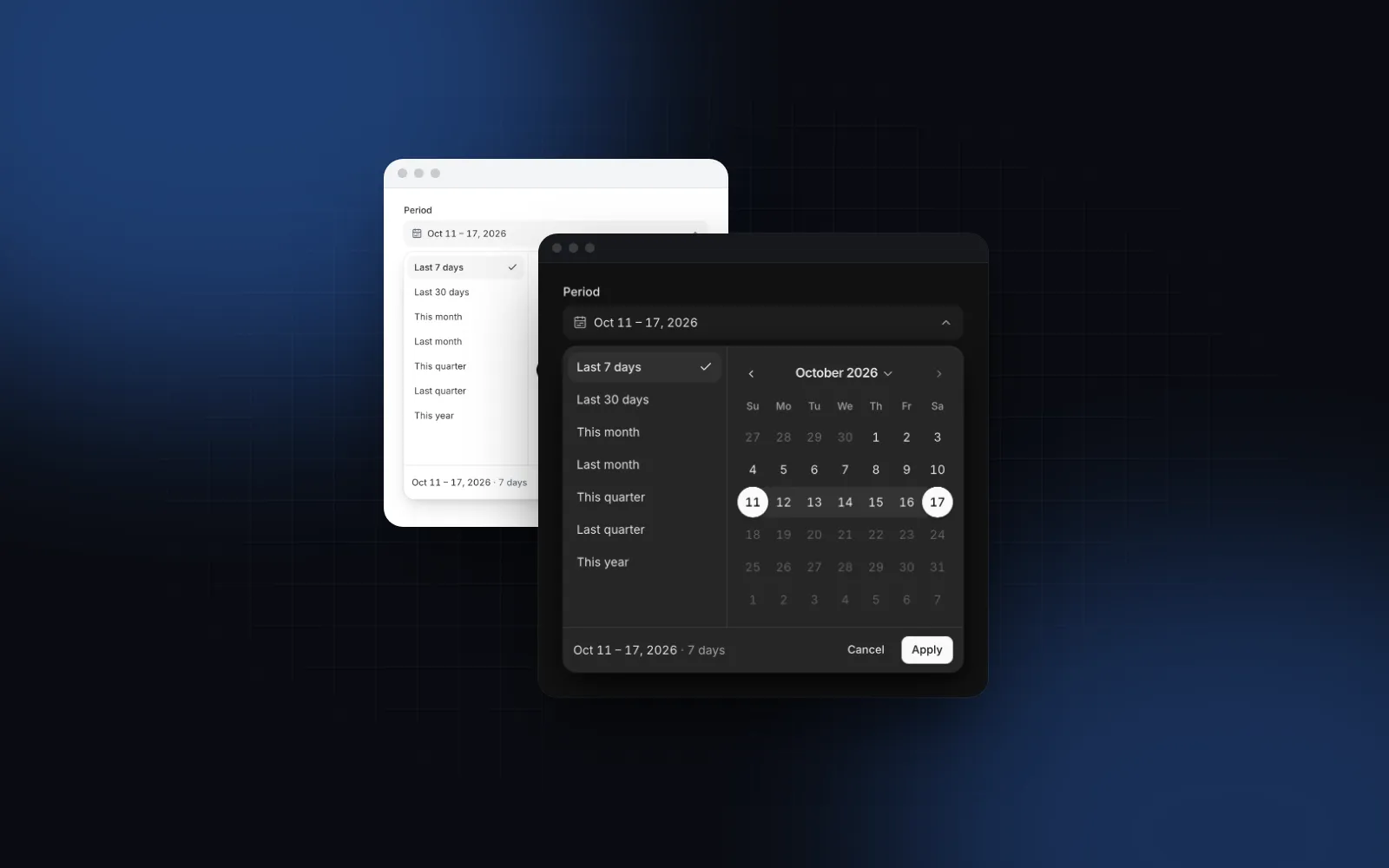
Run npx wingo-ui@latest add calendar-view (or calendar for the date picker). The CLI copies the source into components/ui, adds the parts it uses, such as the Popover, Avatar and Button, and installs @dnd-kit/core, date-fns, motion and lucide-react. Both the Calendar View and the Calendar are Pro components (pricing). For picking a range instead of showing events, see the React date range picker guide. More single-component deep dives are in the component guides category, and the React form components guide covers the fields you will put in the reschedule form.
FAQ
What is the best React calendar component with events?
For a free npm package, react-big-calendar and the FullCalendar Standard edition are both MIT and ship month, week, day and agenda or list views. Mantine Schedule fits apps already on Mantine, and the Wingo UI Calendar View fits when you want the source in your repo and a phone layout built in.
Does shadcn/ui have a calendar with events?
The shadcn Calendar is a date picker built on React DayPicker, with single and range selection but no week or day time grid. For appointments you need a separate event calendar that renders events on a grid.
What is a good react-big-calendar alternative?
FullCalendar is the closest match in features, and its Standard edition is free under MIT. If you want a calendar you install as source with Tailwind tokens, a phone agenda and drag to reschedule, the Wingo UI Calendar View is a Pro alternative.
How do I save a drag to reschedule in a React calendar?
Update your events at once, send the new start and end to the server, and put the old array back if the request fails. In the Calendar View, onEventChange receives the event and its new times, and returning false undoes the move on the spot.
How should an event calendar look on a phone?
A seven column week grid does not fit 390px, so show an agenda list grouped by day, a single day, or a compact month with dots and the chosen day listed underneath. Event details should open as a bottom sheet instead of a popover.
- Calendar
- Scheduling
- Drag and drop
- Mobile UI
- React