AI Elements Alternative: 5 React AI Chat Kits Compared
You probably started with Vercel's AI Elements because it was the obvious pick for a chat on the AI SDK, and now you are looking for an AI Elements alternative. Maybe you saw the notice on its docs, maybe your backend is not the AI SDK, or maybe the chat feels wrong on a phone. This post compares five React AI UI kits on the four things that decide the choice: streaming, tool calls, mobile behavior and lock-in. Every fact is dated and linked. One of the five is Wingo UI, the library we build, so we are not neutral; we say plainly where AI Elements or another kit is the better pick.
What happened to AI Elements?
AI Elements is moving into shadcn/ui, and the original project will be deprecated at the end of November 2026. As of October 16, 2026, its docs page (opens in a new tab) says it "is moving to shadcn/ui and this project will be deprecated at the end of November 2026," and points new projects to AI Elements in shadcn/ui (opens in a new tab). It launched on August 6, 2025 (opens in a new tab) as an open source set of React components for the AI SDK, built on shadcn/ui.
The shadcn/ui version is a different kind of thing. Its page describes the AI Elements as patterns for agentic interfaces and says "There is no package to install. The code is yours." Each pattern is a composition of shadcn/ui components that you copy into your project or hand to a coding agent through a prompt: a Chat is Message turns inside a Message Scroller, and Reasoning, Tool and Plan are built on Trace. The page lists 21 patterns, from Chat and Prompt Input to Plan, Queue, Terminal and Test Results. It maps the old AI Elements files to their replacements and lists the ones with no direct successor, such as canvas.tsx (rebuild it with React Flow) and web-preview.tsx (an iframe).
If you already installed AI Elements, nothing breaks. The shadcn/ui page says you do not need to migrate, because the files are in your repo. What ends is upstream work on elements.ai-sdk.dev, which matters for the next AI SDK release more than for today.
Vercel AI Elements vs the alternatives: how do they compare?
Here are the five kits, checked on October 16, 2026. "Chat state" is the question that separates them most: who holds the messages, the streaming status and the tool calls.
Sources: the AI Elements docs (opens in a new tab), Tool (opens in a new tab) and Confirmation (opens in a new tab) pages and repository; the shadcn/ui AI Elements page (opens in a new tab) and its Tool pattern (opens in a new tab); the prompt-kit repository, its README and its components/prompt-kit folder; the assistant-ui docs (opens in a new tab) and pricing (opens in a new tab). License types are as the repositories declare them.
Four of the five are free. Wingo UI is the paid one, and that is the first filter: if a free kit covers your screen, use it.
Which kit handles streaming best?
No kit wins outright: all five render a reply as it streams. They differ on two details, where the scroll position sits while text arrives and what happens to half-written markdown.
- AI Elements renders markdown with Streamdown, Vercel's streaming markdown renderer. Its package depends on
streamdown^2.4.0 (checked in the repository'spackage.json, October 2026). - shadcn/ui's Chat pattern makes the person's message the scroll anchor: a new question settles near the top and the reply streams in under it.
autoScrollfollows the reply while the reader stays at the live edge, per the Chat pattern page (opens in a new tab). - prompt-kit ships
chat-container,markdownandresponse-streamfiles, so the pieces exist and the wiring is yours. - assistant-ui handles streaming inside its runtime, so the components receive state that is already merged.
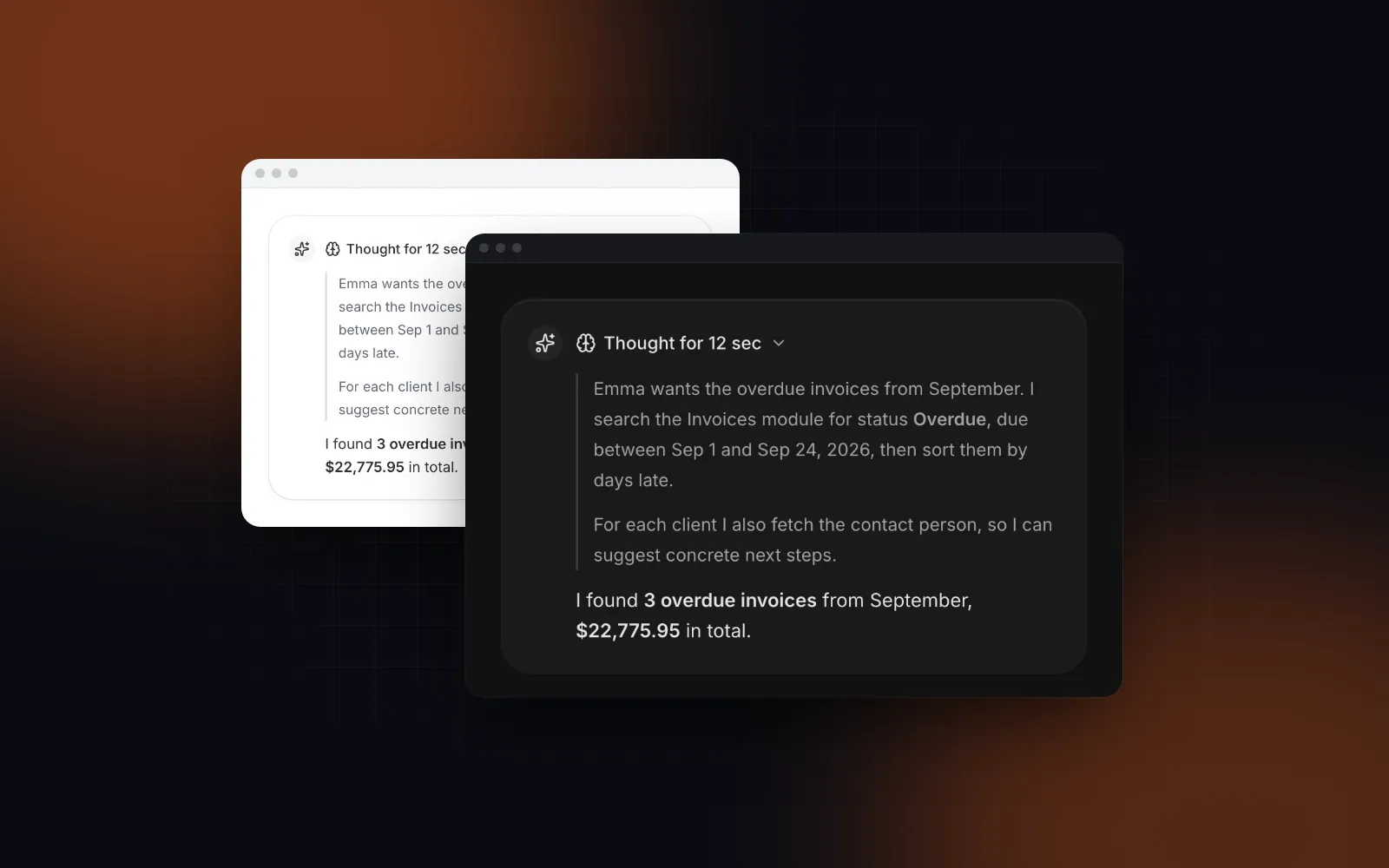
- Wingo UI's Chat Thread follows the stream only while the reader sits at the bottom and lets go as soon as they scroll up. An upward wheel turn releases it before
scrollTopeven moves, so a reader at the very bottom is not dragged back by the next token. A pill counts the replies that arrived while you were away. Its Markdown component repairs the unfinished tail (an open code fence, unmatched**, a half-typed link) before parsing, and screen readers hear one announcement when a reply starts and one when it is ready.
The anchoring choice is a real design difference. shadcn/ui keeps your question in view while the answer grows below it. Chat Thread follows the newest text the way most chat apps do. Neither is wrong; pick the one that matches how long your answers are. The details of tail repair are in our post on React markdown streaming.
$ npx wingo-ui@latest add chat-threadHow do the kits handle tool calls and approvals?
The kits split into two camps here: tool UIs that read AI SDK parts directly, and tool UIs that take your own data. The first saves glue on the AI SDK; the second survives a change of SDK.
AI Elements is in the first camp. Its Tool component takes a ToolUIPart (or a DynamicToolUIPart) and passes the part's state to ToolHeader, which maps every SDK state (input-streaming, approval-requested, output-denied, output-error and the rest) to a badge. The separate Confirmation component renders the approval request, and in its docs example the Approve and Reject buttons call addToolApprovalResponse from useChat. If your app is on the AI SDK, you write almost no glue. One mobile detail from its source: ConfirmationAction is styled h-8, a 32px button.
shadcn/ui's Tool pattern draws each call as a line in a Trace and puts long output in a Code Block, or in a Sheet when it is very long. Its page says the building blocks do not read tool parts and that you map each state yourself, though the example code is written against useChat. A pending approval renders outside the trace as an Item with Approve and Deny.
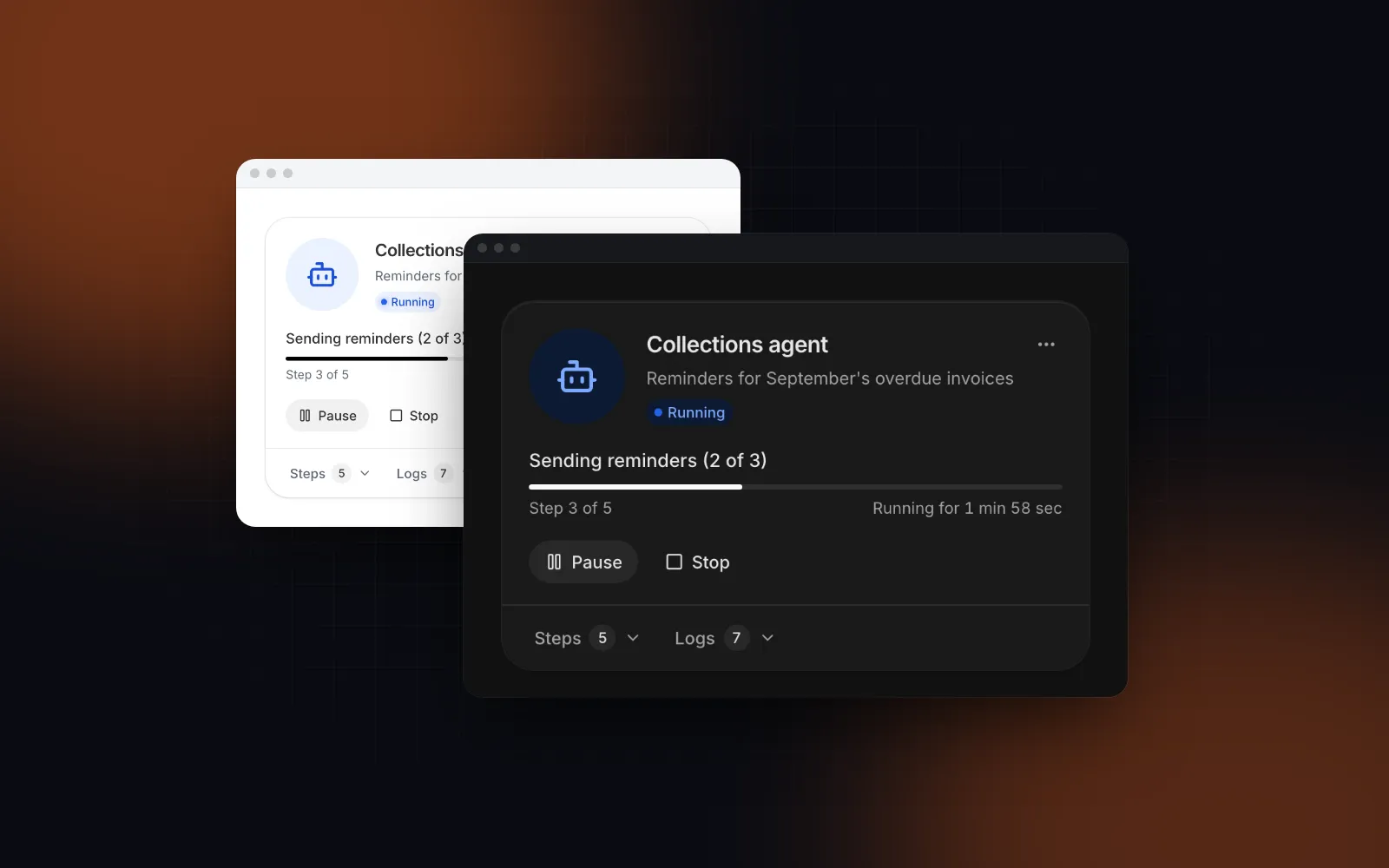
Tool Call Timeline is in the second camp. Each call is a ToolCall object with a status (pending, running, complete, error, canceled or awaiting-approval), an input, an output, timings, logs and sub-steps. Failed calls open by themselves and show Retry when you pass onRetry, a call waiting for a person shows Approve and Reject under its exact arguments, and an onApprove that returns a promise keeps the button spinning until it settles. It comes in three variants: a rail for an agent page, a card with the run's progress and total time, and an inline summary for a chat message.
$ npx wingo-ui@latest add tool-call-timelineBecause ToolCall is plain data, you need an adapter from AI SDK parts. It is one short file, and our guide to AI agent tool call UI has the full version, including the server-side approval gate on streamText.
Which AI chat UI kit works on a phone?
For a native iOS or Android app, assistant-ui is the only one of the five with React Native support. For a web app on phones, the gaps show up in the composer: it slides behind the keyboard, Enter sends half a sentence, and a model menu anchored to a small button covers the thumb that opened it. We read each kit's docs and its prompt input source for phone behavior (October 2026):
- assistant-ui: its docs list React Native for iOS and Android next to React for the web, Vue and React Ink for terminal apps. If you ship a native app, that settles it.
- AI Elements and the shadcn/ui patterns: the Chat pattern page (opens in a new tab) does not mention the on-screen keyboard, IME composition or touch targets. AI Elements'
prompt-input.tsxdoes skip Enter while an IME is composing, but it sends on any plain Enter, including on a phone keyboard that has no Shift+Enter, and its approval buttons are 32px. You can fix all of it in your copy, since you own the files. - prompt-kit: its README does not cover phone behavior, and its
prompt-input.tsxsubmits on Enter without Shift and without anisComposingcheck, so a Japanese or Chinese IME user who presses Enter to confirm a word sends the message instead. Add the check to your copy before you ship to those markets. - Wingo UI treats the phone as the main target. Prompt Input ignores Enter while an IME is composing (it checks
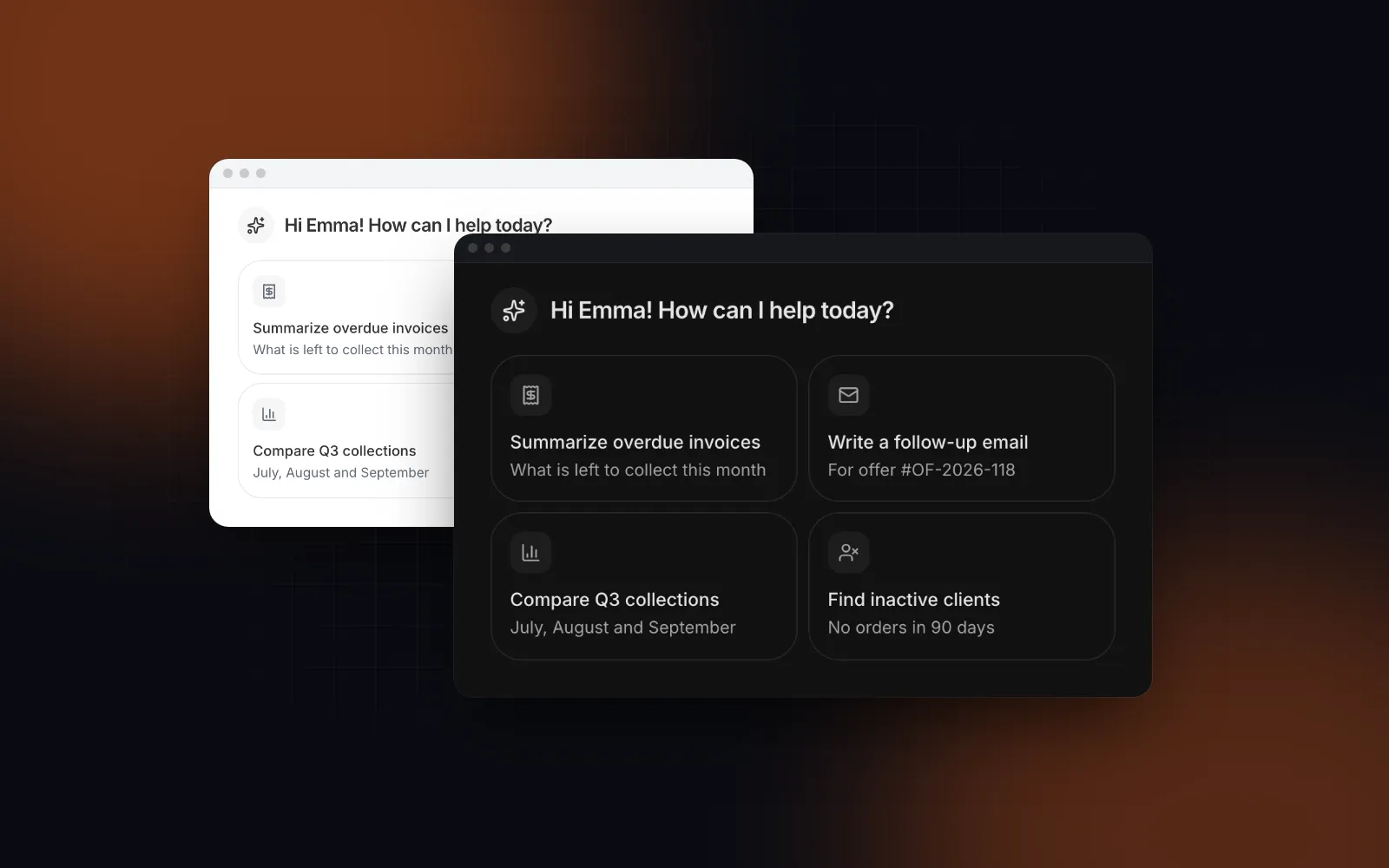
isComposingandkeyCode229), inserts a new line on touch keyboards so the round button does the sending, uses 16px text so iOS Safari never zooms, and withposition="fixed"lifts itself above the keyboard throughvisualViewport. Its model list and + menu open as bottom sheets on phones. Tool Call Timeline rows get a 44px hit area on touch screens, and its Approve, Reject and Retry buttons are 44px tall on phone widths.
The composer's keyboard rules are covered in depth in our React prompt input guide.
How much lock-in does each kit have?
Little in the code and more in the data model. Every kit here installs as source, so nobody can take the files away; the lock-in is in the types the components expect.
- AI Elements expects AI SDK types. Its package depends on
ai^6 and@ai-sdk/react^3, and its docs list "A Next.js project with the AI SDK installed" as a prerequisite. Moving off the AI SDK means rewriting the glue in each component, and after the deprecation date you maintain those files yourself. - shadcn/ui patterns loosen that. The building blocks are generic, and shadcn/ui publishes
@shadcn/helperswith an AI SDK helper (opens in a new tab) that streams scripted conversations throughuseChatwithout a model, plus a TanStack AI helper. - assistant-ui puts its runtime at the center. You get many backends through adapters, and the thread state lives in the runtime's model. Assistant Cloud is optional.
- prompt-kit and Wingo UI take props and hold no chat state. Wingo UI's components read
ChatMessageDataandToolCallfromlib/ai-chat: an id, a role, markdown content and a status, plus optional reasoning, tool calls, attachments and sources.
The practical test: could you swap your model provider or your SDK next quarter without touching the chat screen? With plain data types, the answer is yes, because only the adapter changes.
Can you keep the AI SDK and change only the UI?
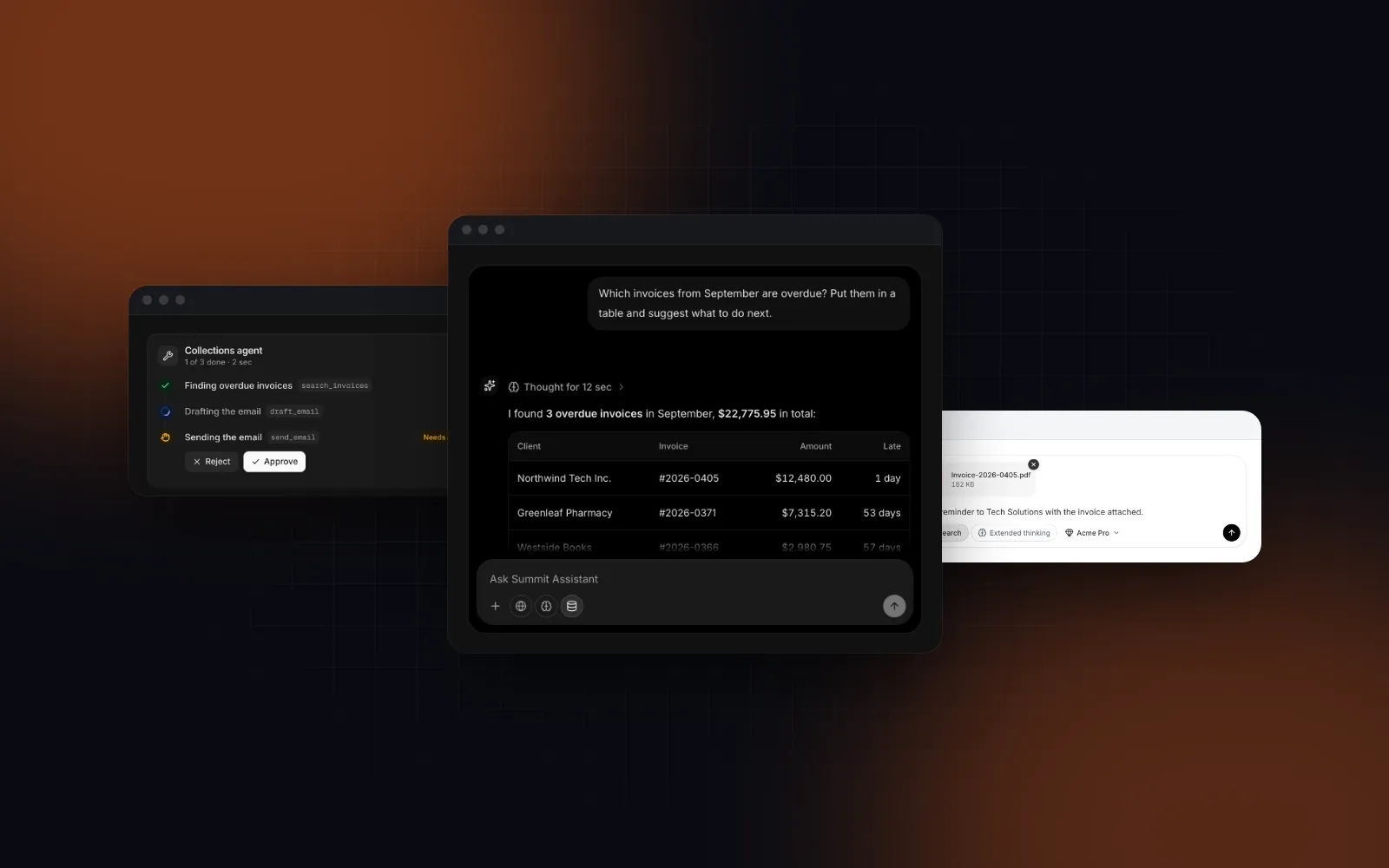
Yes. The AI SDK hooks are the part worth keeping, and they are separate from the AI SDK UI components you render. Here useChat stays, its default transport still posts to /api/chat, and Chat Thread and Prompt Input replace the AI Elements screen. Your route handler keeps returning streamText(...).toUIMessageStreamResponse().
The thinking prop shows the typing dots between send and the first token, Stop calls the SDK's stop(), and Escape stops the reply while focus is in the composer. For agents, add toolCalls: toToolCalls(message) with the adapter from the tool call guide, and the message folds them into a one-line summary that opens while a call runs.
When is AI Elements the better pick?
AI Elements, or now its shadcn/ui successor, is the better pick in three common cases:
- Your app is on the AI SDK and the budget is zero. It is free, Apache 2.0 or MIT, and the glue to
useChatis already written. - You build a coding agent. The shadcn/ui patterns include Terminal, Test Results, Stack Trace, File Tree, Checkpoint, Plan and Queue. Wingo UI covers part of that with Diff Viewer, Log Viewer (ANSI colors, tail follow) and Tree View, but it has no terminal, test results, stack trace or checkpoint component as of this release.
- You already live in shadcn/ui. The AI patterns now sit in the same docs and CLI as the rest of shadcn/ui, built from components you may already have.
For a new project, start from the shadcn/ui version, given the November 2026 date on the original. Choose assistant-ui when you want the library to own threads, branching and persistence, or when you ship React Native. Choose prompt-kit for a small free set of shadcn AI chat components you style yourself. Wingo UI fits when your backend is already yours and you want the scroll rules, the phone layouts, the approval flow and the screen reader announcements done, with every visual aspect a prop and the same components installable through the CLI or the MCP server.
What should you try next?
Open the Chat Thread docs, try its props in the playground, then install it with npx wingo-ui@latest add chat-thread prompt-input tool-call-timeline. All three are part of Wingo UI Pro. If a coding agent builds your screens, the component library MCP guide shows how it can read these props directly, and more posts like this one are in Building UI with AI agents.
FAQ
Is Vercel AI Elements being deprecated?
Yes. As of October 2026 the AI Elements docs say the project is moving to shadcn/ui and will be deprecated at the end of November 2026, and that new projects should install AI Elements from shadcn/ui. The shadcn/ui page says existing copies keep working, since the code already lives in your project.
Does AI Elements work without the AI SDK?
Not as documented. Its prerequisites list a Next.js project with the AI SDK installed, its package depends on ai and @ai-sdk/react, and its Tool component takes the SDK's tool part. The shadcn/ui patterns are looser: their building blocks do not read tool parts, though the examples use useChat.
What are the free shadcn AI chat components?
AI Elements (Apache 2.0), the AI patterns in shadcn/ui (MIT), prompt-kit (MIT) and assistant-ui (MIT) are all free and install as source. assistant-ui also offers an optional hosted backend, Assistant Cloud, with a free tier for 200 monthly active users and a Pro plan at $50 a month, as of October 2026.
Which AI chat UI kit works best on phones?
For a native iOS or Android app, assistant-ui, because it ships React Native support. For a web app used on phones, check each kit for 44px touch targets, bottom sheets instead of popovers, IME-safe Enter handling and a composer that stays above the keyboard. Wingo UI builds all four in; of the free web kits, AI Elements' prompt input handles IME composition but sends on a plain Enter on touch keyboards too.
Are the Wingo UI AI components free?
No. Chat Thread, Prompt Input and Tool Call Timeline are part of Wingo UI Pro, which costs $8 a month, $80 a year or $150 once. The 75 free items include basics they build on, such as Button, Textarea and Tooltip.
- AI chat
- AI SDK
- shadcn/ui
- Comparison
- Mobile UI