React Swipe to Delete: iOS Swipe Actions With Undo
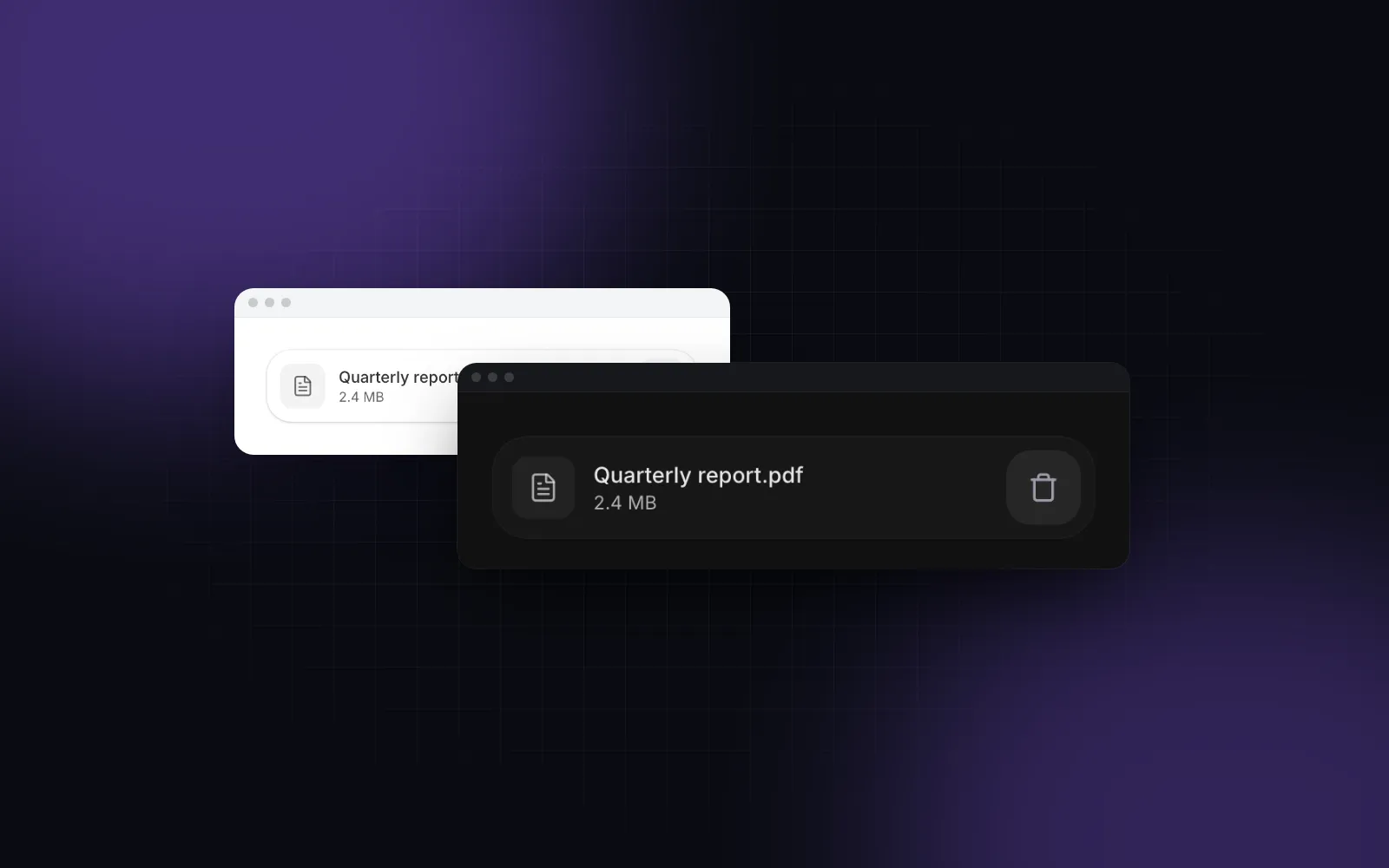
React swipe to delete is the pattern iPhone users reach for without thinking: drag a row to the left, a red Delete appears, keep going and the row is gone. On the web it usually ships as a drag handler that fights vertical scrolling, leaves three rows open at once, deletes without a way back, and does nothing for someone on a laptop. This tutorial builds the iOS behavior step by step with motion, then shows the Wingo UI List, which packages swipe actions, full swipe, a long press sheet and a keyboard menu, with Undo through the free Toast.
What makes swipe to delete feel like iOS?
Five behaviors, and web implementations often skip some of them. Take react-swipeable-list (opens in a new tab), a web package for react swipe actions (1.10.0, published October 11, 2024, MIT, as of October 2026). It has an iOS mode, a fullSwipe option that is off by default, a threshold of 0.5, and a destructive flag that waits 1000ms before calling you; its README does not mention keyboard support. Here is the list we hold our own component to:
- The row follows the finger, and only sideways. A vertical move scrolls the page. A horizontal one slides the row, and the drag locks to that axis once it starts.
- A short swipe snaps open. Release past a quarter of the action width, or flick, and the row parks with its buttons uncovered. Anything less springs back.
- A full swipe runs the action. Apple's SwiftUI swipeActions (opens in a new tab) docs say that by default the user can perform the first action for a given swipe direction with a full swipe. That first action is the outermost button, usually Delete.
- One open row at a time. Opening a second row closes the first. A tap elsewhere or a scroll closes it too.
- Both edges. Trailing actions (Archive, Delete) come out on a swipe to the left, leading ones (Mark read) on a swipe to the right.
Apple's gestures guidelines (opens in a new tab) add the part that web ports forget: "Give people more than one way to interact with your app." A swipe is a shortcut, never the only path.
How do you build a swipeable row from scratch?
Put the actions underneath, put the row content on top, and drive the row with a motion value so a pointermove never re-renders React. With drag="x", Motion sets touch-action: pan-y on the element, so the browser keeps vertical scrolling and hands you the horizontal moves:
That is a working slide to delete row, and only a skeleton. What it still misses: the hidden button stays in the Tab order while the row is closed (put inert on the action layer until it opens), a swipe that ends on a link fires its click, a second open row does not close the first, there is no haptic tick when the full swipe arms, and there is no way to delete without dragging. The 400px/s flick speed and the quarter-width threshold match the shared gesture constants in Wingo UI's lib/motion, which are tuned to dismiss at the same point as a vaul drawer.
How do you add swipe actions to a React list with Wingo UI?
Give each row a swipe field with leading and trailing arrays. Each action is { id, label, icon?, tone?, color?, onSelect, destructive? }. A destructive action slides the row out and collapses the gap, and you remove the item in onSelect. If the item is still in the list 700ms after onSelect settles (a cancelled confirm, a failed request), the row slides back on its own.
The swipe follows the five behaviors above. Buttons are 76px wide and their icons scale up from 60% as they come out. Release past a quarter of the buttons' width or flick at 400px/s to snap open. Past 60% of the row the outermost action arms, covers the others and fires one short navigator.vibrate(10) tick where the browser supports it; release there and it runs. Turn that off with fullSwipe={false}. Only one row stays open, and tapping it, tapping elsewhere or scrolling closes it. A mouse never starts a swipe by default, so text selection and clicks behave as usual on a laptop. swipeWithMouse lets a mouse drag swipe too, which is how you can try it below.
$ npx wingo-ui@latest add listInputs, textareas, selects and anything inside [data-no-swipe] never start a swipe, so a Switch in a row's trailing slot stays usable. If your list sits on a surface other than the page background, set the swipe surface with className="[--list-bg:var(--card)]" so the sliding row stays opaque.
Should swipe to delete ask for confirmation or offer undo?
Offer undo. Swipe to delete with undo beats a confirm for most lists: a full swipe is already deliberate, and a dialog after every delete trains people to click Confirm without reading. The Nielsen Norman Group article Confirmation Dialogs Can Prevent User Errors, If Not Overused (opens in a new tab) puts it plainly: "if you warn people too much, they stop paying attention." The same article tells designers to go to great lengths to provide undo.
The pattern is three steps: remove the row, tell the server, and show a toast whose Undo puts it back. If the request fails, put the row back and say so, or the list shows a delete the server never made.
Mount <Toaster /> once in your root layout and toast() works from anywhere. The Toast timer pauses while the pointer is over the stack, while keyboard focus is inside it and while the tab is in the background, so the Undo does not expire while someone is reading it. Alt+T jumps to the newest toast for keyboard users. If your list is sorted by date, sort again on undo instead of reusing the index, since other deletes may have shifted it.
$ npx wingo-ui@latest add toastWhere you commit the delete matters more than the animation. Moving the message to a trash folder right away and moving it back on Undo (a soft delete) survives a closed tab. Waiting for the toast's onAutoClose and onDismiss callbacks before you call the server does not: if the user closes the tab during those six seconds, nothing reaches the server. Keep a real confirm step for deletes you cannot restore, such as wiping an account. Our slide to confirm guide covers that case.
How do mouse and keyboard users delete the row?
Through the same actions, in a menu. A swipe is a dragging movement, and WCAG 2.2 success criterion 2.5.7 (opens in a new tab) (level AA) asks for a single-pointer alternative to anything that needs a drag. The List builds that alternative from the swipe field, so you never maintain two lists of actions:
- Mouse: a ⋯ button shows on hover and focus, and right click opens the same menu.
actionsVisibility="always"keeps the button visible. - Keyboard: Tab to the row, then Shift+F10 or the Menu key opens the menu, and focus returns to the row when it closes. Closed swipe buttons are
inert, so Tab never lands on a hidden Delete. - Touch without swiping: a long press opens a bottom sheet with the same actions, so someone who cannot drag still reaches Delete with a tap.
The menu lists the row's own actions first, then every swipe action, with Delete in the danger tone. On phones the ⋯ button is always visible, with a 44px hit area, the size our minimum touch target guide recommends.
Outside a list, a delete still needs a visible button. On a message detail page or a toolbar, the free Delete Button confirms inline: the bin opens a small check and cross panel in place, Escape backs out, and the result is announced to screen readers. Name what it deletes when several sit on one screen.
$ npx wingo-ui@latest add delete-buttonWhich swipe to delete pitfalls show up on real phones?
Check these before you ship an iOS swipe to delete on the web, with our component or your own:
- The back gesture. Safari on iOS goes back when a swipe starts at the left edge of the screen. Leading actions on a full-width row compete with it, so keep the most important actions trailing, and remember Apple's advice to avoid conflicting with gestures that access system UI.
- A click after the swipe. A row that is also a link opens when the drag ends over it. Swallow the click when the pointer moved more than a few pixels (the List uses 8px), and treat a tap on an open row as close.
- Rows that unmount mid-animation. If you remove the item before the slide-out finishes, the row vanishes instead of leaving. Let the animation run first, as
animate(...).then(onDelete)does above, or use a component that handles it. - Haptics as the only signal. The tick when the full swipe arms is a bonus. As of October 2026, caniuse (opens in a new tab) shows no
navigator.vibratein Safari, so the armed state must also show on screen. Our Web Vibration API guide covers the gaps. - Undo that targets the wrong row. Keep the removed object in the toast's closure, not its index alone, and keep the toast long enough to read (6 seconds above).
For the rest of the mobile layer, from bottom sheets to safe areas, read our guide to mobile-first React components or browse Mobile UI in React. Swipe cards are the next step up from swipe rows: the React swipe cards tutorial builds a Tinder-style deck with the same motion values.
What should you install next?
Start with the list your app already has. npx wingo-ui@latest add list copies the List with its swipe actions, menu, long press sheet and drag to reorder, plus the components and hooks it imports, and installs its npm dependencies: motion, lucide-react, @radix-ui/react-slot and the @dnd-kit packages. The List is part of Wingo UI Pro, so sign in first with npx wingo-ui@latest login. The Toast for the Undo is free: npx wingo-ui@latest add toast.
FAQ
How do I make swipe to delete work on the web like on iOS?
Drag the row horizontally on a motion value with touch-action: pan-y so vertical scrolling still works, uncover action buttons underneath, snap open past a quarter of the button width or on a flick, and run the outermost action when the swipe passes about 60% of the row. Close any other open row when a new one opens.
Should swipe to delete ask for confirmation?
Usually not. A confirm dialog after a deliberate full swipe adds a step to every delete, and people learn to click through it; removing the row and offering Undo in a toast for a few seconds protects against mistakes without slowing anyone down. Keep a confirm step for deletes you cannot restore.
Is swipe to delete accessible?
Only with an alternative. WCAG 2.2 success criterion 2.5.7 Dragging Movements (level AA) asks for a single-pointer way to do anything that needs a drag, so put the same actions in a row menu or a visible button that keyboards and screen readers can reach.
How do I stop the swipe from fighting vertical scrolling?
Set touch-action: pan-y on the row so the browser keeps vertical panning and hands horizontal moves to your handler, and lock the drag to one axis once it starts. Motion does both with drag="x" and dragDirectionLock.
Is the Wingo UI List free?
No. The List with swipe actions is a Pro component. The Toast that shows the Undo and the Delete Button are free, and npx wingo-ui@latest add list copies the List and everything it imports once you sign in with a Pro account.
- Mobile UI
- Swipe actions
- Gestures
- React
- Accessibility