React CRM Template: Pipeline, Forecast, Company Pages
You are building a CRM front end, for a client or for your own product, and you search for a react crm template. The results are theme marketplaces with admin kits of dozens of pages, open-source CRMs with their own backend, and a few starters that show a kanban board with sample numbers. What you need is smaller and harder: a deal pipeline where the totals mean something, a way to edit a deal without leaving the board, and a company page that holds the whole relationship. This tutorial builds those three screens in Next.js from Wingo UI blocks, wired to Server Actions, with the final code.
What should a React CRM template include?
Most of a CRM's value sits in three screens. Everything else (tasks, email sync, reports) can come later.
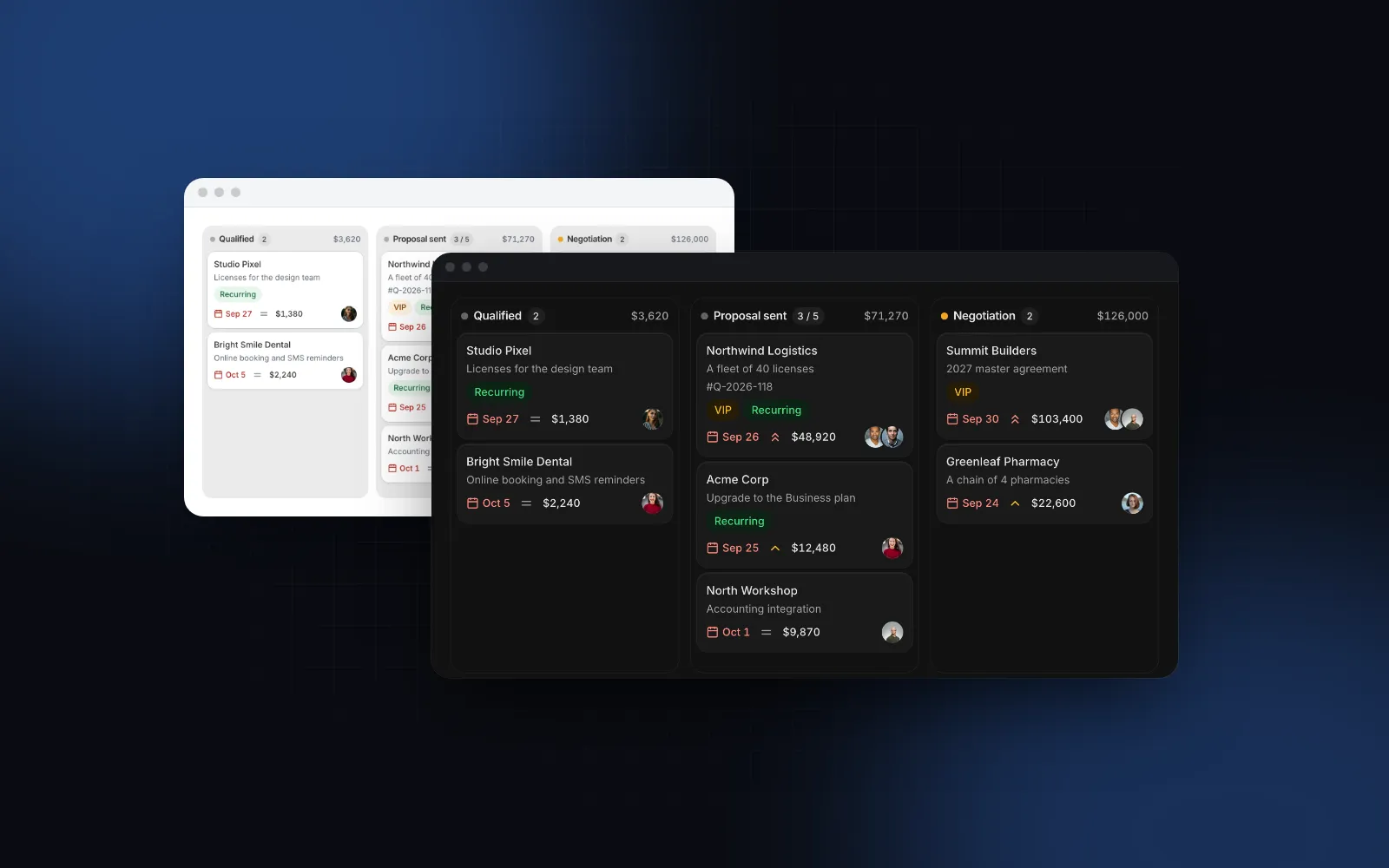
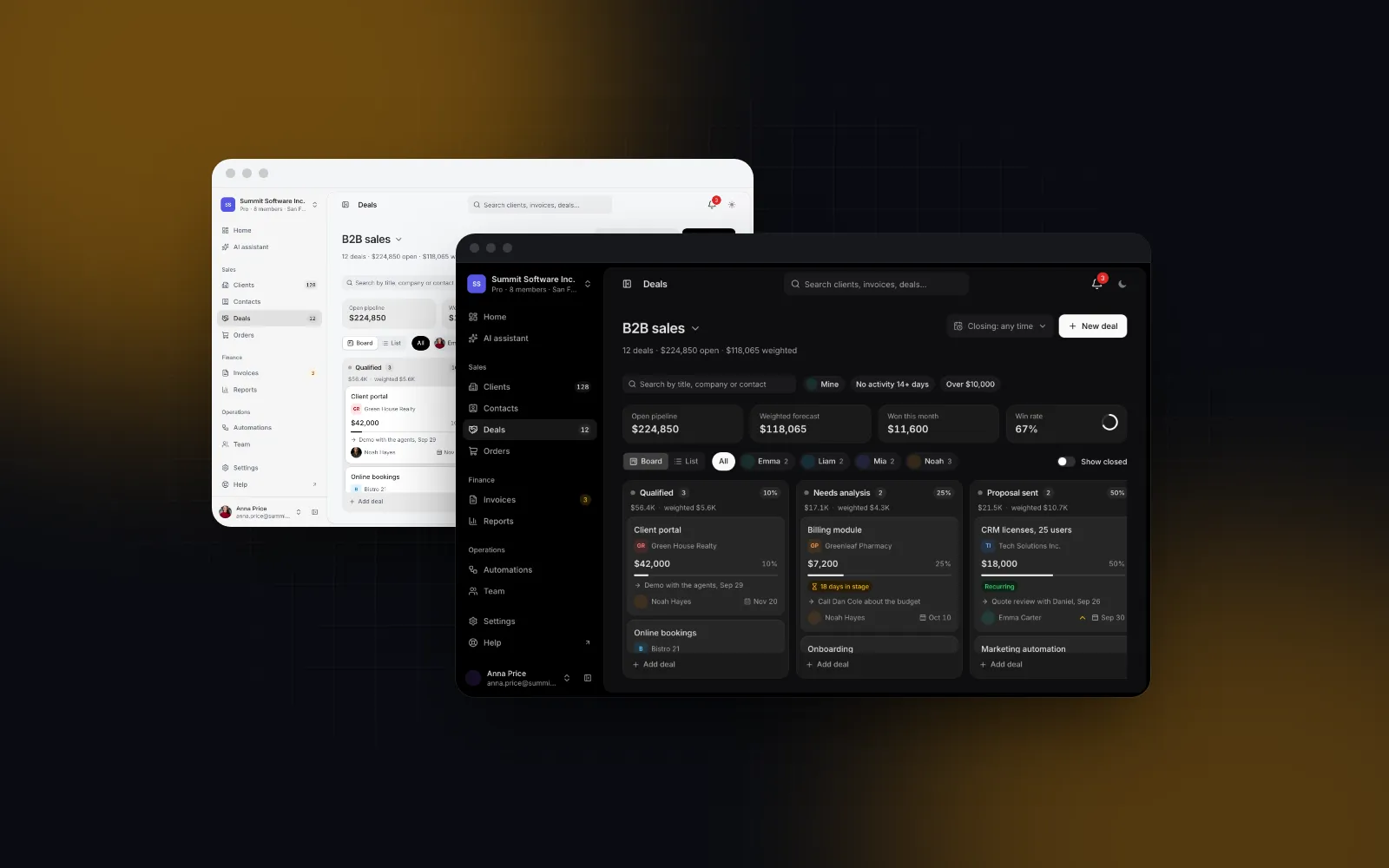
- The pipeline board. Deals as cards in stage columns, each column with a count, a total and a weighted total, plus a summary on top: open pipeline, weighted forecast, won this month, win rate. Filters by owner and close date. A list view for people who think in rows.
- The deal sheet. Click a card and a panel opens with the value, stage, close date, owner, contact, notes and the activity history. Closing it with unsaved changes asks first.
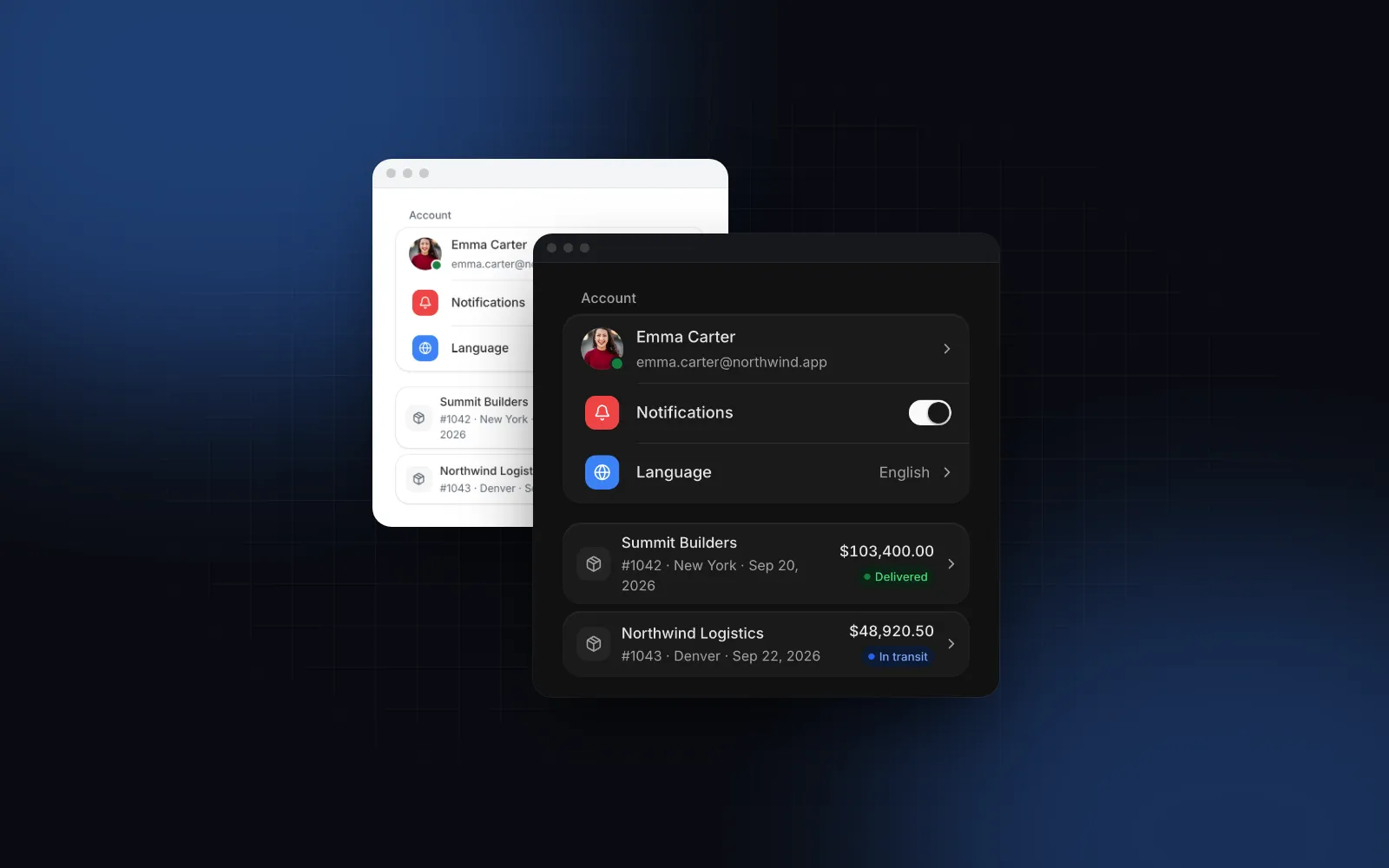
- The company record. One page per client with the key facts, the contacts, the deals, an activity timeline, files and notes.
The details decide whether sales people trust it. A drop on Lost should ask for the reason, because a lost-reason report is worthless if half the reasons are empty. A deal that sits in one stage for weeks should look stale. A failed save should put the card back and say so, instead of leaving a board that lies.
Should you buy a CRM template or assemble one from blocks?
Assemble from blocks when the CRM is one part of a bigger product, run Twenty when you want a whole CRM with a backend, and buy a kit when you want many finished screens on day one. Facts from each project's public pages, as of October 2026:
Twenty is the better choice when you want a CRM to run and extend, with no front end to build. A full kit wins when you want dozens of finished screens and plan to replace the seed data. Blocks fit when the CRM lives inside an agency tool, an invoicing app or a vertical SaaS and has to match the rest of it. One caveat on Refine: the README of its examples/app-crm says the full example moved to the Enterprise Edition, and the MIT repo keeps a smaller community version in examples/app-crm-minimal.
How do you lay out a Next.js CRM template?
A nextjs crm template needs two routes inside the admin route group from our Next.js admin dashboard tutorial, which also sets up the shell, the LinkProvider and the verifySession() data access layer used below.
Install the two blocks and the shell. The CLI adds what they import, including the Deal Pipeline and the Kanban underneath it:
How do you build the deal pipeline page?
Start with the data shapes. Stages live in config, because changing a probability is a product decision that should go through review like any other code change. Stage ids must be unique across pipelines: the page puts a deal in the pipeline that owns its stage.
The page is a server component. It checks the session, loads everything in parallel and reads ?deal= so a link can open a deal's sheet. Your query helpers (listDeals, listOwners, listCompanies) return CrmDeal[], CrmOwner[] and CrmPipelineCompany[]; give each company an href such as /clients/<id> and the deal sheet links to its record.
The block is a client component, so the callbacks live in a small view. Every handler returns the Server Action's promise: the card shows a spinner while it runs, and a rejection springs it back with a toast.
Two details in the handlers are easy to miss. onDealMove also fires when someone reorders cards inside one column (move.from.id === move.to.id), so the view skips those; otherwise each reorder would reset stage_entered_at and wipe the stale hint and the won date. And onDealSave carries a note from the sheet as the newest activity entry with kind: "note". Its id is stable, so upsert notes by that id: a later save of the same deal sends the same note again.
Send ids and plain fields to the actions, never the whole deal: a Server Action is a public endpoint, so it takes only what it validates. Here is the move, the one that runs most:
saveDeal, createDeal and deleteDeal follow the same shape (saveDeal validates the optional note with z.object({ id: z.string(), text: z.string().max(5000) })); createDeal returns toCrmDeal(row) so the stored deal replaces the draft on the board. The board stays uncontrolled (defaultDeals), so there is no need to revalidate the page after each move: the optimistic state already shows the result.
$ npx wingo-ui@latest add crm-pipeline-pageHow does the weighted forecast work?
The weighted total of a stage is the sum of amount times probability over its deals. The probability comes from the stage unless the deal sets its own probability, which overrides it. Won deals count in full and lost deals as zero. With the stages above:
The summary has four tiles: open pipeline, weighted forecast, won in the period (the current month by default, dated by stageEnteredAt) and the win rate, counted as won deals over won plus lost in that period. On the Deal Pipeline and PipelineSummary, showWeighted={false} puts the average open deal in place of the weighted tile. Deals in another currency are summed apart with a note and never converted, which is the only honest default without an exchange rate you control.
The stage probabilities are the weak link. Set them from your own closed deals (of the deals that reached Proposal sent, how many were won?) and revisit them every quarter. Treat the numbers above as placeholders until your own history replaces them.
To put the same forecast on the dashboard home, render the summary on its own. It is a client component that takes plain data, so a server page can render it directly. For tiles of your own, computePipelineStats(deals, stages) from the same file returns the numbers behind the summary. The file starts with "use client", so call it from client code: a server component that imports it gets a client reference, not a function.
How do you build the company record page?
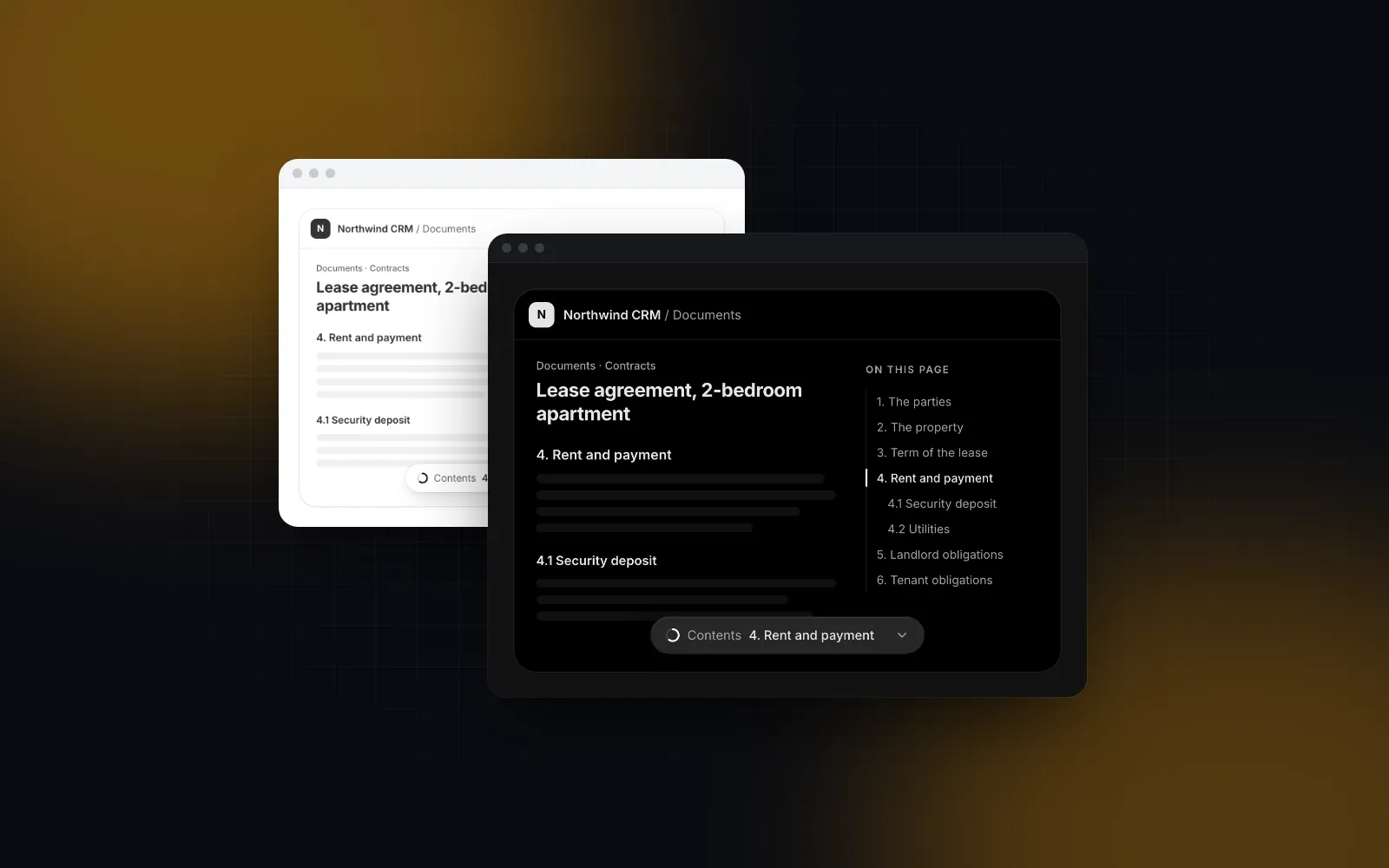
The CRM Contact Page takes one record: the company, its contacts, deals, activity, files and notes. It falls back to sample data for anything you leave out, so pass every part, including people and currentUser.
getClientRecord returns a CrmContactSample ({ company, contacts, deals, activity, files, notes }) plus its position in the client list. Give each deal href: "/deals?deal=<id>" and a row in the Deals tab opens that deal's sheet on the board.
Two things to handle on the server. Notes arrive as HTML from the rich text editor, so sanitize them before you store or render them. And pass onUpload once you have file storage, because without it the Files tab runs a pretend upload.
$ npx wingo-ui@latest add crm-contact-pageHow does the CRM work on a phone?
On a phone the board shows one stage at a time, drags start with a long press, and every menu, sheet and dialog opens from the bottom. In detail:
- Board. One stage at a time at 85% of the width with the next one peeking, and a chip row to jump between stages. A deal lifts after a 250ms long press, so a swipe still scrolls. The ⋯ menu (Move to, Mark as won, Mark as lost) opens as a bottom sheet.
- Summary. A 2 x 2 grid that folds to one line with a tap on its chevron.
- Deal sheet and dialogs. The sheet becomes a tall bottom sheet, the pipeline switcher and the lost-reason dialog open from the bottom, and New deal becomes a + button.
- Company page. The header actions fold into ⋯, the side panel becomes a Details tab, and the deals table turns into cards.
The touch drag setup behind the board is explained in our dnd kit mobile touch drag tutorial, and the board itself, with WIP limits and keyboard moves, in the React kanban board guide.
Can you use the deal pipeline kanban on its own?
Yes. The CRM Pipeline Page is the full screen with the header, filters, deal sheet and new deal dialog. The Deal Pipeline is the sales pipeline UI React apps can embed anywhere: the board with the summary, the list view and the owner chips, and nothing around it. Use it for a deal pipeline kanban inside a client portal or a project page, where a whole CRM screen would be too much.
The props that matter when you use it alone:
stagesplusdefaultValue(uncontrolled) orvaluewithonValueChange(controlled).onValueChangegets the new array and theDealMove, which is undefined for added deals and rollbacks.onDealMovewith the same contract as the page: return a promise to keep the card saving, reject to spring it back, returnfalseto refuse the move.onDealClickto open your own panel. Without it, a card withhreffollows the link.persistKeyto remember the view, the owner filter and the closed columns per user.getDealActionsfor extra ⋯ menu entries after Move to, Mark as won and Mark as lost, andrenderCardwith theDealCardparts when the default card shows the wrong fields.
$ npx wingo-ui@latest add deal-pipelineFor a full react crm dashboard template with KPIs, tables and settings around these screens, start from the Next.js admin dashboard tutorial; the build category has the other screens step by step.
What should you build next?
Install the blocks with npx wingo-ui@latest add crm-pipeline-page crm-contact-page, point listDeals at your database and wire moveDeal first, because it is the action people use most. The CRM blocks are Pro (pricing). If you build with Claude Code or Cursor, connect the Wingo UI MCP server so the agent reads the real props of every block instead of guessing them.
FAQ
Is there a free React CRM template?
Yes. Refine publishes a CRM example built on React, Ant Design and a GraphQL API (as of October 2026 the full version moved to its Enterprise Edition, and a minimal MIT-licensed community version remains), and Twenty is a complete open-source CRM, mostly under AGPLv3, with its own backend. The Wingo UI CRM blocks in this tutorial are Pro.
How is a weighted pipeline forecast calculated?
Multiply each open deal's amount by its win probability and add the results. The probability usually comes from the deal's stage, and a deal can override it; won deals count in full and lost deals count as zero.
Where should stage probabilities come from?
From your own closed deals: for each stage, the share of deals that reached it and were later won. Start with rough guesses if you have no history, then recalibrate once a few months of closed deals exist.
Can I use a React CRM template with my own backend?
Yes, if the template is UI only. The Wingo UI blocks take data through props and report every change through callbacks such as onDealMove and onNoteSave, so they work with Server Actions, a REST API or GraphQL.
How does a sales pipeline board work on a phone?
Show one stage at a time with the next one peeking, add chips to jump between stages, and lift cards with a long press so a swipe still scrolls. Offer a Move to menu in a bottom sheet for people who do not want to drag.
- CRM
- Next.js
- Sales pipeline
- Kanban
- Templates