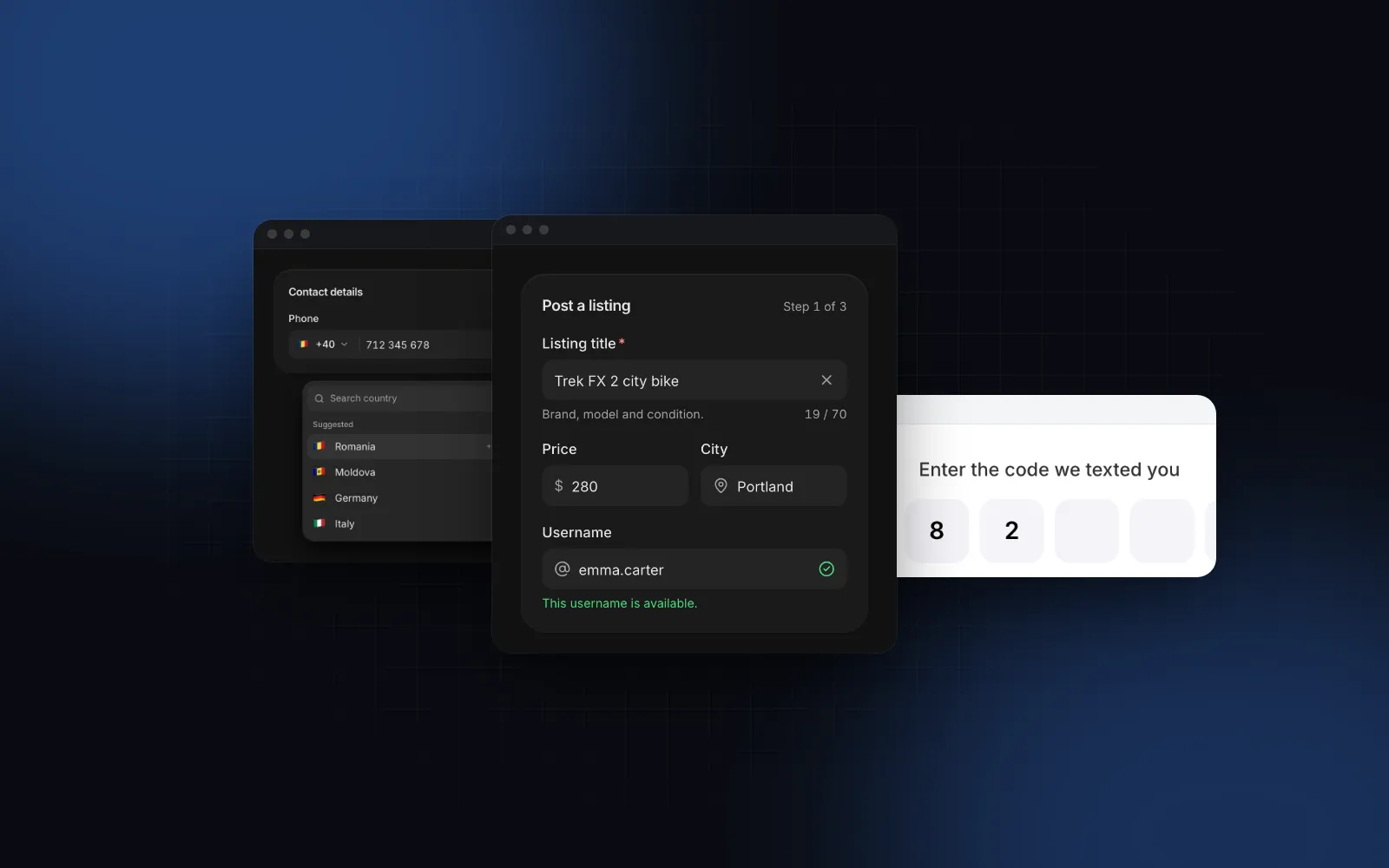
React Phone Input With Country Code and E.164 Value
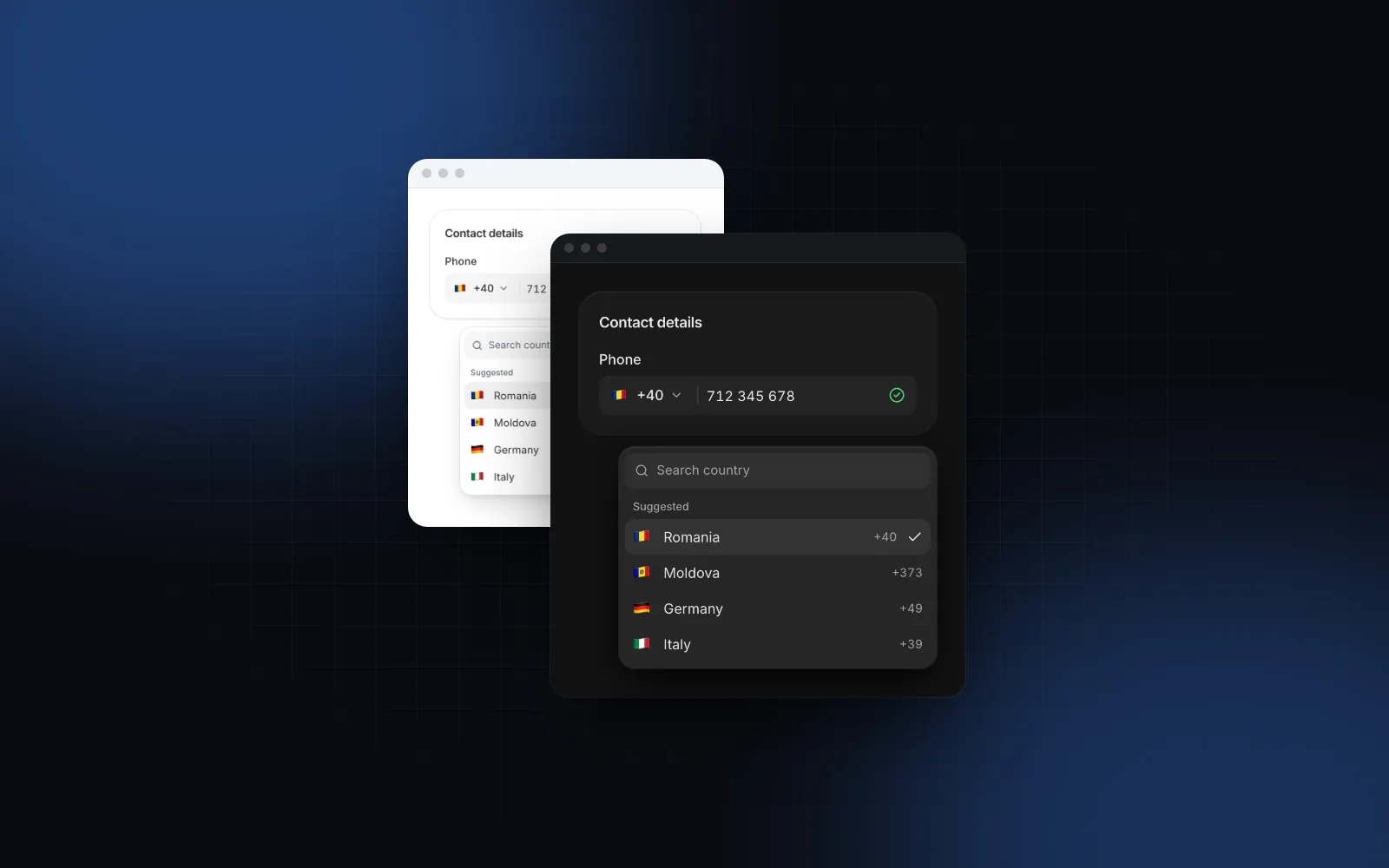
A react phone input looks like one text field, and it is really four problems: picking a country out of more than 200, formatting the digits the way that country writes them, catching numbers that cannot exist, and getting one clean value into your database. Most forms solve one of these and leave the rest to a regex, which is how you end up with (201) 555-0123, 2015550123 and +1 201 555 0123 for the same customer. This guide covers what a good phone field does, how validation actually works with libphonenumber-js, and how to use the Wingo UI Phone Input in a real form.
What should a React phone input do?
Six behaviors separate a phone field people do not notice from one they fight with:
- Format as you type, for the selected country. A US number reads
201 555 0123as you type it, a UK mobile reads7400 123456, and the caret stays after the digit you just typed instead of jumping to the end. - Detect the country from a pasted or autofilled number. Typing or pasting
+44 7400 123456or0044 7400…should switch the flag to the United Kingdom by itself. - Drop the trunk prefix. People type the number the way they dial it at home, often with a leading
0(or a1in the US). The field should keep only the national number. - A searchable country list. By localized name, English name, ISO code and calling code, with the countries your users pick most at the top.
- One value out. Your form gets
+12015550123, never the formatted text. - The right keypad on phones.
inputMode="tel"and an autocomplete hint so the browser offers the saved number.
Which react phone input libraries are there?
As of October 2026, from the npm registry and each project's README:
All of these are MIT licensed except the Wingo UI component, which is part of the paid Pro plan. Each npm package asks you to import its own stylesheet, and shadcn-phone-input also needs cmdk 1.0.0 per its README. If you want a free npm package, react-phone-number-input is by the author of libphonenumber-js and had a release in August 2026. If you are looking for a react-phone-input-2 alternative because of its age, any of the newer rows works. A shadcn phone input is not in the official shadcn/ui registry (63 items as of October 2026), so shadcn projects use a community wrapper like shadcn-phone-input.
How do you add a react phone input with country code?
Install it with npx wingo-ui@latest add phone-input, then render it with a default country and a few preferred countries for the top of the list:
Try it below: type a number, then paste one that starts with +44 and watch the flag change.
$ npx wingo-ui@latest add phone-inputThe props that matter most:
defaultCountrysets the starting country with an ISO code. The component's own default is"RO", so set it for your market.preferredCountriesshows those countries first under a Suggested heading. Its default is["RO", "MD"]; pass an empty array to drop the headings.countrieslimits the list, and the countries a typed calling code may pick. All 245 are available by default, in a virtualized list.countrySelect={false}fixes the country: no picker, the calling code shows as a text prefix, and a pasted+44…still fills in the national digits.localesets the language of the country names throughIntl.DisplayNames. English names stay searchable in every locale.
What value does the phone input return?
onValueChange(e164, details) fires on every edit. e164 is the number in E.164 format, such as +12015550123, as soon as the number is possible for the country, and an empty string before that. details is { country, national, international, valid, possible }, so you can tell an empty field from an incomplete one and show the formatted versions without formatting them yourself.
With name, the component also renders a hidden input with the E.164 value, so a plain form or a Server Action gets the clean number:
The visible input holds formatted national digits, which is why you should never read it directly. Read the hidden input, or the e164 argument.
How does react phone input validation work?
Through libphonenumber-js, which answers two different questions:
isPossible(): is the length right for this country?isValid(): do the digits match a real number range for this country?
There is a catch in its README: the default min metadata, about 80 kB, does not include the precise patterns for digit validation, so isValid() behaves like isPossible() with it. The max metadata adds about 65 kB and validates the digits. The Phone Input ships with min to stay small in the browser, which is plenty for feedback while typing. On the server, where size does not matter, import from libphonenumber-js/max as in the Server Action above.
For forms built with react-hook-form, the free Field anatomy gives the label, description and error, and the form validation helpers, also a Pro item, give you a zod rule with the error message already written. Because the visible input holds formatted text, connect the Phone Input through a Controller:
v.phone() checks the value with isValidPhoneNumber from the default min metadata, so in the browser it is a length check, and useZodForm shows errors after the field is left, then updates them as you type. The national state handles one trap: while the number is too short to be possible, onValueChange sends an empty string, so zod reports "This field is required" for a field the user has clearly filled in. Keeping details.national lets you show "Enter a valid phone number" instead whenever something was typed.
How does the phone input work on mobile and with a keyboard?
Below 768px the country list opens as a bottom sheet with a search field and 48px rows instead of a popover, because a 245-row list anchored to a small flag button is hard to scroll with a thumb. responsive={false} keeps the popover; our React bottom sheet guide covers how those sheets drag and snap. The number field uses inputMode="tel" for the phone keypad, autoComplete="tel-national" by default, and enterKeyHint="next"; set it to "done" on the last field of a form. Text is 16px on phones so iOS Safari never zooms into the field, and the flag button keeps a 44px hit area.
With a keyboard, Tab reaches the flag button and then the number. On the flag button, Enter, Space or ArrowDown open the list, and a letter jumps to the next country starting with it without opening. In the list the search is focused, arrows, Home, End, PageUp and PageDown move, Enter picks and puts focus back in the number, and Escape closes and returns to the flag button. The flag button's accessible name includes the country and code, such as "Country: United States +1".
If the number is there to receive a sign-in or verification code, the next screen is a code field; our React OTP input guide covers paste and SMS autofill for it.
Which phone input pitfalls show up in production?
- Storing formatted text.
(201) 555-0123loses the country and breaks lookups. Store E.164 and format for display withdetails.nationalordetails.international. - Trusting the client. A request can skip your form. Validate the E.164 value again on the server.
- Windows flags. Windows does not render flag emoji, so the Phone Input shows the ISO code in a small chip there after mount. Pass
renderFlagto use your own SVG flags everywhere. - Masks that fight paste. A fixed
(999) 999-9999mask rejects a pasted+1 201…. Format per country from the digits instead, and detect the calling code. For fixed formats that really are fixed, such as a postal code, a masked input is the better tool.
More single-component deep dives live in component guides, and our guide to React form components shows how the phone field fits with email, address and payment fields.
How do you install it?
Run npx wingo-ui@latest add phone-input. It copies the Phone Input with the Select and Field parts it uses and installs libphonenumber-js, motion and lucide-react. The Phone Input is part of Wingo UI Pro, so sign in first with npx wingo-ui@latest login; the Field anatomy it renders is free on its own.
FAQ
How do I make a React phone input with a country code?
Put a country button with the flag and calling code in front of the number field, format the national digits for that country as the user types, and switch the country when someone types or pastes a number that starts with + or 00. Store the result as one E.164 string such as +12015550123.
What is a good react-phone-input-2 alternative?
react-phone-input-2's last npm release, 2.15.1, is from July 2022. Actively released options include react-phone-number-input and react-international-phone on npm, shadcn-style wrappers built on react-phone-number-input, and the Wingo UI Phone Input, which is copied into your project as source and styled with Tailwind CSS.
How do I validate a phone number in React?
Use libphonenumber-js: isPossible() checks the length for the country and isValid() checks the digits. Its default min metadata only validates length, so on the server import from libphonenumber-js/max when you need strict digit validation, and always validate the E.164 value again there.
Should I store phone numbers in E.164 format?
Yes. E.164 is the international format with a plus sign, the country calling code and the national number with no spaces, such as +442071838750. It is unambiguous, sorts and compares as plain text, and is what SMS and calling APIs expect.
Does shadcn/ui have a phone input?
Not in its official registry as of October 2026. Community components such as shadcn-phone-input wrap react-phone-number-input in shadcn styling.
- Forms
- Phone input
- Validation
- React