React Floating Action Button: Speed Dial and Safe Areas
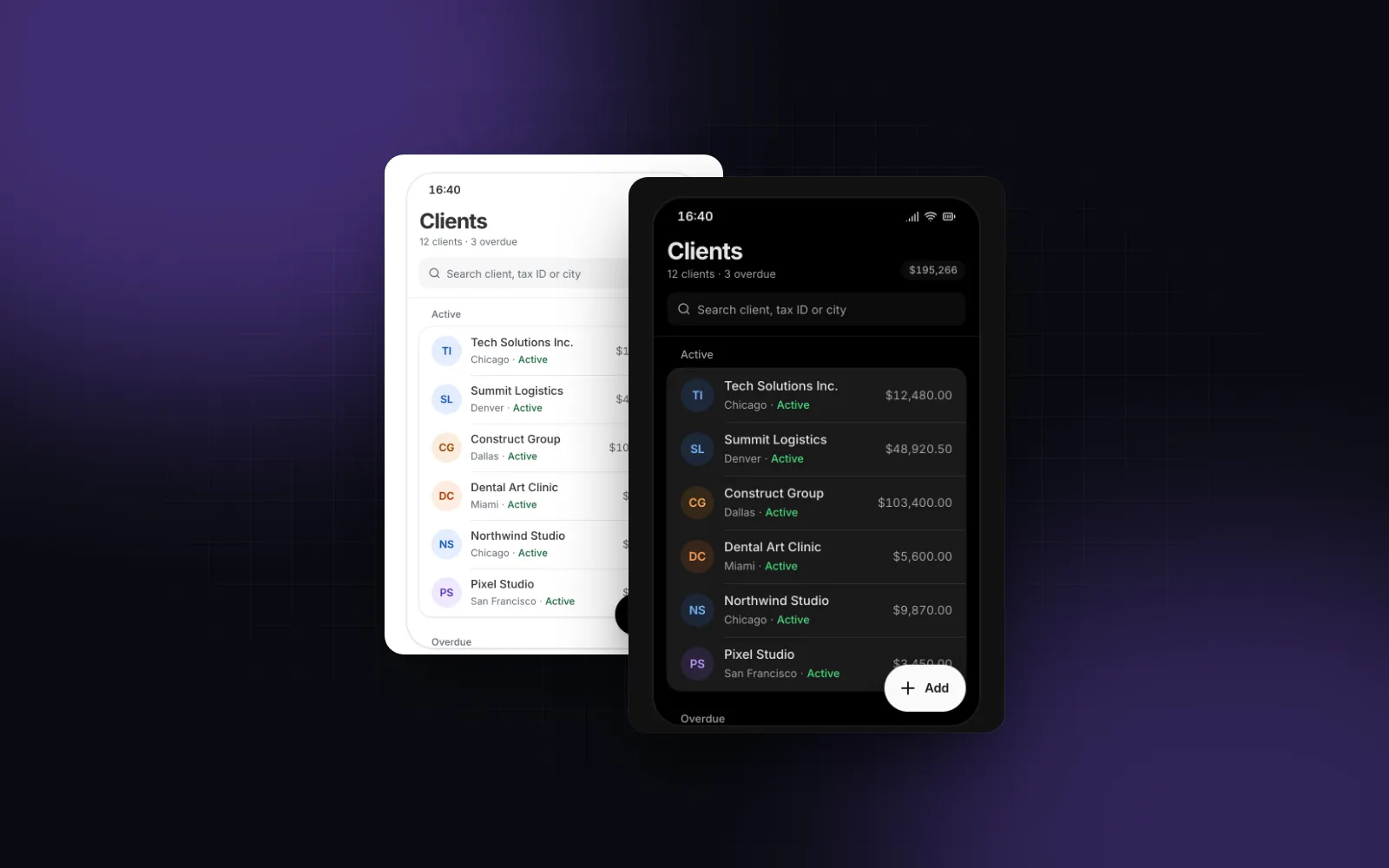
A React floating action button looks like the easiest component on a phone screen: a round button, position: fixed, bottom: 16px, right: 16px. Then the product grows: four create actions instead of one, a label that covers the list, a tab bar the button lands on, a buy bar on the product page, and the iPhone home indicator. This guide covers each of those with the Wingo UI FAB: when a FAB is the right control, the vertical and radial speed dial, the label that folds on scroll, stacking above the Bottom Tab Bar and the Sticky CTA Bar, and the accessibility details most examples skip.
When should a screen have a floating action button?
When the screen has one action that people take far more often than any other, and that action creates something: a new client, a message, a listing. The Material Components FAB docs (opens in a new tab) describe it as the button that "performs the primary or the most common action on a screen", and the MUI FAB docs (opens in a new tab) add that "only one component is recommended per screen". A settings page, a checkout or a form with its own submit button does not need one.
The bottom corner is the point. In Steven Hoober's 2013 field study (opens in a new tab) (1,333 observations of people using mobile devices), 49% of those touching the screen held the phone in one hand. A create button in the top bar sits far from that thumb; a FAB at the bottom end sits under it. On desktop the same action usually belongs in the page header, so render the FAB below 768px only (className="md:hidden") when the header already has the button.
How do I install and render a basic FAB?
Install it with the CLI. It copies components/ui/fab.tsx into your project with its registry dependencies: the Tooltip, four hooks (use-scroll-state, use-keyboard-inset, use-shortcut, use-controllable-state) and the haptics, motion, navigation, tones and ui-config helpers. The npm side is motion and lucide-react.
With no actions, the FAB is a plain button and onClick is the action. Give it a label and it starts extended, a pill with the icon and the text:
The defaults: size="md" is a 56px button with a 24px icon (the same 56dp as Material's regular FAB), tone="neutral" is black in light mode and white in dark mode, position="fixed" pins it to the viewport, and side="end" puts it on the right in left-to-right pages and on the left in right-to-left ones. Use tone="brand" only when this one action is the reason the screen exists, like "Post listing" on a marketplace.
How does a React FAB speed dial work?
Pass 2 to 6 actions and the button opens a dial instead of running an action. Each action is { id, label, icon, onSelect?, href?, tone?, disabled? }. An action with href renders a link through linkComponent (or the app's LinkProvider) and closes the dial:
Order the array by use: the first action renders nearest the thumb. When the dial opens, the page dims behind a scrim (tap it to close), the plus turns 45 degrees into an x, and on touch the phone ticks once through the haptics helper. The label folds the moment the dial opens, so the trigger is the round button again; that matches the Material FAB menu docs (opens in a new tab), which say the menu "is not used with extended FABs" and "should replace the speed dial and any usage of stacked small FABs".
$ npx wingo-ui@latest add fabKeep the dial short. The Material docs put the menu at 2 to 6 related actions, and the MUI Speed Dial docs (opens in a new tab) say three to six, adding that past six "something other than a FAB should be used" (both checked October 2026). The FAB renders every action you pass but logs a development warning past six, so a seventh entry shows up in the console before it shows up in review.
Vertical or radial?
layout="vertical" is the Material pattern: a column of round actions above the button, each with a label chip beside it, and the whole row is the tap target. It is the default because the labels are always visible, which matters on touch where there is no hover.
layout="radial" flies small round actions out on a quarter arc (a half arc with side="center"). It covers less of the page, which suits a map or a photo, but the labels move into tooltips that show on hover, keyboard focus or a long press. Use it for three or four actions whose icons are obvious, like Camera, Gallery and Location.
$ npx wingo-ui@latest add fabHow do I make an extended FAB collapse on scroll?
Set a label and leave extended="auto", the default. The label shows at the top of the page and while you scroll up, and folds to the icon while you scroll down once the page is more than 8px from the top. The width change is a layout animation on a spring, driven by the scroll direction that useScrollState reports. extended="always" keeps the pill, extended="never" shows the icon alone and moves the label into a tooltip.
Extended FAB collapse on scroll is the gentle version. hideOnScroll is the strong one: the whole button slides out while you scroll down, following the finger, and comes back on scroll up. The slide runs on motion values, so there is no React render per frame. It never hides while its dial is open or while it has keyboard focus, and inert keeps Tab from landing on it while it is away. We leave it off by default because a button you cannot see is a button you cannot tap; turn it on for feeds and inboxes where the FAB covers text people are reading.
The FAB also steps aside while the on-screen keyboard is up (hideOnKeyboard, on by default) and closes an open dial, so it never covers the field you type in. If the page scrolls inside an element instead of the window, the FAB watches the wrong scroller and never folds. Wrap the content in <ScrollContainerProvider value={scrollerElement}> from @/hooks/use-scroll-state, or pass the element or a ref as scrollTarget. With position="sticky" or "absolute" and neither of those, it finds the nearest scrolling parent itself.
How do I stack a FAB above a tab bar, a buy bar and the home indicator?
Have each bar publish its height as a CSS variable and let the FAB add them up. A hand-written floating action button Tailwind class breaks here: bottom-4 lands under the tab bar on a phone, and bottom-[calc(64px+env(safe-area-inset-bottom)+16px)] sits too high once the bar pads itself with the same inset, because the inset gets counted twice.
In Wingo UI the three components share two variables. The Bottom Tab Bar writes --bottom-bar-offset (its height, including the safe area it covers) on <html> when it is fixed. The Sticky CTA Bar writes --cta-bar-offset, its visible height, which falls to 0 while it is hidden. The FAB reads both and computes its bottom edge like this:
With a bar on screen the bars already include the inset, so the FAB adds only its 16px offset. With no bar, the inset alone wins and the FAB clears the home indicator. A product page with all three needs no extra math:
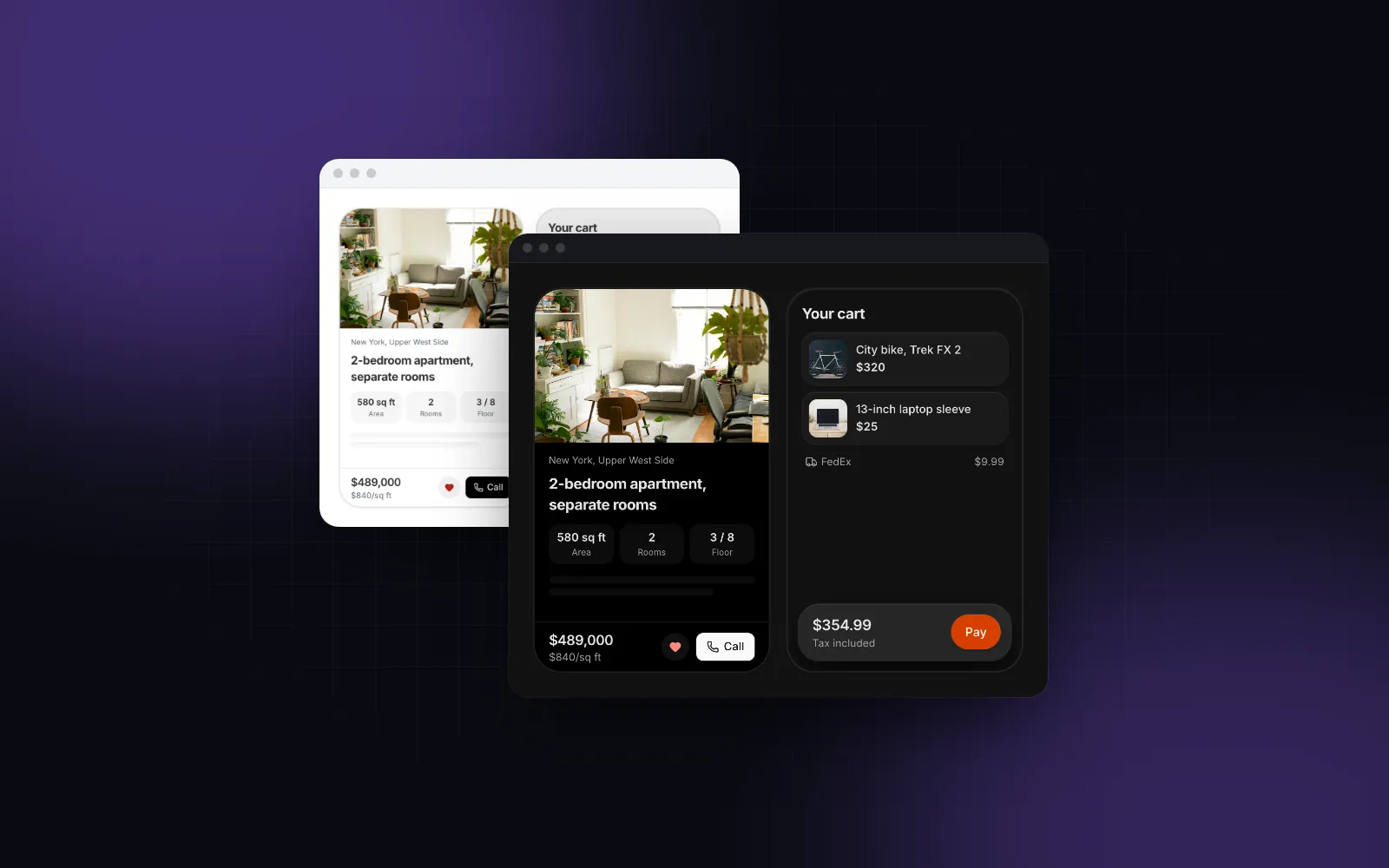
The buy bar sits on the tab bar (its own bottom is var(--bottom-bar-offset)), and the FAB floats 16px above the buy bar. When the buy bar hides on scroll (hideOnScroll is off by default, so the snippet turns it on), --cta-bar-offset drops to 0 frame by frame and the FAB follows it down. Inside a scroll container (a phone frame, a panel) use position="sticky" on all three and render them at the end of the scroller, after the content. The safe area side of this is covered in depth in Tailwind safe area insets, and the tab bar itself in the React bottom navigation bar guide.
What does a FAB need for keyboard and screen reader users?
It needs one focus stop per action, menu semantics with an expanded state on the trigger, a name that works without a visible label, and arrow-key navigation. A June 2022 post on the Joplin forum (opens in a new tab) about the Joplin mobile app lists the usual speed dial failures with TalkBack: each action's button and its label were both focusable, opening the menu made no announcement, and the toggle's label stayed the same open or closed. The Wingo UI FAB handles each:
- One element per action. Each action is a single
menuitembutton or link that contains its label chip and icon, so a screen reader stops once per action. - State on the trigger. The button has
aria-haspopup="menu",aria-expandedandaria-controls; the dial is arole="menu"with a name fromlabels.menu. - A name for the icon-only button. With a
labelthat is the name; without one it islabels.open/labels.closefor a dial andlabels.actionfor a plain button, all overridable for translation. - Keyboard. Enter, Space or ArrowUp open the dial and focus the nearest action; the arrow keys move, Home and End jump, Escape closes and returns focus to the button, and Tab closes and moves on.
shortcut="n"opens it from anywhere and is set asaria-keyshortcuts. - Touch targets. The trigger is 48, 56 or 64px and dial actions are 40, 44 or 48px by size; the 40px
smaction grows to 44px on coarse pointers, and a vertical row is at least 44px tall with the chip included, the minimum we use everywhere (see touch target sizes).
Under reduced motion the dial and the hide-on-scroll slide turn into fades.
What are the common floating action button mistakes?
Most of these come from where the button sits on the screen:
- Two FABs on one screen. If you need a second floating button, one of them belongs in the header or the dial.
- A FAB over the last row. Give the scroll area bottom padding of the FAB's height plus its offset (the demo uses
pb-28), or the last list item ends up under the button. - A FAB as navigation. "Go to Inbox" is a tab. The FAB creates or starts something on the current screen.
- A fixed FAB inside a transformed parent.
position: fixedresolves against the nearest ancestor with atransform,filterorwill-change: transform, so a page transition wrapper drags the FAB along with the page. Render it outside that wrapper, or useposition="absolute"inside a relative container on purpose. - A material FAB web port that ignores the safe area. A web page has to opt in with
viewport-fit=coverand readenv(safe-area-inset-bottom)itself, or the button sits on the home indicator. Test on a real iPhone, not only in a resized desktop window.
What should I build next?
Install the FAB with npx wingo-ui@latest add fab and try the props in the FAB playground. It is part of Wingo UI Pro, together with the tab bar and buy bar it stacks with. For the rest of the bottom edge of a phone screen, the mobile-first React components guide covers the nine rules these components follow, and more posts live in Mobile UI in React.
FAQ
How many actions should a FAB speed dial have?
Two to six. The Material Components FAB menu docs say it shows 2 to 6 related actions, and the MUI Speed Dial docs say three to six and that past six something other than a FAB should present them. With more, use an action sheet or a menu.
Should a floating action button hide on scroll?
Only on long lists where it covers content people read. If it hides, it should follow the finger, come back as soon as you scroll up, and never hide while its dial is open or it has keyboard focus. Folding the label on scroll is often enough and keeps the action reachable.
Does shadcn/ui have a floating action button?
Not as of October 2026: its component list has Button, Button Group and Dropdown Menu, but no FAB or speed dial. The Wingo UI FAB installs the same way, as source code in your project, with npx wingo-ui@latest add fab.
How do I keep a FAB above a bottom navigation bar?
Measure the bar and add its height to the FAB's bottom offset. The Wingo UI Bottom Tab Bar writes --bottom-bar-offset and the Sticky CTA Bar writes --cta-bar-offset, and the FAB adds both, then takes the larger of that sum and the safe area inset, so the home indicator is counted once.
Is the Wingo UI FAB free?
No. The FAB is a Pro component, like the Bottom Tab Bar and the Sticky CTA Bar it stacks with. The Tooltip it uses for icon-only names is free.
- Mobile UI
- FAB
- Speed dial
- React
- Tailwind CSS